

What is the 90 Day Calculator?
The 90 Day Calculator tells you the exact date that falls a given number of days after a start date — by default 90 days. It is handy for tracking deadlines such as trial periods, return windows, contract notice periods, payment terms, probation reviews, and "90 days from today" reminders. The tool counts real calendar days, so it correctly handles months of different lengths and leap years.
How to use it
Pick your start date, set the number of days to add (90 is pre-filled), and the calculator instantly shows the resulting date along with the weekday it falls on. Change the "Days to Add" field to compute 30, 60, 120, or any other window.
The formula explained
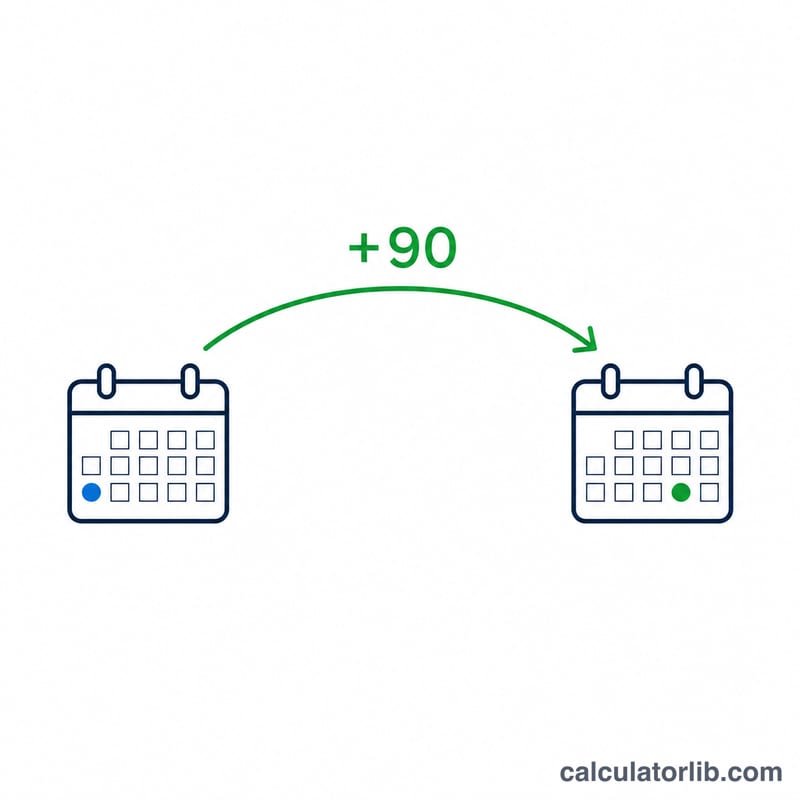
The calculation is simply $$\text{Result Date} = \text{Start Date} + \text{Days to Add}\ \text{days}$$ Internally the start date is converted to a calendar value, then advanced by the requested number of days. Because it uses true calendar arithmetic, adding 90 days to January 1 lands on a different month depending on whether the year is a leap year.
Worked example
Suppose your start date is January 1, 2024 and you add 90 days. January has 31 days (30 remaining after the 1st), February 2024 has 29 days (leap year), and March has 31 days. That accounts for $$30 + 29 + 31 = 90\ \text{days},$$ landing on March 31, 2024 — a Sunday.

FAQ
Does it include the start date? No. The start date is day zero; the result is the date 90 days later.
Does it account for leap years? Yes. It uses calendar arithmetic, so February 29 is included in leap years.
Can I add a different number of days? Yes. Enter any whole number in the "Days to Add" field to calculate other windows like 30, 60, or 180 days.