
What Is the 30 Day Calculator?
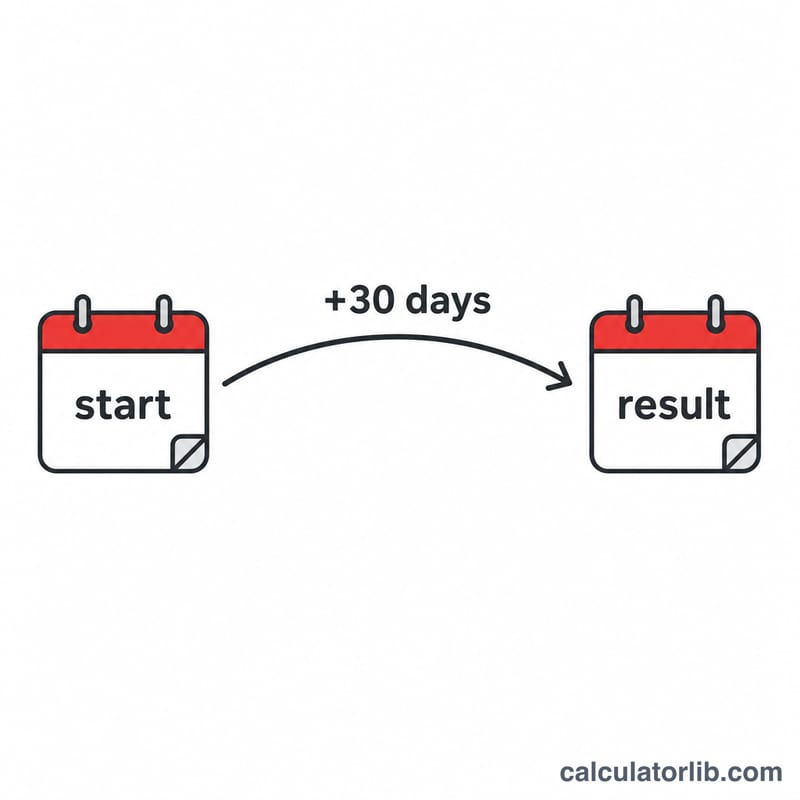
The 30 Day Calculator tells you exactly what date falls 30 days after a given start date. By default it adds 30 calendar days, but you can change the number of days to count any deadline, billing cycle, return window, or follow-up date. It also shows the day of the week the result lands on, so you can plan around weekends and holidays.
How to Use It
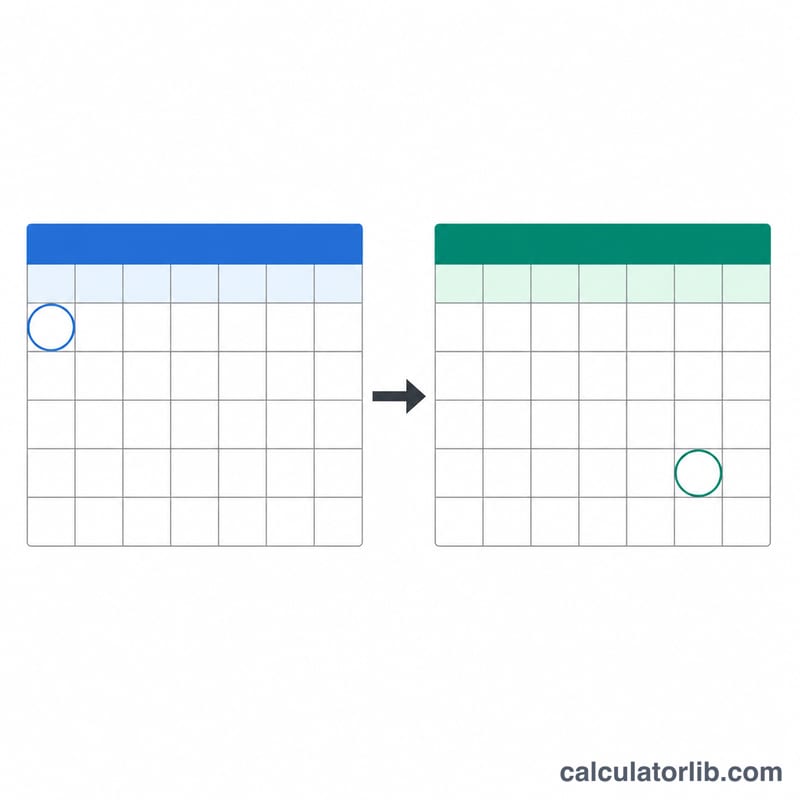
Pick your start date, then enter the number of days you want to add (30 is the default). The calculator counts forward across month and year boundaries automatically, correctly handling months of different lengths and leap years. The result appears as a full calendar date plus its weekday.
The Formula Explained
The calculation is simply:
$$\text{Result Date} = \text{Start Date} + n\ \text{days}$$
Counting is inclusive of every day in between. For example, adding 30 days does not stop at "next month on the same day" — it counts 30 actual days, which may land you on a different day-of-month depending on how many days each intervening month has.
Worked Example
Suppose your start date is January 1, 2024 and you add 30 days. January has 31 days, so 30 days later is January 31, 2024 — a Wednesday. If instead you start on February 1, 2024 (a leap year, February has 29 days), 30 days later is March 2, 2024.
$$\text{January 1, 2024} + 30\ \text{days} = \text{January 31, 2024}$$
FAQ
Does it include the start date? No. The start date is day zero; the result is the date 30 days afterward.
Does it account for leap years? Yes. The calculator uses real calendar arithmetic, so February 29 in leap years is counted correctly.
Can I add a number other than 30? Absolutely. Change the "Number of Days to Add" field to count any deadline, such as 7, 60, or 90 days.