
What is the Every Second Calculator?
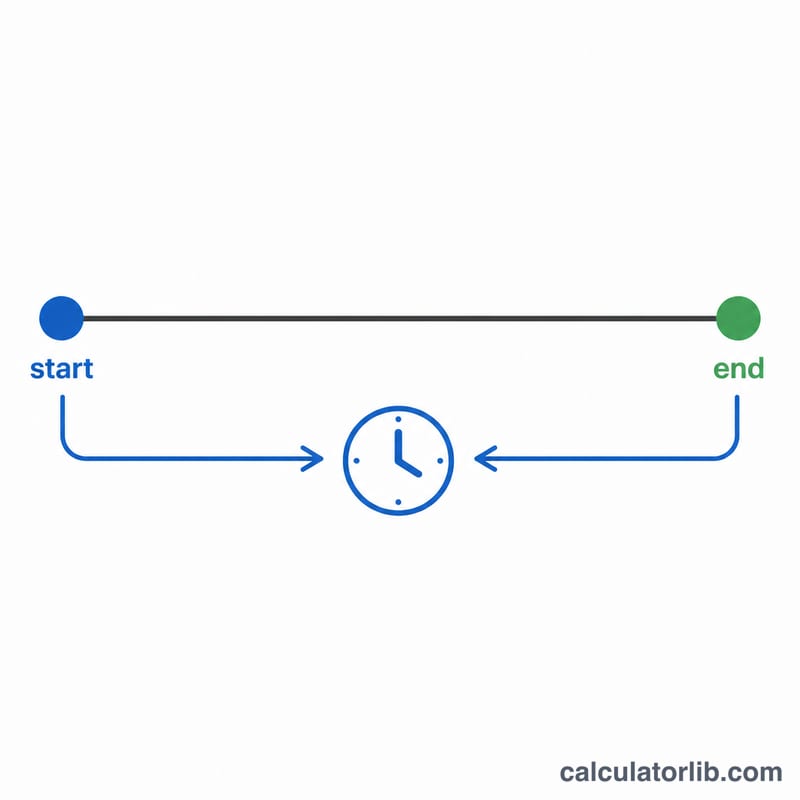
The Every Second Calculator tells you exactly how many seconds pass between any two moments in time. Give it a start date and time and an end date and time, and it returns the precise number of seconds in the interval, along with handy conversions to minutes, hours and days. It is perfect for measuring durations, timing experiments, logging event windows, or simply satisfying curiosity about how many seconds you have lived.
How to use it
Enter the start date and start time, then the end date and end time. Times accept hours, minutes and seconds (HH:MM:SS). Click calculate and the tool subtracts the two instants and reports the result. If the end is earlier than the start, the total will be negative, which simply means time runs the other way.
The formula explained
Each date-time is converted to a single point on the timeline measured in milliseconds. The calculator subtracts the start instant from the end instant and divides by 1,000 to get seconds:
$$\text{Seconds} = \frac{\left(\text{End} + \text{End Time}\right) - \left(\text{Start} + \text{Start Time}\right)}{1000}$$
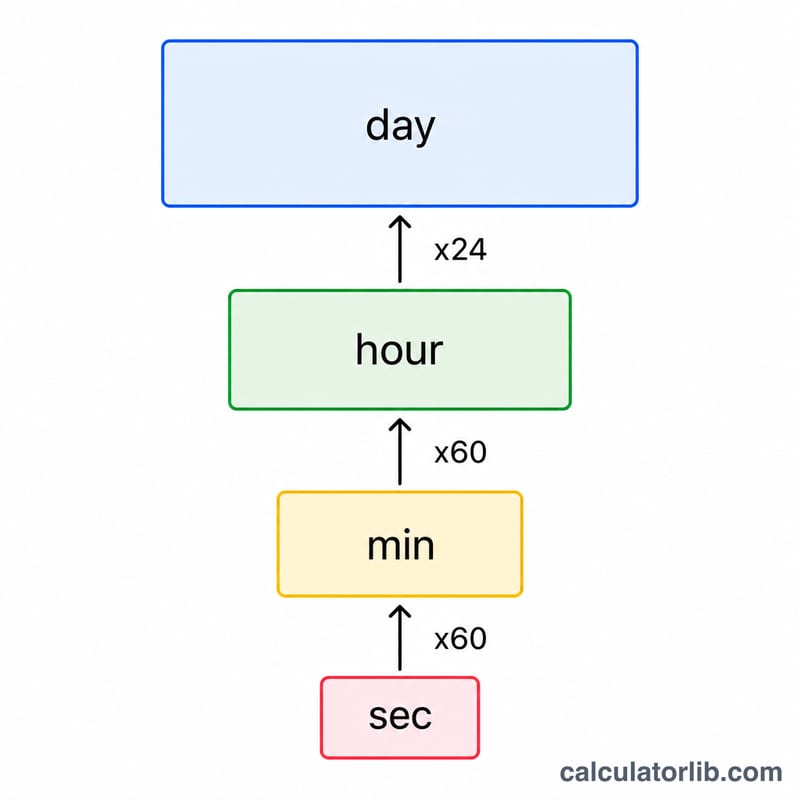
From there, \(\text{minutes} = \text{seconds} \div 60\), \(\text{hours} = \text{seconds} \div 3600\), and \(\text{days} = \text{seconds} \div 86400\).
Worked example
Suppose the start is 2024-01-01 00:00:00 and the end is 2024-01-01 01:00:30. That is 1 hour and 30 seconds later. One hour is 3,600 seconds, plus 30 seconds gives 3,630 seconds. Converting: 60.5 minutes, 1.0083 hours, and about 0.042 days.
$$\text{Seconds} = 3600 + 30 = 3630$$
FAQ
Does it count leap seconds? No. The calculator uses standard calendar arithmetic and does not include leap seconds.
What if I leave the seconds field blank? Seconds default to 00 if not provided, so HH:MM is treated as HH:MM:00.
Can the answer be negative? Yes. If your end date-time is before your start date-time, the result is negative, indicating the interval is measured backwards.