

What Is the 90 Day Calculator?
The 90 Day Calculator tells you exactly what date falls 90 days after any start date. It is handy for tracking return windows, warranty periods, probation deadlines, payment terms (net 90), legal filing windows, and pregnancy or project milestones. While it defaults to 90 days, you can add any number of days you like.
How to Use It
Pick your start date and enter the number of days to add (90 by default). The calculator returns the resulting calendar date, the day of the week it lands on, and the ISO-formatted date. It automatically accounts for different month lengths and leap years.
The Formula Explained
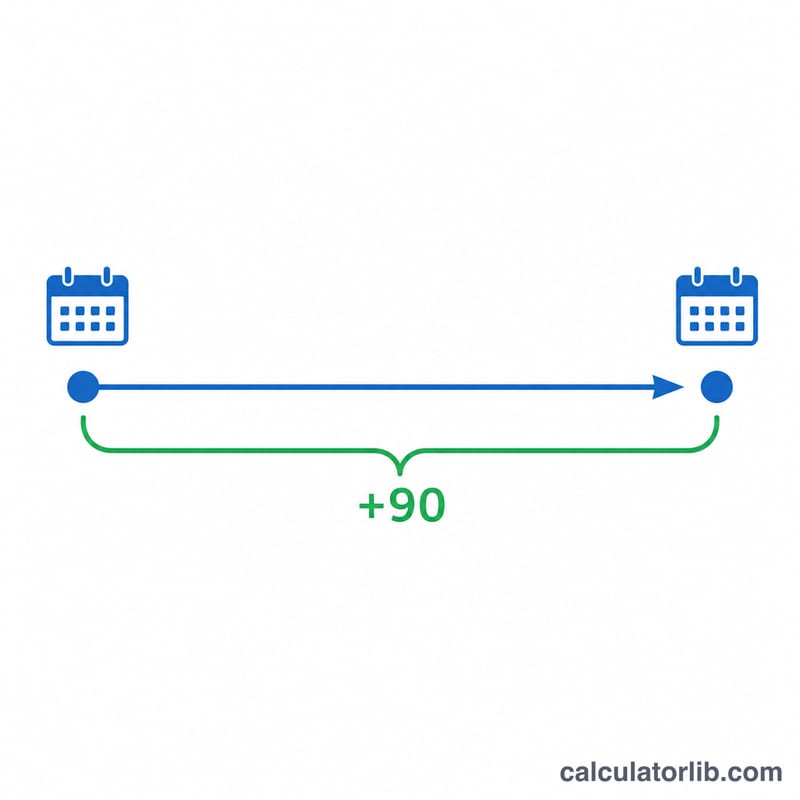
The math is simple calendar arithmetic: $$\text{Result Date} = \text{Start Date} + N \text{ days}$$ Each day advances the calendar by one, rolling over month and year boundaries correctly. Because months have 28–31 days and February gains a day in leap years, counting calendar days (not just months) gives the precise answer.
Worked Example
Suppose your start date is January 1, 2024. Adding 90 days: January has 31 days (30 days left after Jan 1 reaches Jan 31), February 2024 has 29 days (leap year), and March has 31 days. $$30 + 29 + 31 = 90$$ which lands exactly on March 31, 2024 — a Sunday.
Common Day Offsets and Their Result Dates
The table below uses a fixed start date of January 1, 2025 (a Wednesday) and adds several common day offsets. Each result is computed by counting forward the stated number of calendar days from the start date (the start date itself is day 0 and is not counted).
| Offset | Calculation | Result Date | Weekday |
|---|---|---|---|
| +30 days | Jan 1, 2025 + 30 days | January 31, 2025 | Friday |
| +60 days | Jan 1, 2025 + 60 days | March 2, 2025 | Sunday |
| +90 days | Jan 1, 2025 + 90 days | April 1, 2025 | Tuesday |
| +120 days | Jan 1, 2025 + 120 days | May 1, 2025 | Thursday |
| +180 days | Jan 1, 2025 + 180 days | June 30, 2025 | Monday |
Note that 2025 is not a leap year. If a span crosses February 29 in a leap year, the resulting calendar date shifts by one day relative to a non-leap-year example, because the calculator counts actual elapsed days rather than fixed month lengths.
FAQ
Does it include the start date in the count? No. Day 0 is the start date, and the result is 90 full days later. If you need to include the start day, subtract one from your day count.
Does it handle leap years? Yes. February 29 is included automatically whenever the span crosses a leap day.
Can I add more or fewer than 90 days? Yes — change the days field to any whole number, such as 30, 60, 120, or 180.