
What is the 45 Day Calculator?
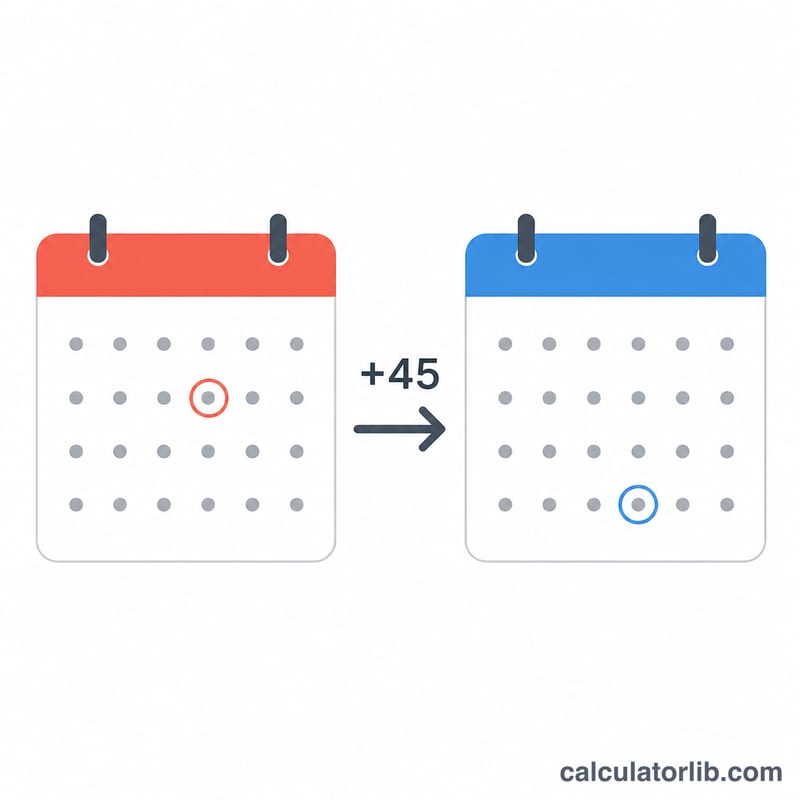
The 45 Day Calculator tells you exactly what date falls 45 days after a date you choose. It is handy for tracking deadlines, contract windows, return policies, legal notice periods, project milestones, and any "within 45 days" requirement. You can also change the number of days to compute any future date.
How to use it
Pick a start date, leave the days field at 45 (or change it to any value), and choose whether the start date itself should count as day one. The calculator returns the result date in both a readable format and ISO format, plus the day of the week so you can plan around weekends.
The formula explained
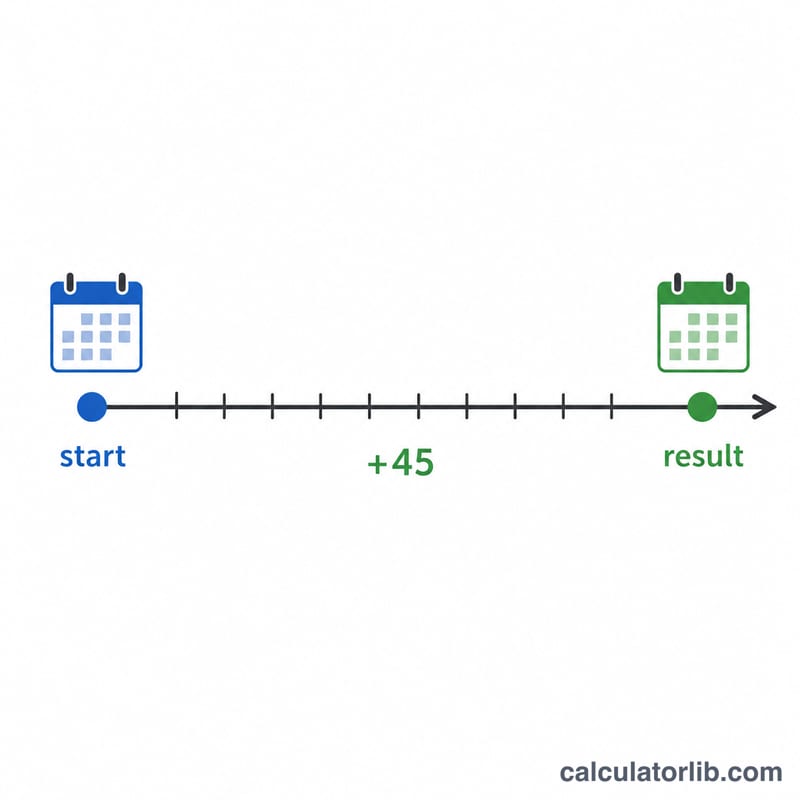
The core calculation is simple: $$\text{result date} = \text{start date} + n\,\text{days}$$ By default the start date is day zero, so adding 45 lands you on the 45th day after it. If you tick "include the start date", the start date counts as day 1, so the calculator adds \(n - 1\) days instead, matching how many legal and business deadlines are counted.
Worked example
Start date January 1, 2024, adding 45 days (start not included): January has 31 days, so 30 days reaches January 31, and 15 more days reaches February 15, 2024. The result is Thursday, February 15, 2024.
$$\text{result date} = \text{January 1, 2024} + 45\text{ days} = \text{February 15, 2024}$$
FAQ
Does it count weekends? Yes. This tool counts calendar days, including weekends and holidays. For business-day counting, use a business-day calculator.
What does "include the start date" do? It treats the start date as day 1 instead of day 0, which shifts the result one day earlier.
Can I add a different number of days? Yes — change the days field to any value to compute 30, 60, 90 days, or any custom span.