

What Is the 100 Day Calculator?
The 100 Day Calculator tells you exactly what date falls 100 days after a date you choose. It is handy for tracking deadlines, project milestones, the symbolic "100 days" mark, pregnancy or recovery milestones, return windows, and any countdown where you simply need to add a fixed number of calendar days. Although it defaults to 100 days, you can enter any number of days you like.
How to Use It
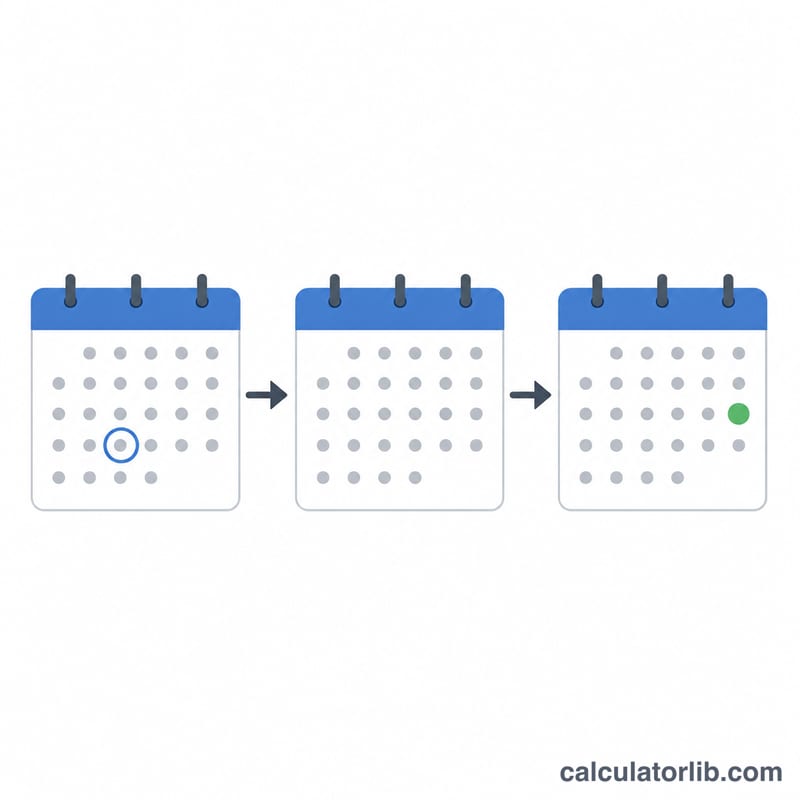
Pick a start date using the date picker, then enter the number of days to add (it starts at 100). Press calculate and the tool returns the resulting calendar date along with the day of the week. The calculation counts full calendar days, automatically handling month lengths and leap years.
The Formula
The math is straightforward date arithmetic:
$$\text{result date} = \text{start date} + n\ \text{days}$$
Every day is counted, including weekends and holidays, so day 100 is simply 100 calendar days later. The day of the week shifts forward by the remainder of the days divided by 7.

Worked Example
Suppose your start date is January 1, 2024 and you add 100 days. January 1 plus 100 days lands on April 10, 2024 (2024 is a leap year, so February has 29 days). The calculator does this counting for you instantly.
$$\text{result date} = \text{start date} + 100\ \text{days}$$
FAQ
Does it include the start date? No. The result is 100 days after the start date, so the start date is day 0 and the result is day 100.
Does it account for leap years? Yes. The calendar arithmetic correctly handles February 29 and all month lengths.
Can I add a different number of days? Absolutely. Change the "Number of Days" field to any value to add 30, 90, 180, or any other number of days.