
What It Does
The Subtract Days From a Date Calculator finds the calendar date that falls a chosen number of days before a starting date. It automatically handles month lengths, leap years, and year boundaries, so you never have to count backward by hand or worry about whether February has 28 or 29 days.
How to Use It
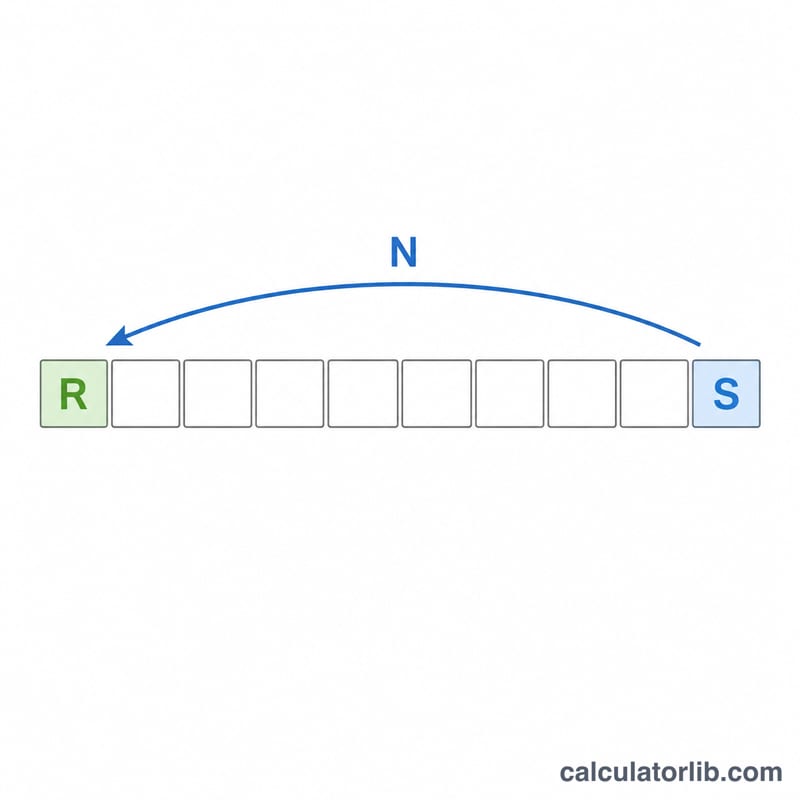
Enter your start date as a year, month, and day, then type the number of days you want to subtract. The calculator returns the resulting date in year-month-day form, along with the individual year, month, and day values. Use it for deadlines, billing cycles, refund windows, project planning, or simply "what date was 90 days ago?"
The Formula
The logic is simple: \(\text{Result} = \text{Start} - N\ \text{days}\). Internally the calculator converts the start date to a calendar value and rolls it backward by N days. Because each step decrements a full day, crossing from the 1st of a month into the previous month (or from January into the prior December) is handled correctly, and leap days are respected.
$$\text{Result} = \text{Date}\left(\text{Year},\ \text{Month},\ \text{Day}\right) - \text{Days}\ \text{days}$$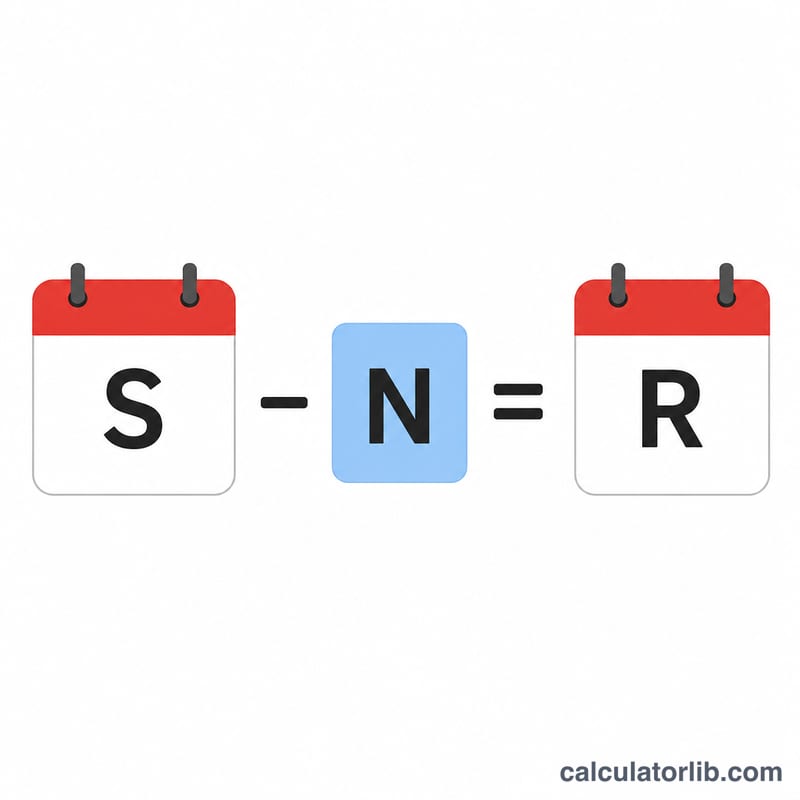
Worked Example
Suppose the start date is 15 June 2024 and you subtract 30 days. Counting back 15 days reaches 31 May 2024; another 15 days reaches 16 May 2024. So the result is 16 May 2024 (shown as 20240516). Subtracting 1 day from 1 January 2024 instead gives 31 December 2023 — the calculator rolls the year back automatically.
$$\text{Date}\left(2024,\ 6,\ 15\right) - 30\ \text{days} = \text{Date}\left(2024,\ 5,\ 16\right)$$FAQ
Does it count the start date itself? No. Subtracting 1 day from June 15 returns June 14 — the start date is the reference point, not a counted day.
Does it handle leap years? Yes. Subtracting days across late February in a leap year correctly includes February 29.
Can the result go to a previous year? Yes. If subtracting enough days crosses January 1, the year decreases accordingly.