
Saved calculators and saved calculations
Save next to the title bookmarks the calculator. Save calculation under the result keeps your numbers and the result in your account.
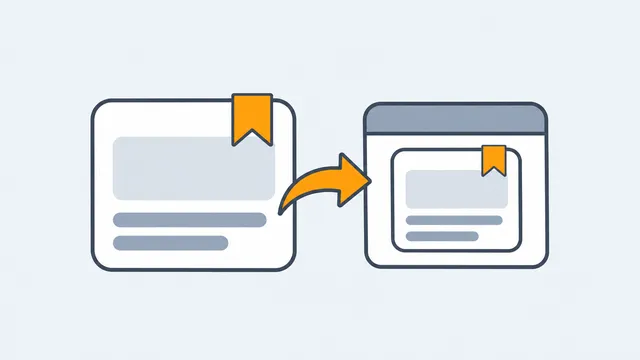
These are two separate lists.
- Saved calculators: bookmarks. Save next to a calculator title adds the tool to your saved list and changes to Saved. No numbers are stored.
- Saved calculations: a set of inputs and the result they produced, kept under a name you choose in your calculations.
Saving a calculation
- Run the calculation.
- Press Save calculation (the disk icon under the result).
- Give it a name, and save it as new or replace one you saved before.
Opening a saved calculation reopens the calculator with those inputs and recomputes them, so if the tool has been corrected since, you see the corrected answer.
The free plan keeps up to 50 saved calculators and 50 saved calculations; paid plans have no limit. See plans and limits.