
What is a HEX to RGB Converter?
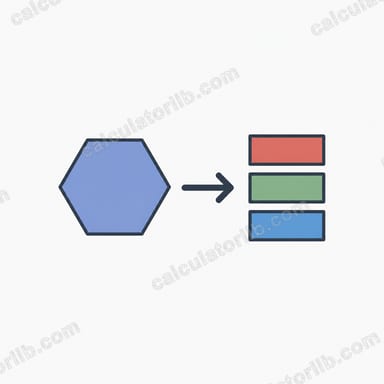
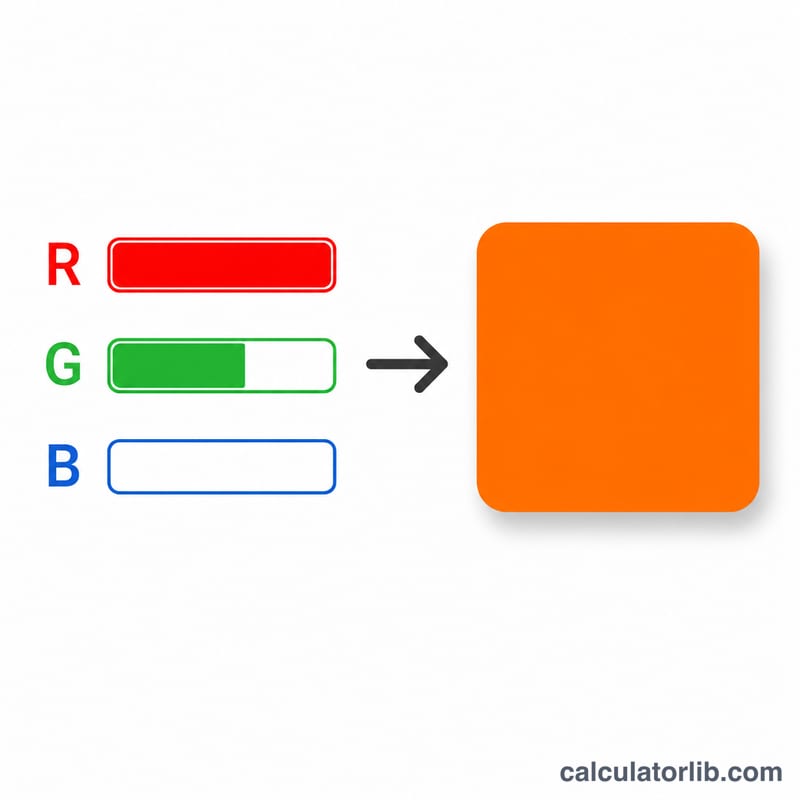
A HEX to RGB converter translates a hexadecimal color code (the six-character notation used in CSS, HTML and design tools) into its equivalent RGB values. RGB describes a color as three channels — red, green and blue — each ranging from 0 to 255. A hex code packs those same three values into a compact base-16 string such as #3498DB.
How to Use It
Type any hex color code into the field. You can include or omit the leading #, and you may use the 3-digit shorthand (e.g. #0AF) which is automatically expanded to its 6-digit form (#00AAFF). Press calculate to see the RGB triplet, a color swatch, and each channel value broken out individually.
The Formula Explained
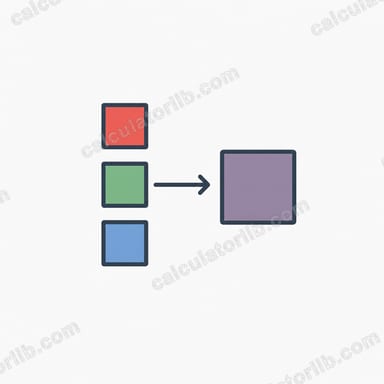
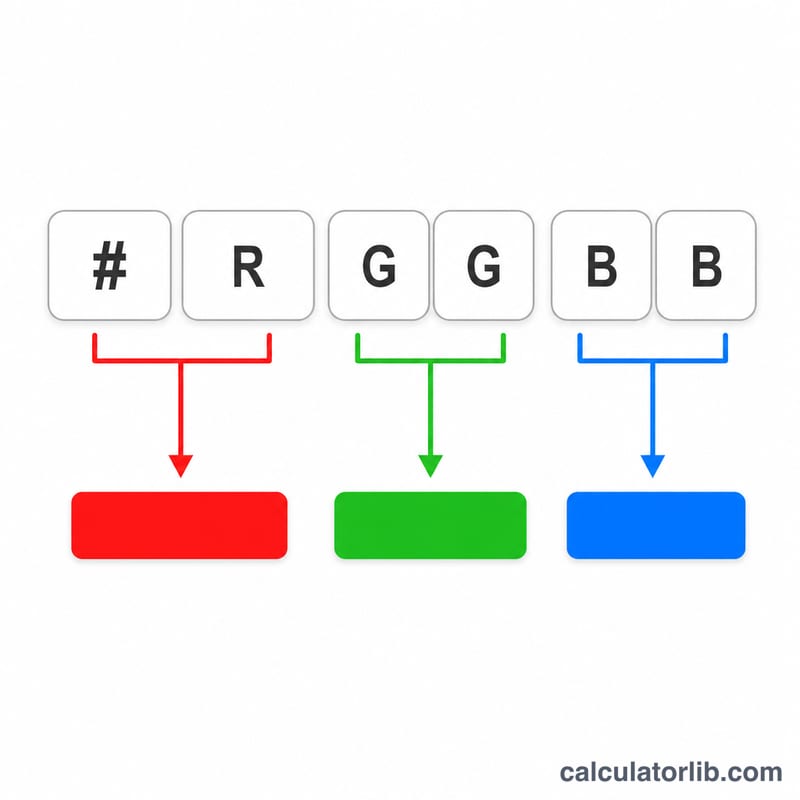
A 6-digit hex code is split into three pairs: characters 1–2 are red, 3–4 are green, and 5–6 are blue. Each pair is a base-16 (hexadecimal) number that is converted to base-10 (decimal). For example, the pair FF equals \(15\times16 + 15 = 255\), the maximum intensity, while 00 equals 0.
Worked Example
Take #3498DB. Red = 34 = \(3\times16 + 4 = 52\). Green = 98 = \(9\times16 + 8 = 152\). Blue = DB = \(13\times16 + 11 = 219\). The result is rgb(52, 152, 219) — a pleasant medium blue.
FAQ
Do I need the # symbol? No. The converter strips it automatically, so 3498db and #3498DB give the same result.
Is hex case-sensitive? No. ff and FF are identical; the tool normalizes everything to uppercase.
What about 3-digit codes? Shorthand like #F00 is expanded by doubling each digit to #FF0000, which equals rgb(255, 0, 0) (pure red).