

What this calculator does
The Add Years to a Date Calculator takes any starting date and a number of years, then returns the exact date that many years later. Enter a negative number to count backwards in time. It is useful for anniversaries, contract terms, warranty expirations, age milestones, maturity dates, and any planning task where you need a date a whole number of years from now.
How to use it
Pick your start date using the date picker, type how many years you want to add (for example 5), and read the resulting date. To subtract years, simply enter a negative value such as -3. The result shows the full date, the ISO format (YYYY-MM-DD), and the day of the week.
The formula explained
Adding years is conceptually simple: keep the month and day the same and add \(N\) to the year. The one edge case is February 29. Because a leap day only exists in leap years (years divisible by 4, except century years not divisible by 400), if your start date is Feb 29 and the target year is not a leap year, the calculator rolls the day back to February 28 so the result is always a valid calendar date.
$$\text{resultDate} = \text{date}(\,\text{year}+N,\ \text{month},\ \text{day}\,)$$$$\text{Feb }29 \rightarrow \text{Feb }28 \ \text{(if target year is not a leap year)}$$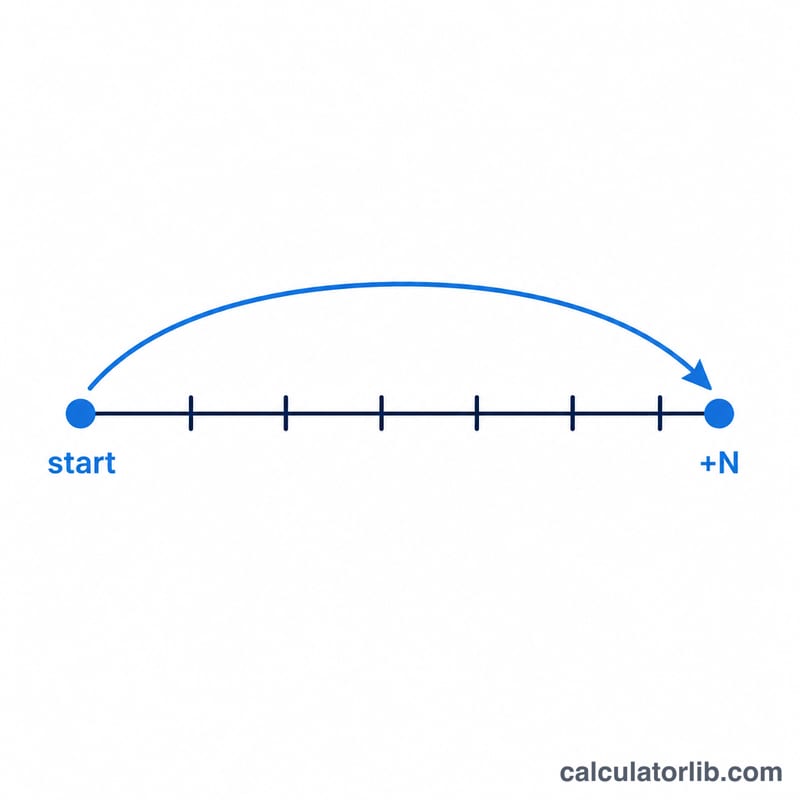
Worked example
Start with February 29, 2020 and add 1 year. The target year is 2021, which is not a leap year, so Feb 29 does not exist. The calculator clamps the day to February 28, giving February 28, 2021. By contrast, adding 4 years lands on 2024 (a leap year), so the result keeps February 29, 2024.
$$\text{date}(2020+1,\ \text{Feb},\ 29) = \text{Feb }29,\ 2021 \rightarrow \text{Feb }28,\ 2021$$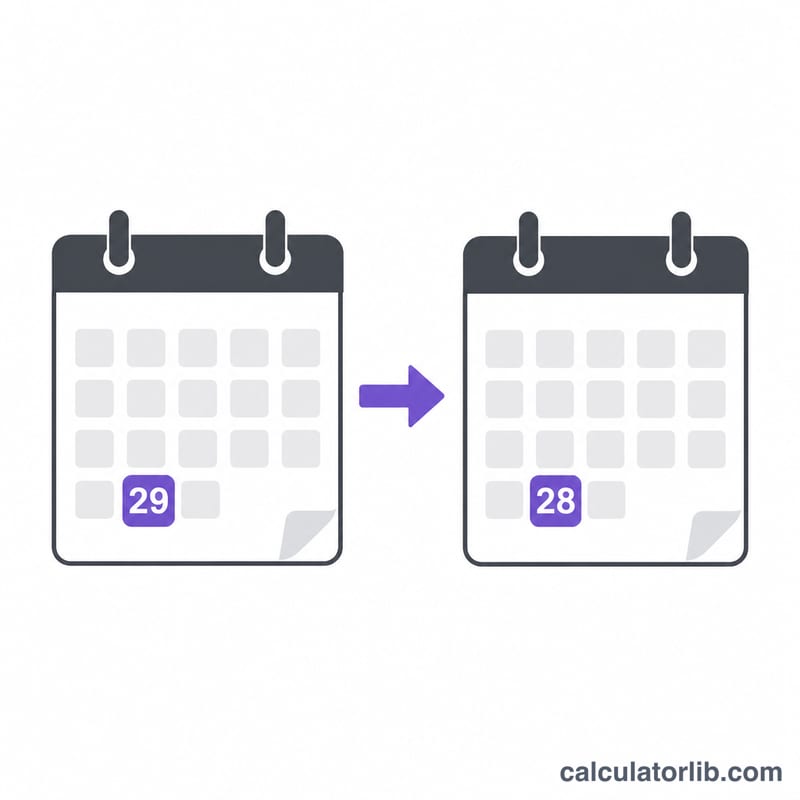
Scenario Comparison
The table below shows how the Add Years to a Date Calculator handles common situations, including the leap-day rule where February 29 becomes February 28 in non-leap years. Each result is the date you land on after adding (positive years) or subtracting (negative years), along with the day of the week for that resulting date.
| Start Date | Years | Resulting Date | Day of Week | Note |
|---|---|---|---|---|
| Jan 1, 2020 | +5 | Jan 1, 2025 | Wednesday | Straightforward year addition |
| Feb 29, 2020 | +1 | Feb 28, 2021 | Sunday | 2021 is not a leap year, so Feb 29 rolls back to Feb 28 |
| Feb 29, 2020 | +4 | Feb 29, 2024 | Thursday | 2024 is a leap year, so Feb 29 is preserved |
| Dec 31, 2023 | -10 | Dec 31, 2013 | Tuesday | Subtracting years moves into the past |
| Jun 15, 2000 | +25 | Jun 15, 2025 | Sunday | Long-range addition keeps the same month and day |
Notice that the month and day normally stay identical; only the year changes. The single exception is a February 29 start date landing on a non-leap year, which is adjusted to February 28 so the result remains a valid calendar date.
FAQ
Can I subtract years? Yes. Enter a negative number such as -10 to find the date ten years earlier.
Why did my Feb 29 date become Feb 28? The target year is not a leap year, so February 29 does not exist that year and is clamped to the 28th.
Does it account for leap years generally? Yes — only the day matters here (month and day are preserved), and the only day that needs adjusting across years is February 29.