
What is a Bits to Bytes Converter?
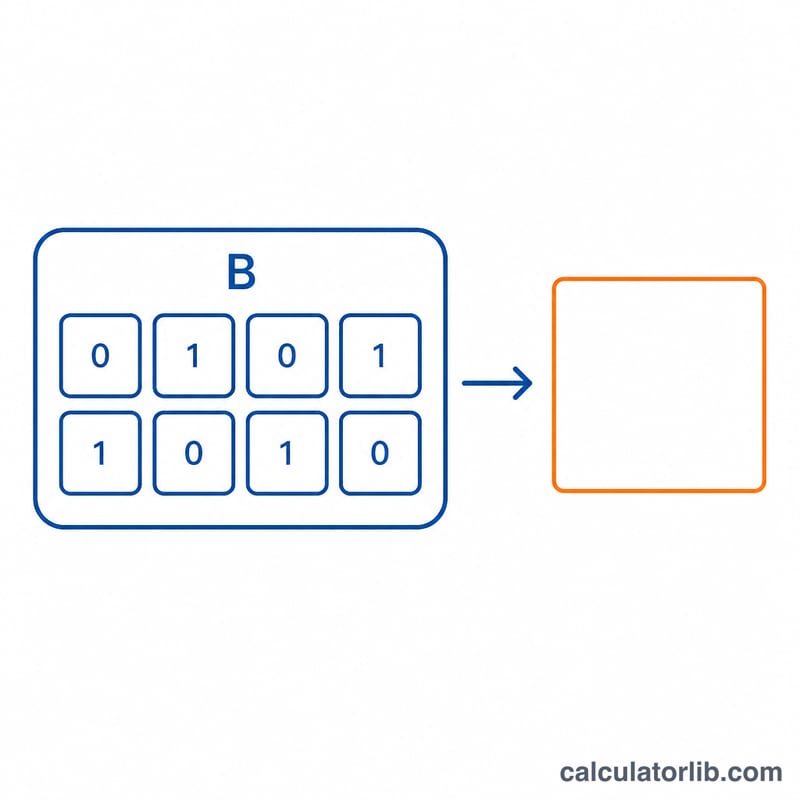
A bit is the smallest unit of digital information, while a byte is a group of 8 bits. This converter takes a value in bits and returns the equivalent number of bytes by dividing by 8. The same math applies to data-transfer rates: bits per second (bps) to bytes per second (Bps).
How to Use It
Enter the number of bits and the calculator instantly shows the equivalent bytes. Use it to convert file sizes, network speeds, or any digital-storage quantity. For example, internet speeds are usually advertised in megabits per second (Mbps) but downloads display in megabytes per second (MBps) — divide by 8 to compare them.
The Formula Explained
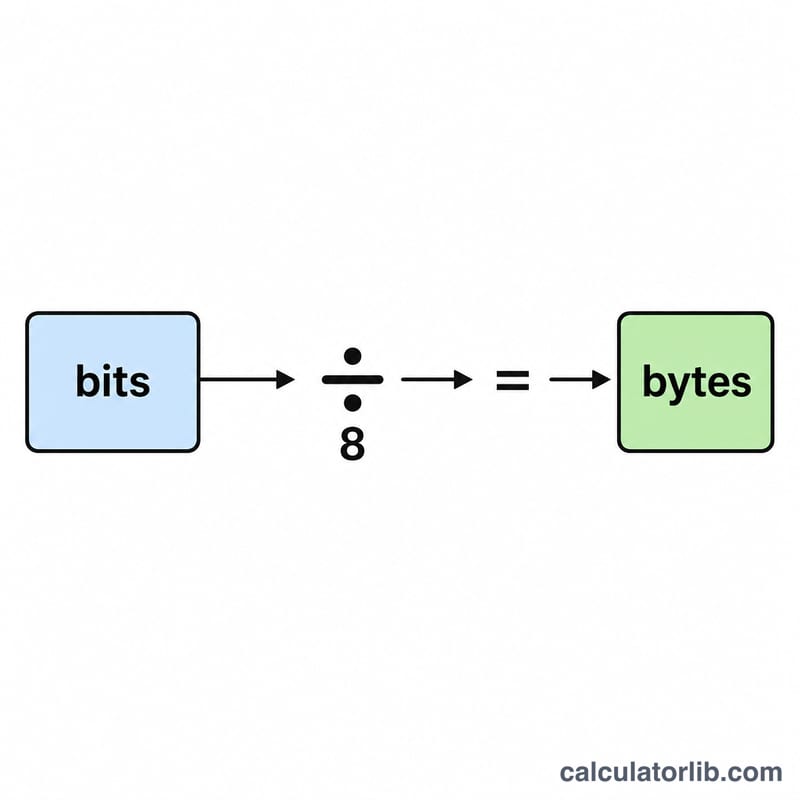
The conversion is simple: $$\text{Bytes} = \frac{\text{Bits}}{8}$$. Because one byte is defined as exactly 8 bits, dividing by 8 always gives the byte count. To go the other way, multiply bytes by 8 to get bits.
Worked Example
Suppose you have 80,000 bits. Dividing by 8 gives $$80{,}000 \div 8 = 10{,}000 \text{ bytes (10 KB)}.$$ Likewise, a 100 Mbps connection delivers about \(100 \div 8 = 12.5\) MBps of real-world download throughput.
Bits and Bytes Conversion Table
The fundamental relationship is simple: there are 8 bits in 1 byte. To convert any value in bits to bytes, divide by 8: \[\text{Bytes} = \frac{\text{Bits}}{8}\] The same factor applies to data rates, where a rate in bits per second (bps) divided by 8 gives bytes per second (Bps). The tables below use decimal (SI) prefixes, where 1 kbit = 1000 bits, 1 Mbit = 1,000,000 bits, and so on.
Storage Units: Bits to Bytes
| Value in bits | Bytes (÷ 8) | Common equivalent |
|---|---|---|
| 1 bit | 0.125 byte | — |
| 8 bits | 1 byte | 1 B |
| 1 kilobit (1,000 bits) | 125 bytes | 0.125 KB |
| 1 megabit (1,000,000 bits) | 125000 bytes | 125 KB (0.125 MB) |
| 1 gigabit (1,000,000,000 bits) | 125,000,000 bytes | 125 MB (0.125 GB) |
| 1 terabit (1,000,000,000,000 bits) | 125,000,000,000 bytes | 125 GB (0.125 TB) |
Internet Speed: bps to Bps
Internet plans are advertised in megabits per second (Mbps), but downloads display in megabytes per second (MBps). Divide the advertised speed by 8 to estimate the maximum download rate.
| Connection speed | Bytes per second (÷ 8) | Download rate |
|---|---|---|
| 10 Mbps | 1,250,000 Bps | 1.25 MBps |
| 50 Mbps | 6,250,000 Bps | 6.25 MBps |
| 100 Mbps | 12,500,000 Bps | 12500000 Bps = 12.5 MBps |
| 300 Mbps | 37,500,000 Bps | 37.5 MBps |
| 1000 Mbps (1 Gbps) | 125,000,000 Bps | 125 MBps |
Note: real-world throughput is typically lower than these theoretical maximums because of protocol overhead, network congestion, and other factors.
Definitions & Glossary
- Bit
- The smallest unit of digital information, representing a single binary value of 0 or 1. The name comes from "binary digit." Abbreviated with a lowercase "b".
- Byte
- A group of 8 bits, the standard unit for measuring file sizes and storage capacity. Abbreviated with an uppercase "B". One byte can represent 256 distinct values (\(2^8\)).
- bps (bits per second)
- A measure of data transfer rate equal to one bit transmitted per second. Network and internet speeds are conventionally expressed in bits per second.
- Bps (bytes per second)
- A data transfer rate equal to one byte (8 bits) per second. Download managers and operating systems usually display progress in bytes per second. To convert: Bps = bps ÷ 8.
- Mbps (megabits per second)
- One million bits per second (1,000,000 bps). The standard unit for advertising broadband internet speeds.
- MBps (megabytes per second)
- One million bytes per second, equal to 8 Mbps. A 100 Mbps connection delivers a maximum of 12.5 MBps.
- Kilobyte (KB) vs Kibibyte (KiB)
- A kilobyte (KB) uses the decimal (SI) prefix and equals 1,000 bytes. A kibibyte (KiB) uses the binary prefix defined by the IEC and equals 1,024 bytes (\(2^{10}\)). Although they differ, many operating systems historically (and still) label 1,024 bytes as "KB," which is a common source of confusion.
- Decimal (1000) vs Binary (1024) prefixes
- Decimal prefixes (kilo-, mega-, giga-, tera-) are powers of 1,000 and are used for data rates and by most storage manufacturers: 1 MB = 1,000,000 bytes. Binary prefixes (kibi-, mebi-, gibi-, tebi-, abbreviated KiB, MiB, GiB, TiB) are powers of 1,024 and are used by many operating systems for memory and reported file sizes: 1 MiB = 1,048,576 bytes. The gap widens with size — at the gigabyte level a decimal GB is about 7.4% smaller than a binary GiB, which is why a "1 TB" drive shows as roughly 931 GiB.
FAQ
Why divide by 8? By definition, one byte equals 8 bits, so 8 bits make up each byte.
What's the difference between bps and Bps? Lowercase "b" means bits and uppercase "B" means bytes. 100 bps is only 12.5 Bps.
Does this use 1000 or 1024? The bit-to-byte ratio is always exactly 8 — the 1000 vs 1024 distinction only matters when stepping up to kilobytes, megabytes, etc.