What this converter does
The Digits to Words Converter reads a string one character at a time and speaks each digit as its own word. Type 08/21/2024 and you get zero eight two one two zero two four. This is the format people use out loud for tracking numbers, dates, serial numbers, account numbers, decimals and dollar amounts — not the cardinal form. It will not turn 123 into "one hundred twenty-three"; instead it gives "one two three", because that is how such codes are normally dictated.
How to use it
1. Paste your string into Convert these Digits (up to 300 characters). 2. Pick a Language — 12 are supported, including English, Spanish, French, German and more. 3. Choose a Letter Case: lowercase, UPPERCASE, or Title Case for display. 4. Tick Special characters to words? if you want - / . , and spaces spoken as dash, slash, dot, comma and space. Leave it off and those separators are simply dropped.
The rule, explained
The tool walks left to right. Each digit 0-9 maps to a word from the selected language's table. If "special" is on, the five listed punctuation characters are also converted and kept in sequence; if it is off they are skipped. Any other letter or symbol passes through unchanged. The emitted words are joined with single spaces, then the chosen case is applied (Title Case capitalizes each word's first letter).
$$\text{words} = \bigsqcup_{i} \text{lookup}(\text{char}_i)$$
$$\text{out} = \text{join}_{\,\sqcup}\big(\text{map}(c_1), \text{map}(c_2), \dots, \text{map}(c_n)\big)$$
Worked example
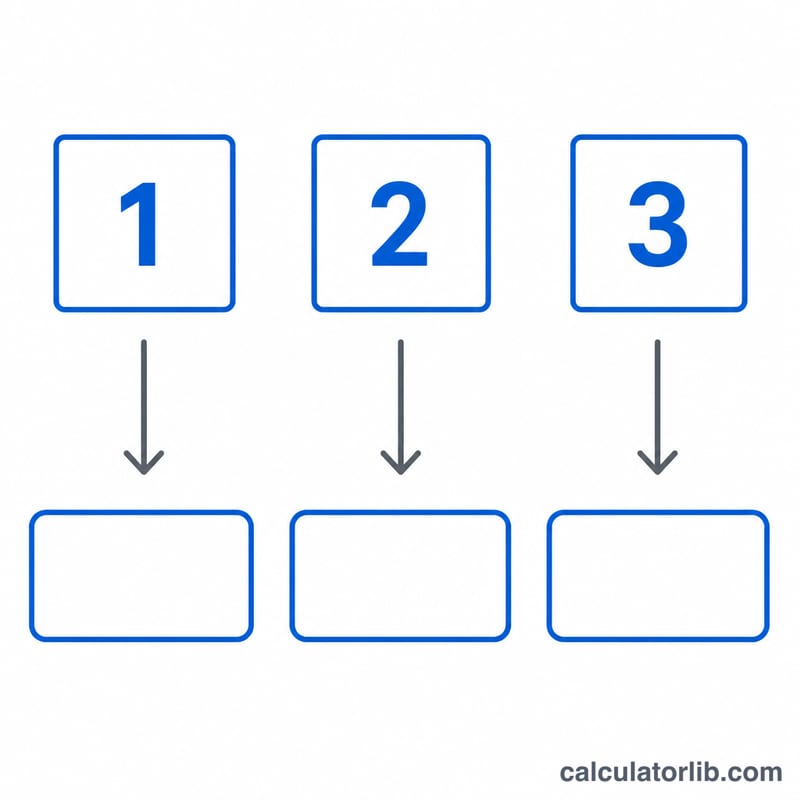
Input 357.99, English, UPPERCASE, special on: characters 3, 5, 7, ., 9, 9 become "three five seven dot nine nine", then upper-cased to THREE FIVE SEVEN DOT NINE NINE. With special off the dot is dropped, giving "three five seven nine nine".
Digit-to-Word Table by Language
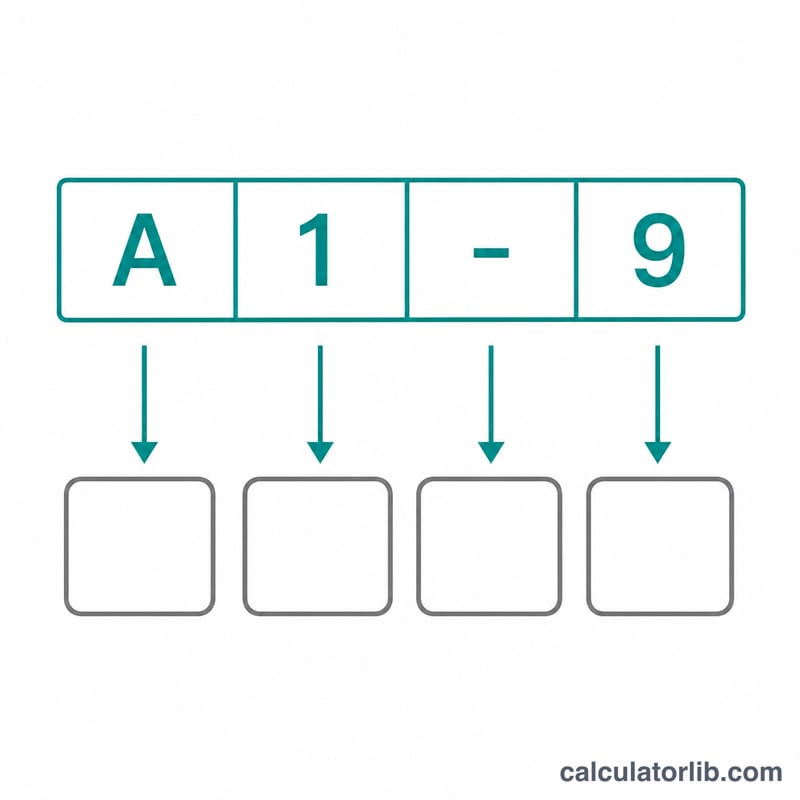
The converter replaces each digit character (0–9) with its spoken word in the selected language. Digits are read one at a time, so 123 becomes "one two three", not "one hundred twenty-three". The table shows the standard cardinal word for each digit in the 12 supported languages.
| Language | 0 | 1 | 2 | 3 | 4 | 5 | 6 | 7 | 8 | 9 |
|---|---|---|---|---|---|---|---|---|---|---|
| English | zero | one | two | three | four | five | six | seven | eight | nine |
| Spanish | cero | uno | dos | tres | cuatro | cinco | seis | siete | ocho | nueve |
| French | zéro | un | deux | trois | quatre | cinq | six | sept | huit | neuf |
| German | null | eins | zwei | drei | vier | fünf | sechs | sieben | acht | neun |
| Italian | zero | uno | due | tre | quattro | cinque | sei | sette | otto | nove |
| Portuguese | zero | um | dois | três | quatro | cinco | seis | sete | oito | nove |
| Dutch | nul | een | twee | drie | vier | vijf | zes | zeven | acht | negen |
| Danish | nul | en | to | tre | fire | fem | seks | syv | otte | ni |
| Norwegian | null | en | to | tre | fire | fem | seks | sju | åtte | ni |
| Swedish | noll | ett | två | tre | fyra | fem | sex | sju | åtta | nio |
| Romanian | zero | unu | doi | trei | patru | cinci | șase | șapte | opt | nouă |
| Filipino | zero | isa | dalawa | tatlo | apat | lima | anim | pito | walo | siyam |
Special characters
When the special-characters option is on, separators such as the dash, slash, dot, comma and space are spoken as words in the selected language instead of being left as symbols. The exact wording for each language is defined by the tool, so this article does not list translations for them. Run a sample in your language to see the words it uses. Letters and other symbols are not translated and pass through unchanged. Input is limited to the first 300 characters.
The letter-case option applies to the whole result: lower ("one two"), upper ("ONE TWO") or title ("One Two").
Common Input Examples Compared
The table uses English with lower-case output. The special-character wording and spacing shown here are illustrative. Check the tool's own output for the exact words and layout in your language. Digits are always converted; the "off" column assumes separators are left as typed.
| Input type | Sample input | Output, special characters on | Output, special characters off |
|---|---|---|---|
| Date (US format) | 08/21/2024 | zero eight slash two one slash two zero two four | zero eight / two one / two zero two four |
| SSN-style number | 123-45-6789 | one two three dash four five dash six seven eight nine | one two three - four five - six seven eight nine |
| Tracking number with letters | 1W1Z9Y | one W one Z nine Y | one W one Z nine Y |
| Dollar amount / decimal | $19.99 | $ one nine dot nine nine | $ one nine . nine nine |
What to notice
- The tracking number has no separators, so the special-characters option changes nothing. The letters W, Z and Y pass through unchanged.
- The $ sign passes through unchanged. Only the digits become words, so 19.99 is read as "one nine, nine nine", not as "nineteen dollars and ninety-nine cents".
- Reading digit by digit avoids ambiguity when you dictate dates, serial numbers or identifiers over the phone. Never share a real SSN or other sensitive identifier with tools you do not trust.
FAQ
Why doesn't 123 become "one hundred twenty-three"? This is a character-by-character reader, ideal for codes you spell out. For cardinal words use a number-to-words tool instead.
What happens to letters in a tracking number like 1W1Z9Y? Digits are spelled out; unmapped letters such as W, Z and Y pass through unchanged.
Is there a length limit? Yes, 300 characters per run. Split longer strings into multiple entries.