
What this calculator does
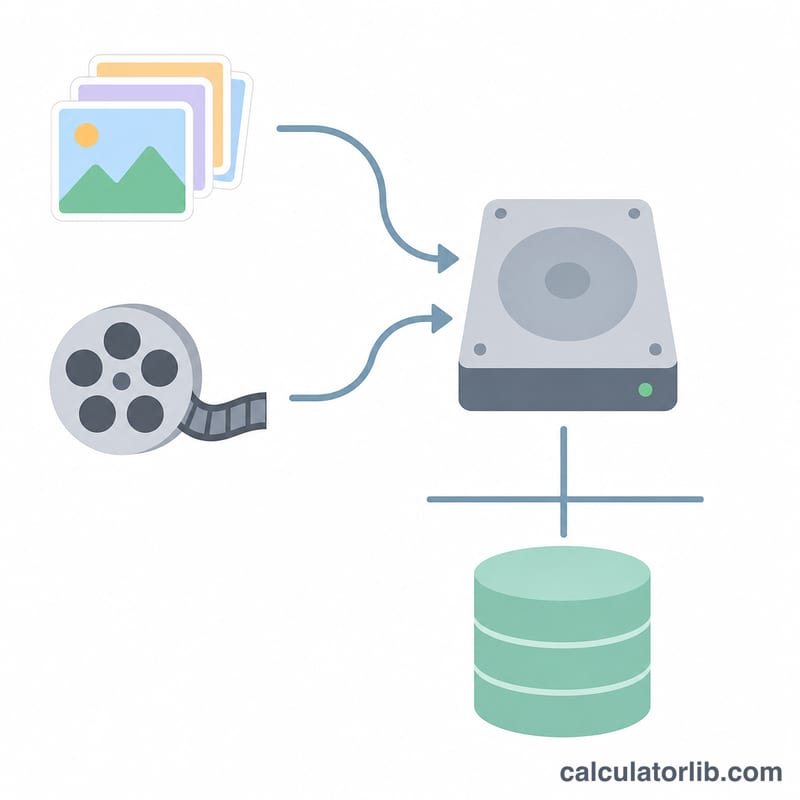
The Storage Needed for Photos & Videos Calculator estimates how much disk, cloud, or memory-card space your media library requires. By combining the number of photos, the average size of each photo, the total minutes of video, and the data rate per minute of video, it returns a single total in gigabytes (GB) — perfect for choosing an SD card, external drive, or cloud plan before you run out of room.
How to use it
Enter four values: the number of photos you expect to keep, the average size of one photo in megabytes (MB), the total length of your video footage in minutes, and how many MB each minute of video consumes. The calculator multiplies and sums these, then divides by 1024 to convert megabytes to gigabytes. It also breaks down how much space photos versus videos take so you can see what dominates your storage.
The formula explained
The math is straightforward:
$$\text{Total GB} = \frac{\text{photos} \times \text{MB per photo} + \text{video minutes} \times \text{MB per minute}}{1024}$$We use 1024 MB per GB (the binary convention used by most operating systems). Typical references: a smartphone JPEG is roughly 2–5 MB, a high-resolution RAW photo 20–50 MB, 1080p video about 100–130 MB/min, and 4K video roughly 350–400 MB/min.
Worked example
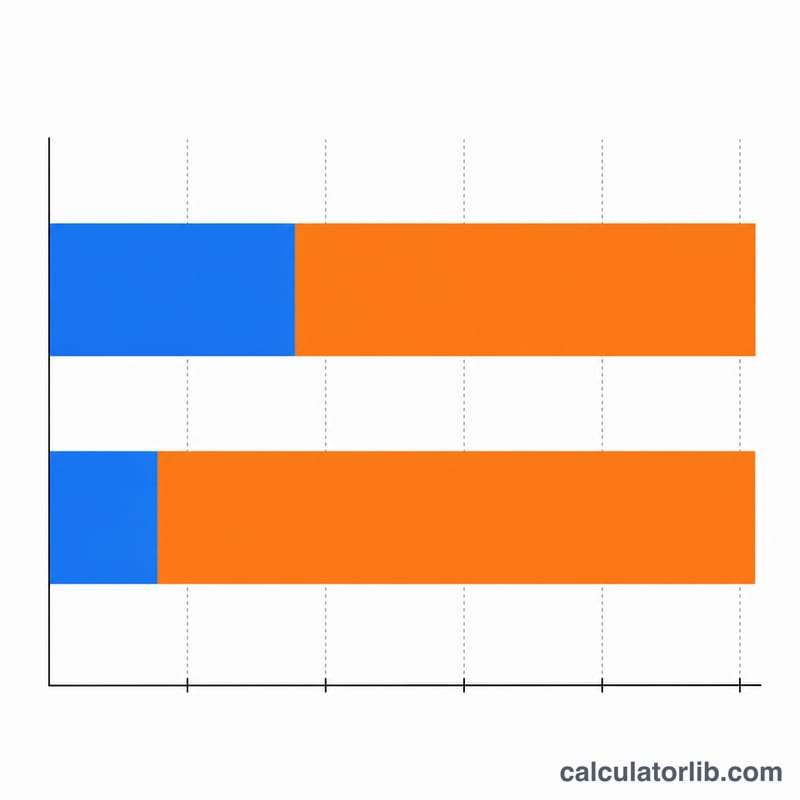
Suppose you have 1,000 photos averaging 4 MB each, plus 60 minutes of 1080p video at 100 MB/min. Photo storage = \(1{,}000 \times 4 = 4{,}000\) MB. Video storage = \(60 \times 100 = 6{,}000\) MB. Total =
$$10{,}000 \text{ MB} \div 1024 \approx 9.77 \text{ GB}$$A 16 GB card would comfortably hold this with room to spare.
FAQ
Should I use 1000 or 1024 MB per GB? This tool uses 1024 (binary GiB) to match how Windows, macOS, and most devices report free space. Drive manufacturers often advertise 1000, so real usable capacity is slightly lower.
How big is a typical photo? Compressed phone JPEGs are about 2–5 MB; RAW files can be 20–50 MB. Use the size shown in your gallery for accuracy.
Should I add a buffer? Yes — leave 10–20% free for the operating system, future shots, and editing scratch files to keep performance smooth.