
What is the Data Storage Converter?
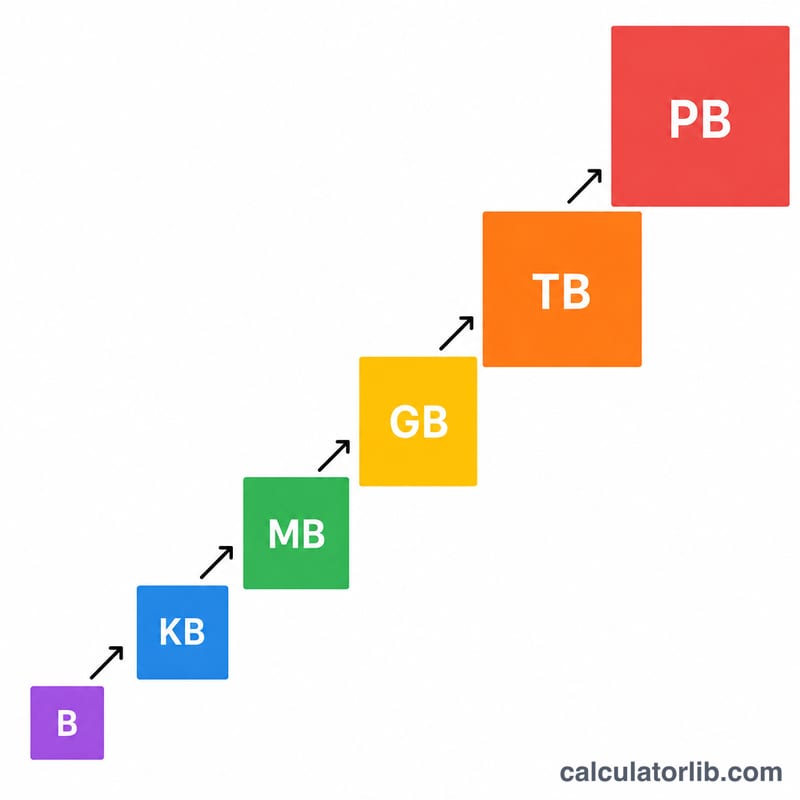
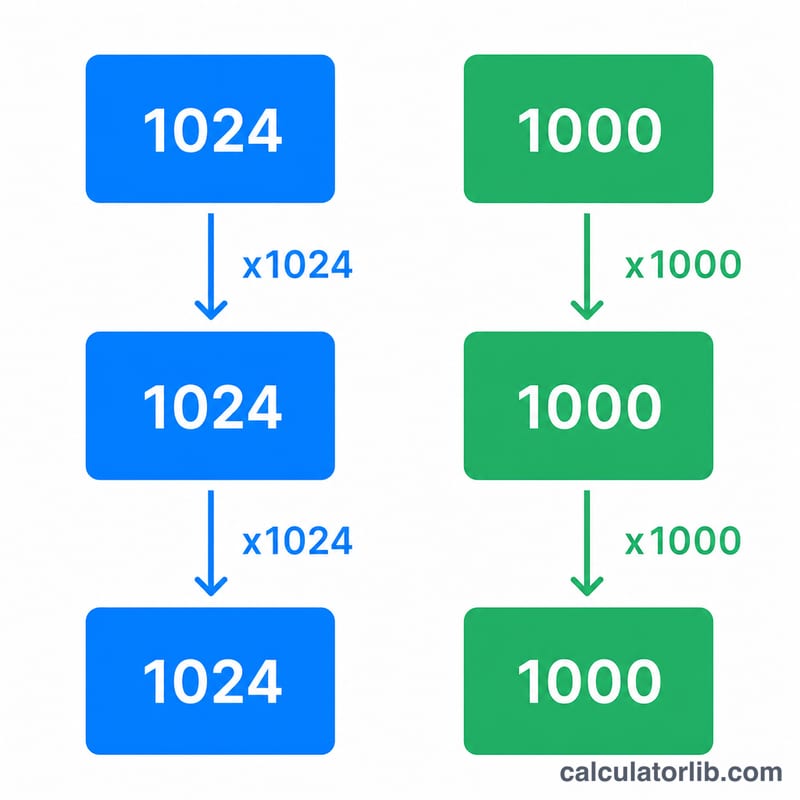
This calculator converts digital information between units of storage — bytes (B), kilobytes (KB), megabytes (MB), gigabytes (GB), terabytes (TB) and petabytes (PB). It supports both the binary system (where 1 KB = 1024 bytes) used by operating systems and RAM, and the decimal system (where 1 KB = 1000 bytes) used by storage manufacturers and networking.
How to use it
Enter the value you want to convert, choose the source unit (From) and the target unit (To), then select whether you want the binary (1024) or decimal (1000) interpretation. The result shows the converted figure plus the equivalent total in raw bytes.
The formula explained
Each unit is a power of the base. With unit index n (B=0, KB=1, MB=2, GB=3, TB=4, PB=5), the value is first turned into bytes: \(\text{bytes} = \text{value} \times \text{base}^{n}\). It is then divided by the base raised to the target index m: \(\text{result} = \text{bytes} \div \text{base}^{m}\). The base is 1024 for binary and 1000 for decimal.
Worked example
Convert 1 GB to MB in the binary system. GB has index 3 and MB has index 2.
$$\text{bytes} = 1 \times 1024^{3} = 1{,}073{,}741{,}824$$$$\text{result} = 1{,}073{,}741{,}824 \div 1024^{2} = 1{,}073{,}741{,}824 \div 1{,}048{,}576 = 1024 \text{ MB}$$So 1 GB equals 1024 MB in binary.
FAQ
Why does my 1 TB drive show as ~931 GB? Drive makers use decimal (1000), but Windows reports in binary (1024). \(1{,}000{,}000{,}000{,}000 \div 1024^{3} \approx 931\) GiB.
Which system should I pick? Use binary for OS/RAM figures and decimal for advertised drive capacities and network speeds.
What is the difference between a bit and a byte? A byte is 8 bits. This tool works in bytes; multiply bytes by 8 to get bits.