
What is the GB to MB Converter?
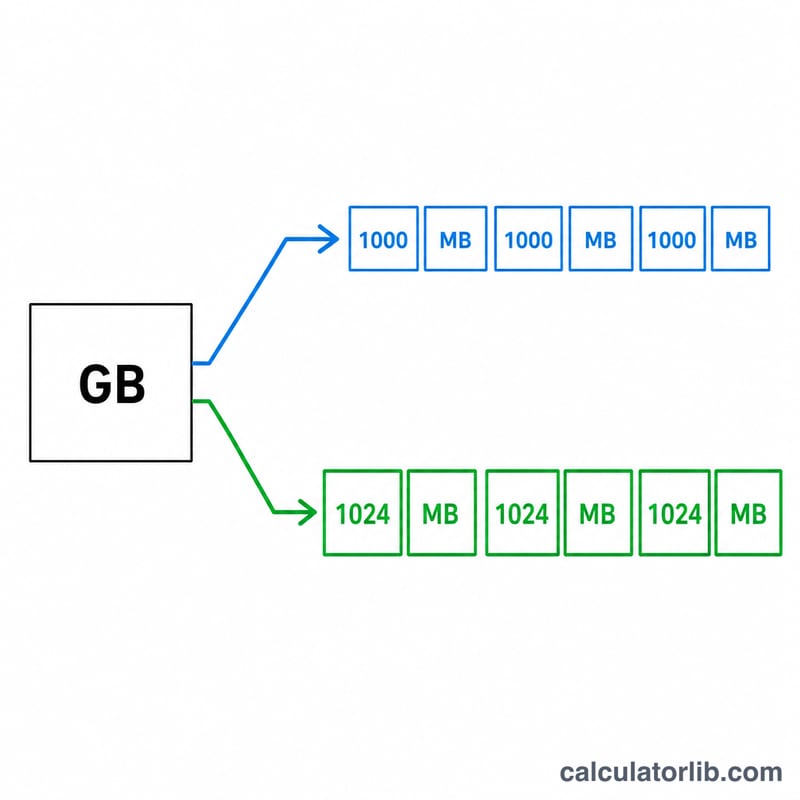
This tool converts gigabytes (GB) to megabytes (MB), two of the most common units used to measure digital data and storage capacity. A megabyte is a smaller unit than a gigabyte, so every gigabyte contains either 1000 or 1024 megabytes depending on the standard you use. This calculator lets you choose the right one for your situation.
How to use it
Enter the number of gigabytes you want to convert, then pick a conversion standard. Choose Decimal (1000) — the SI standard used by hard-drive and SSD manufacturers, network speeds, and most operating systems — or Binary (1024), historically used by some software and RAM measurements. The result updates to show the equivalent value in megabytes.
The formula explained
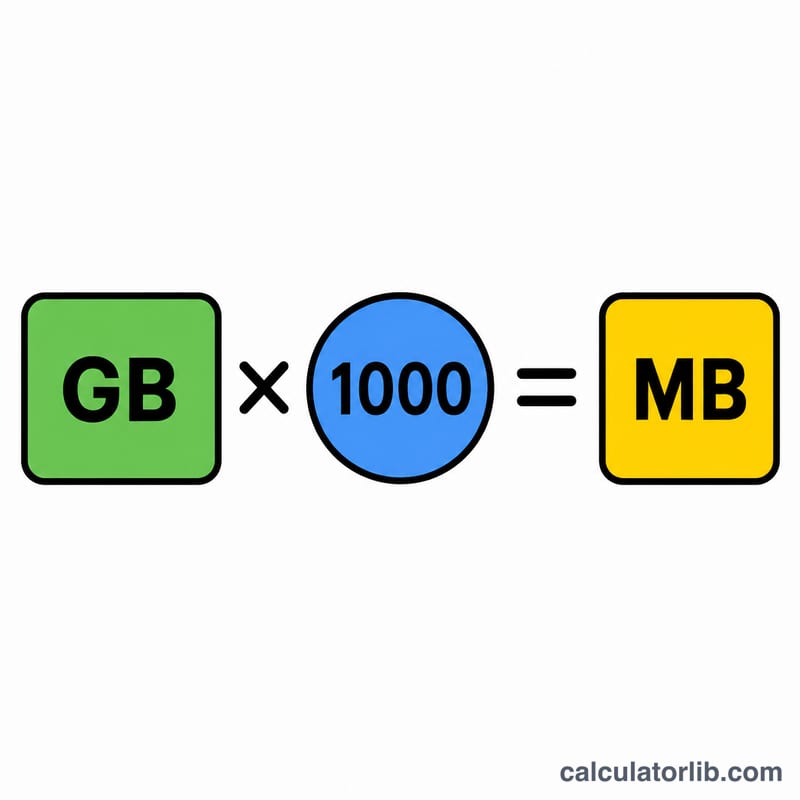
The conversion is a simple multiplication. Under the decimal convention, $$\text{MB} = \text{GB} \times 1000$$ Under the binary convention, $$\text{MB} = \text{GB} \times 1024$$ The binary value is slightly larger because it is based on powers of two (\(2^{10} = 1024\)) rather than powers of ten. Picking the correct factor matters when precision counts, such as comparing advertised storage to what your computer reports.
Worked example
Suppose you have a 2.5 GB file. Using the decimal standard: $$2.5 \times 1000 = 2500 \text{ MB}$$ Using the binary standard: $$2.5 \times 1024 = 2560 \text{ MB}$$ Both describe the same file — the difference is purely how the unit "gigabyte" is defined.
FAQ
Which standard should I use? For drive capacity, file sizes, and internet plans, use decimal (1000). For technical contexts that reference gibibytes (GiB), use binary (1024).
Is a gigabyte bigger than a megabyte? Yes. One gigabyte equals roughly a thousand megabytes, so GB is the larger unit.
How do I convert MB back to GB? Divide the megabyte value by 1000 (decimal) or 1024 (binary) to get gigabytes.