
What is the MB to GB Converter?
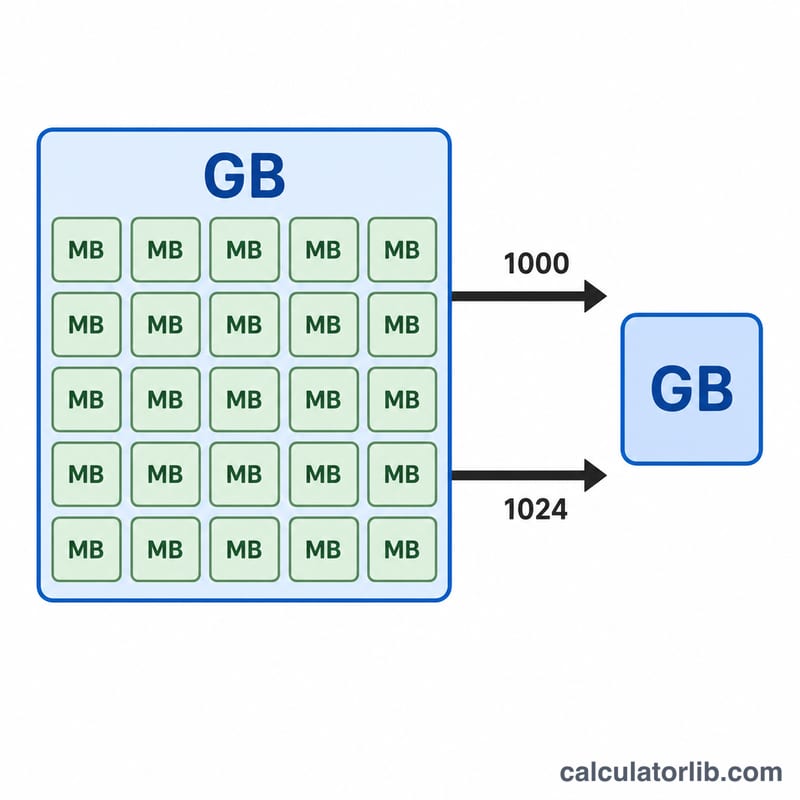
This tool converts a value in megabytes (MB) into gigabytes (GB). Because the computing industry uses two different conventions, the converter lets you pick the one that matches your situation: the decimal standard where 1 GB = 1000 MB, and the binary standard where 1 GB = 1024 MB.
How to use it
Enter the number of megabytes you want to convert, then choose whether to use the decimal or binary standard. The result updates to show the equivalent gigabytes along with the divisor that was applied. Use decimal when reading hard-drive or SSD capacities and most file sizes; use binary when matching what Windows reports for storage and memory.
The formula explained
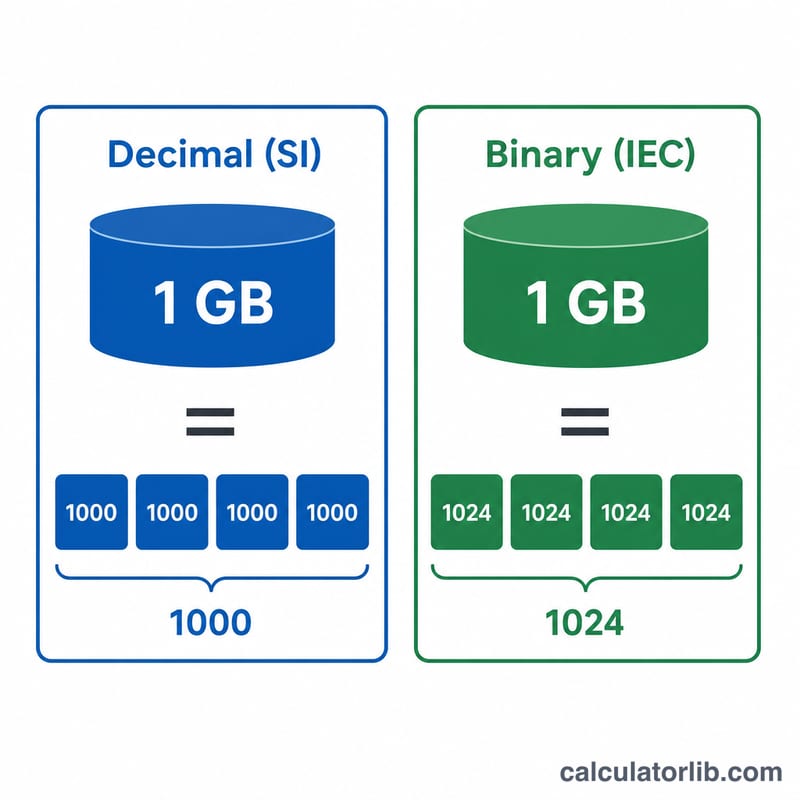
The conversion is a simple division. In the decimal (SI) system, gigabytes equal megabytes divided by 1000. In the binary (IEC) system, gigabytes equal megabytes divided by 1024.
$$\text{GB} = \frac{\text{Megabytes (MB)}}{1000}$$$$\text{GB} = \frac{\text{Megabytes (MB)}}{1024}$$The binary value is technically a gibibyte (GiB), but it is commonly labelled GB by operating systems.
Worked example
Suppose you have a 2048 MB file. Using the binary standard: \(2048 \div 1024 = 2\) GB exactly. Using the decimal standard: \(2048 \div 1000 = 2.048\) GB. The same number of megabytes therefore gives slightly different gigabyte figures depending on the convention you select.
FAQ
Which standard should I use? Use decimal (÷1000) for storage device marketing and general file sizes; use binary (÷1024) to match what Windows or RAM specs display.
Why do my file sizes look different in Windows vs the label? Drives are sold using the decimal definition (1000), while Windows reports using the binary definition (1024), so a "500 GB" drive shows as roughly 465 GB in Windows.
Is 1 MB = 1024 KB? In the binary convention yes; in the decimal convention 1 MB = 1000 KB. This tool only converts MB to GB.