
What is the Aspect Ratio to Resolution Calculator?
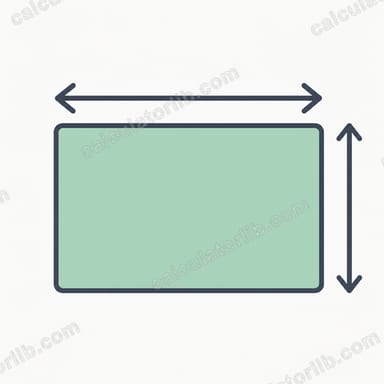
This tool converts an aspect ratio (such as 16:9, 4:3, or 21:9) plus one known pixel dimension into a complete resolution. It is handy for video editors, web designers, photographers, and game developers who need an exact second dimension that keeps content from being stretched or cropped.
How to use it
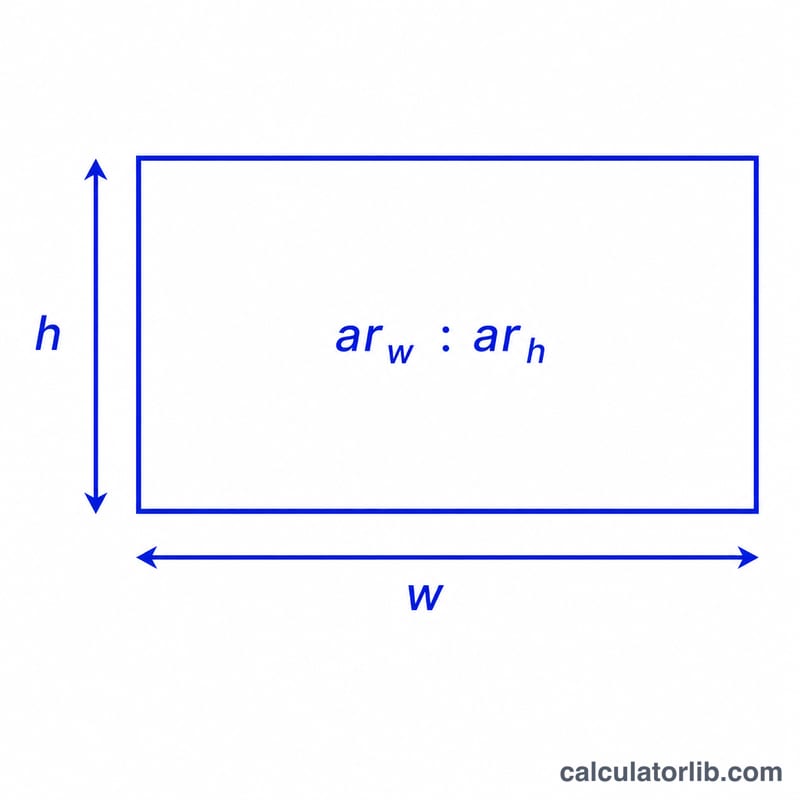
Enter the two parts of your aspect ratio in the Width ratio and Height ratio fields — for 16:9 that is 16 and 9. Choose whether you know the width or the height, type that value in pixels, and the calculator instantly returns the matching dimension, the decimal aspect ratio, and the total megapixels.
The formula explained
The decimal aspect ratio is simply \(ar_w / ar_h\). If you know the width, divide it by that ratio to get the height. If you know the height, multiply it by the ratio to get the width. For 16:9 the ratio is 1.7778, so a 1920 px width gives \(1920 / 1.7778 = 1080\) px tall.
$$\text{Height} = \frac{\text{Known Width (px)}}{\left(\dfrac{\text{Width Ratio}}{\text{Height Ratio}}\right)}$$$$\text{Width} = \text{Known Height (px)} \times \frac{\text{Width Ratio}}{\text{Height Ratio}}$$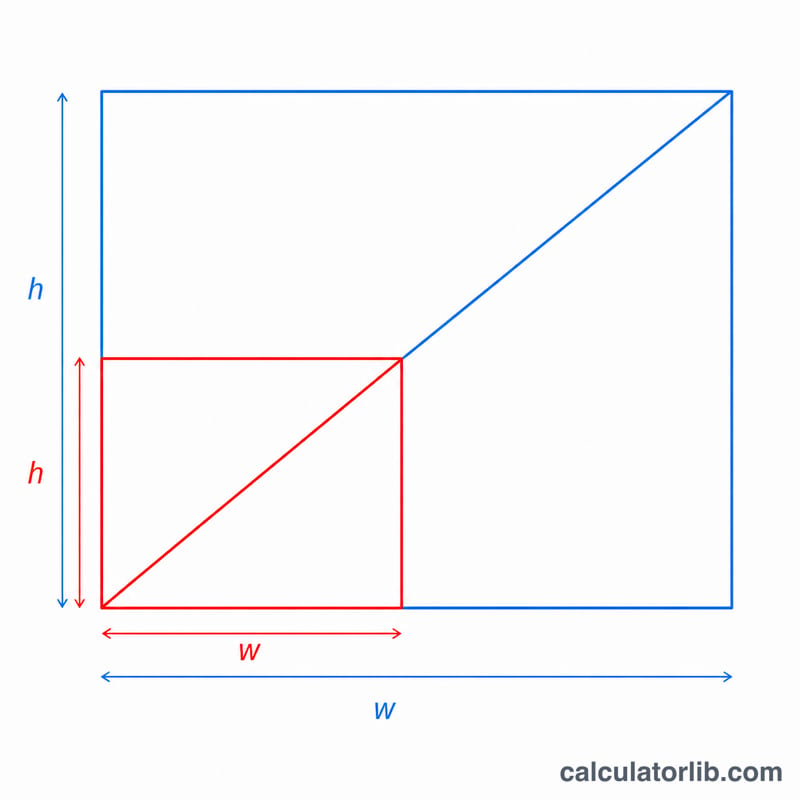
Worked example
You want a 21:9 ultrawide image that is 3440 px wide. The ratio is \(21 / 9 = 2.3333\). $$\text{Height} = 3440 / 2.3333 = 1474.3\ \text{px}$$ which rounds to the standard 3440 × 1440 panel. The calculator shows the exact value so you can decide how to round.
Common Aspect Ratios and Standard Resolutions
The table below lists widely used aspect ratios alongside their decimal value (width ÷ height) and the resolutions most commonly associated with each. The decimal value is what makes the math work: multiply a known height by the decimal to get the width, or divide a known width by the decimal to get the height. For example, at 16:9 a known width of 1920 px gives a height of 1080 px.
| Aspect Ratio | Decimal (W÷H) | Orientation | Common Resolutions (W×H) |
|---|---|---|---|
| 16:9 | 1.778 | Landscape | 1280×720, 1920×1080, 2560×1440, 3840×2160 |
| 4:3 | 1.333 | Landscape | 640×480, 800×600, 1024×768, 1600×1200 |
| 21:9 | 2.333 | Ultrawide | 2560×1080, 3440×1440, 5120×2160 |
| 16:10 | 1.600 | Landscape | 1280×800, 1680×1050, 1920×1200, 2560×1600 |
| 1:1 | 1.000 | Square | 1080×1080, 2048×2048 |
| 9:16 | 0.563 | Portrait | 720×1280, 1080×1920, 1440×2560 |
| 3:2 | 1.500 | Landscape | 1080×720, 3000×2000, 6000×4000 |
Note that the true 21:9 marketing label is approximate: 3440×1440 is actually 43:18 (≈2.389) and 2560×1080 is exactly 64:27 (≈2.370). To check the exact ratio of any resolution, use an aspect ratio from resolution tool.
Key Terms Explained
- Aspect ratio
- The proportional relationship between an image or screen's width and its height, written as two numbers separated by a colon, such as 16:9. It describes shape, not size — a 16:9 frame has the same proportions whether it is 1280×720 or 3840×2160.
- Pixel resolution
- The exact number of pixels along each dimension, expressed as width×height (for example 1920×1080). It defines how much detail an image holds and, together with physical size, determines pixel density.
- Width ratio & height ratio
-
The two numbers in an aspect ratio. In 16:9 the width ratio is 16 and the height ratio is 9. They are entered as
ar_wandar_hand define the proportion used to solve for the missing dimension. - Decimal aspect ratio
- The aspect ratio expressed as a single number by dividing width by height — 16:9 becomes \(16 \div 9 \approx 1.778\). Multiply a height by this value to get the width, or divide a width by it to get the height.
- Megapixels
- The total pixel count divided by one million, found by multiplying width by height. For example, 1920×1080 = 2,073,600 pixels ≈ 2.07 megapixels.
- Landscape orientation
- A frame that is wider than it is tall (decimal ratio greater than 1), such as 16:9 or 4:3 — the standard orientation for monitors and TVs.
- Portrait orientation
- A frame that is taller than it is wide (decimal ratio less than 1), such as 9:16 — common for phone screens and vertical video.
FAQ
Does the order of the ratio matter? Yes — always enter width first, then height. 16:9 is landscape, while 9:16 is portrait.
Why isn't my result a whole number? Many ratios don't divide evenly into common dimensions, so you'll often round to the nearest even number for video encoding.
Can I use simplified ratios? Yes. 1920:1080 and 16:9 produce the same result because the ratio reduces to the same decimal value.