
What Is the Aspect Ratio Calculator?
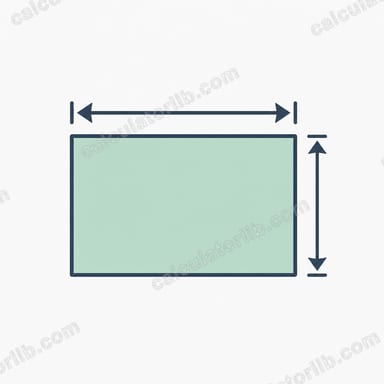
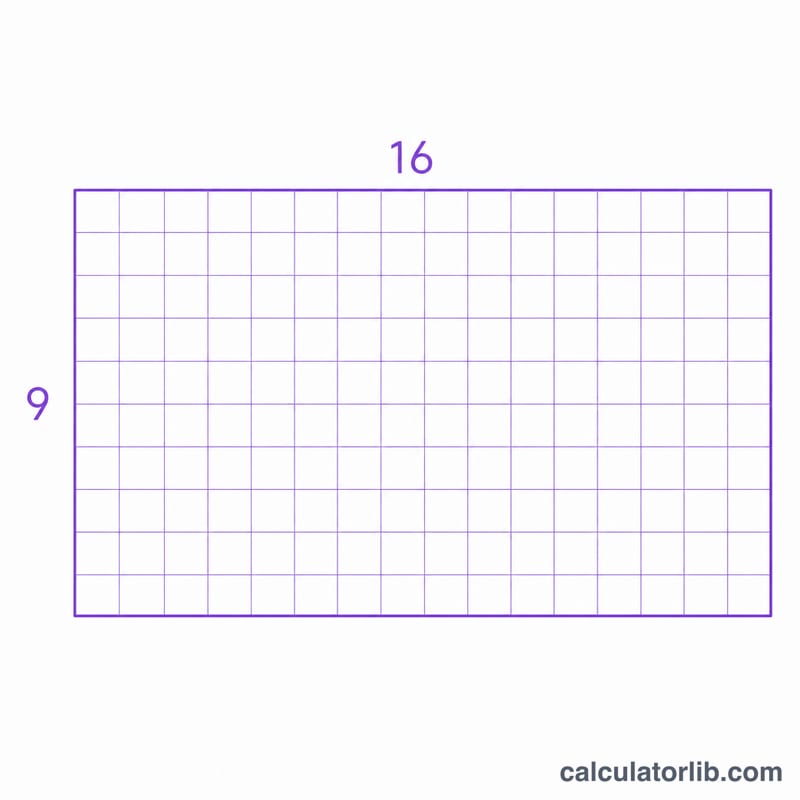
An aspect ratio describes the proportional relationship between an image's width and its height — for example 16:9 for widescreen video or 4:3 for classic displays. This calculator helps you resize an image or video to a new width while keeping it from looking stretched or squashed, by computing the matching height. It also reveals the simplest whole-number ratio of your original dimensions.
How to Use It
Enter your original width and original height (in pixels, or any consistent unit). Then type the new width you want. The calculator returns the new height that preserves the original proportions, along with the reduced aspect ratio (such as 16:9) and the decimal ratio (width ÷ height).
The Formula Explained
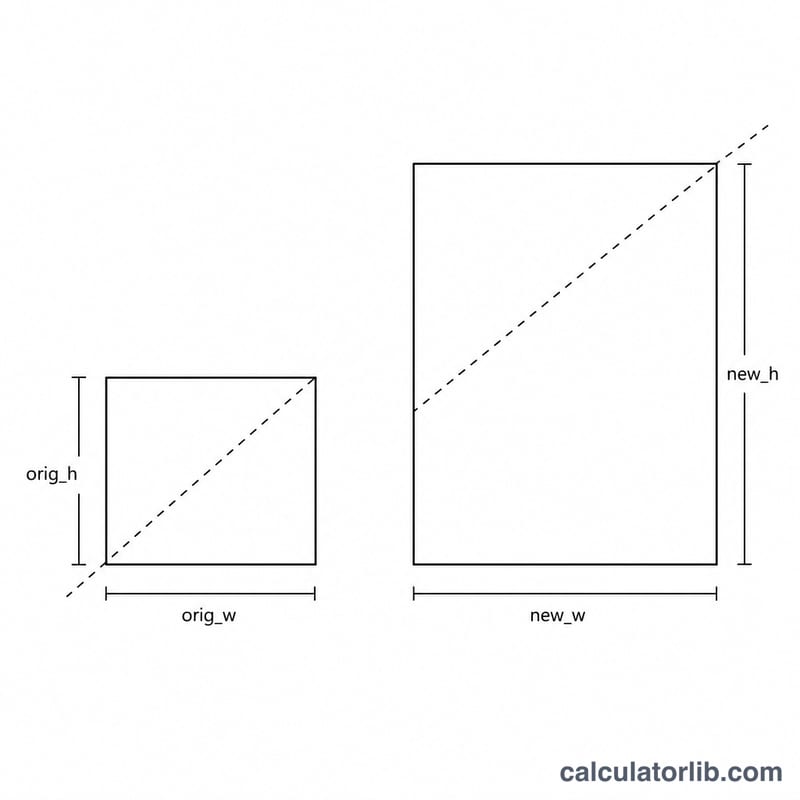
Resizing proportionally means scaling both dimensions by the same factor. The scale factor for width is \(\frac{\text{new\_w}}{\text{orig\_w}}\), and applying it to the height gives:
$$\text{new\_h} = \text{new\_w} \times \frac{\text{orig\_h}}{\text{orig\_w}}$$
The displayed ratio is found by dividing both original dimensions by their greatest common divisor (GCD), turning 1920×1080 into 16:9.
Worked Example
Suppose your original image is 1920×1080 and you want a new width of 1280. Then $$\text{new\_h} = 1280 \times \frac{1080}{1920} = 1280 \times 0.5625 = 720$$ So your resized image should be 1280×720 — still a perfect 16:9.
FAQ
Does it work for any units? Yes. As long as width and height use the same unit (pixels, cm, inches), the ratio and proportional result are valid.
What is the decimal ratio? It is width divided by height — a 16:9 image has a decimal ratio of about 1.7778. Useful when comparing to standards.
Can I find the new width from a known height? Just swap your inputs: treat the desired dimension as the "new width" by entering rotated values, or rearrange the formula as \(\text{new\_w} = \text{new\_h} \times \frac{\text{orig\_w}}{\text{orig\_h}}\).