
What is the Image Aspect Ratio Calculator?
This tool tells you the aspect ratio of any image — the proportional relationship between its width and height, written as W:H (for example 16:9). It also helps you resize an image proportionally so it never looks stretched or squashed: enter a new width or height and it computes the matching dimension automatically.
How to use it
Enter the original width and height of your image in pixels. The calculator immediately shows the simplified aspect ratio and its decimal equivalent. To resize, fill in EITHER a new width OR a new height (leave the other blank) and the missing side is calculated at the exact same ratio. If you leave both blank, the resize fields simply echo the original size.
The formula explained
The aspect ratio is found by dividing both dimensions by their greatest common divisor (GCD).
$$\text{Aspect} = \frac{\text{Width}}{\text{Height}}, \qquad \text{Ratio} = \frac{\text{Width}}{\gcd} : \frac{\text{Height}}{\gcd}$$For 1920×1080, the GCD is 120, so \(1920/120 = 16\) and \(1080/120 = 9\), giving 16:9. The decimal ratio is simply width ÷ height. To resize, multiply or divide by that decimal:
$$\text{New Height} = \text{New Width} \times \frac{\text{Height}}{\text{Width}}$$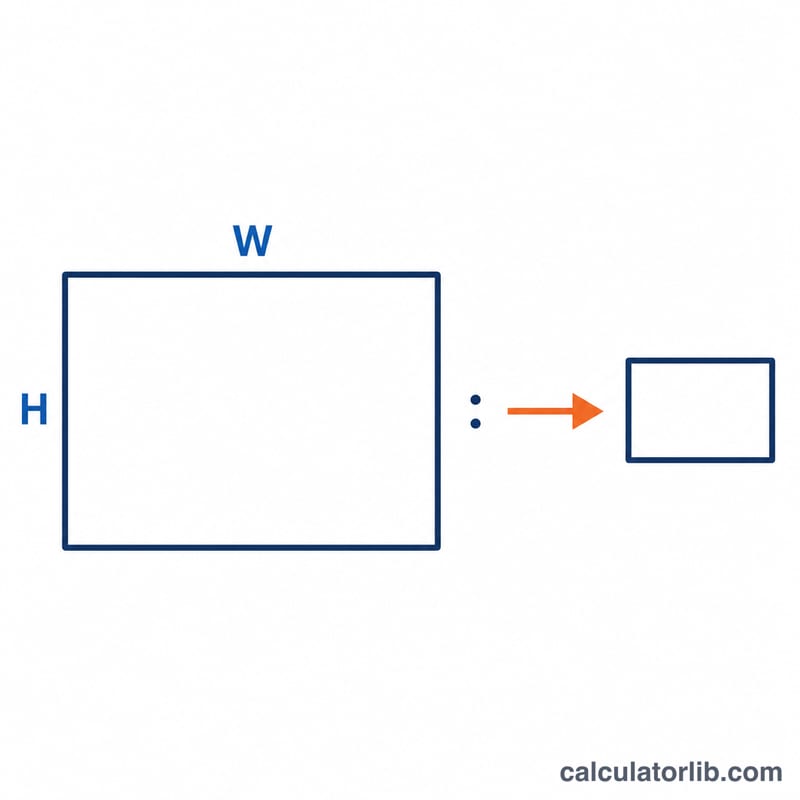
Worked example
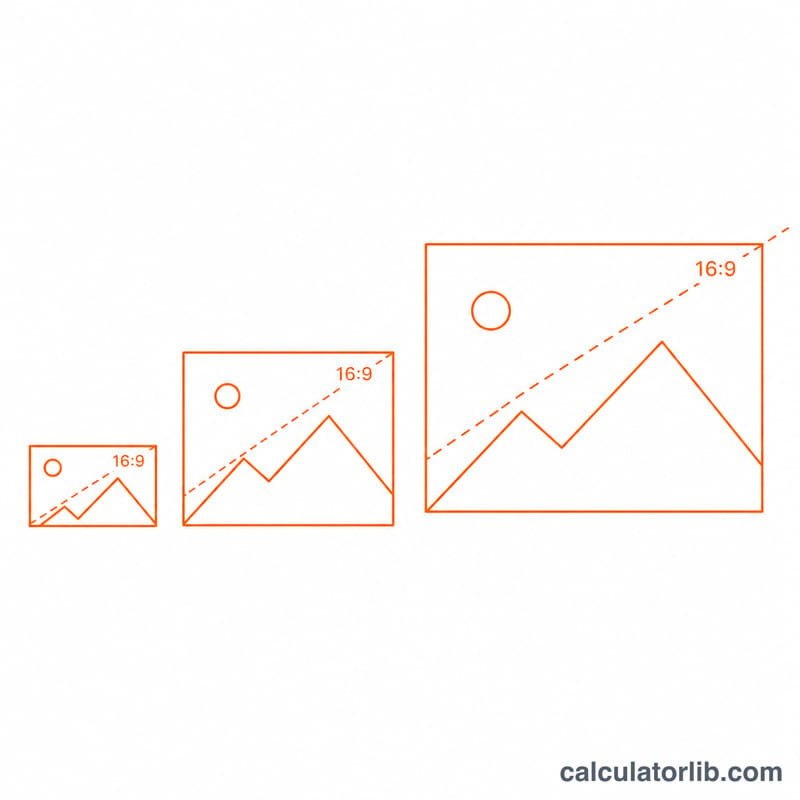
An image is 1920×1080. GCD(1920,1080) = 120, so the ratio is 16:9 and the decimal is 1.7778. To scale it to 1280 px wide:
$$\text{New Height} = 1280 \times \frac{1080}{1920} = 1280 \times 0.5625 = 720 \text{ px}$$The result is a perfect 1280×720 image.
FAQ
What if my image is square? A 500×500 image has a ratio of 1:1 and a decimal of 1.0 — perfectly square.
Can I get a non-standard ratio? Yes. Unusual sizes are still simplified; e.g. 1024×768 reduces to 4:3.
Why are resize results sometimes decimals? Pixel counts must be whole numbers, so round the computed side to the nearest pixel for the final image.