
What is the Aspect Ratio from Resolution Calculator?
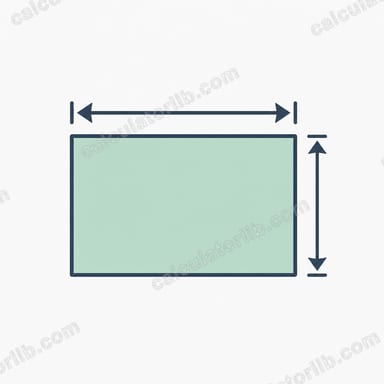
This calculator turns a pixel resolution — such as 1920×1080 — into its simplified aspect ratio like 16:9. The aspect ratio describes the proportional relationship between an image's width and height, independent of its actual pixel count. It is essential for video editing, display selection, photography, and designing graphics that fit a screen without distortion or letterboxing.
How to use it
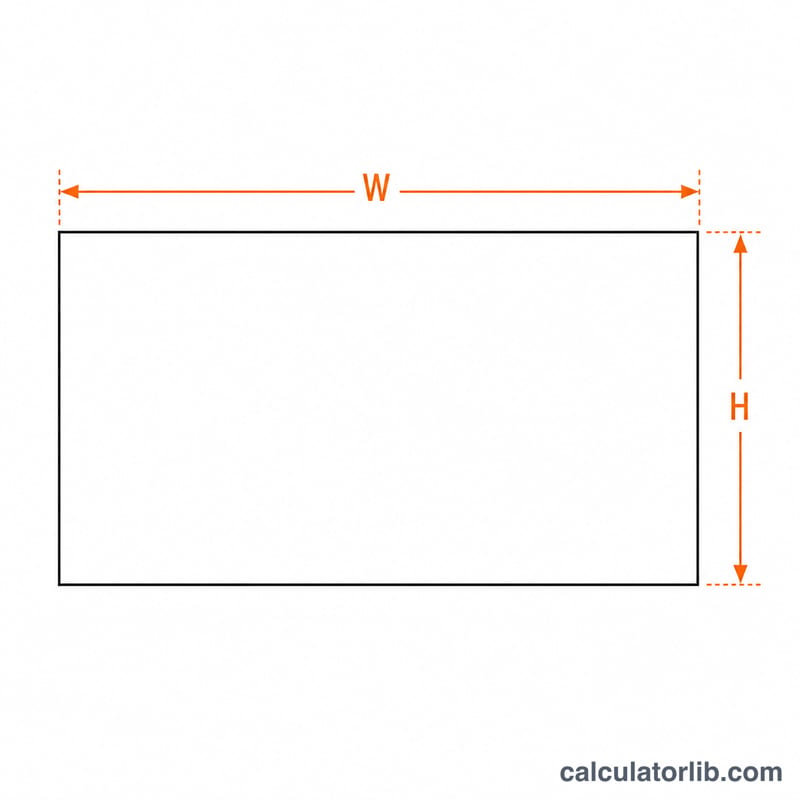
Enter the horizontal resolution (width) and vertical resolution (height) in pixels, then submit. The tool reduces the two numbers by their greatest common divisor (GCD) and shows the simplified ratio, the decimal ratio (width ÷ height), and the GCD itself. Any positive whole-number resolution works — TV, monitor, phone, or camera sensor sizes.
The formula explained
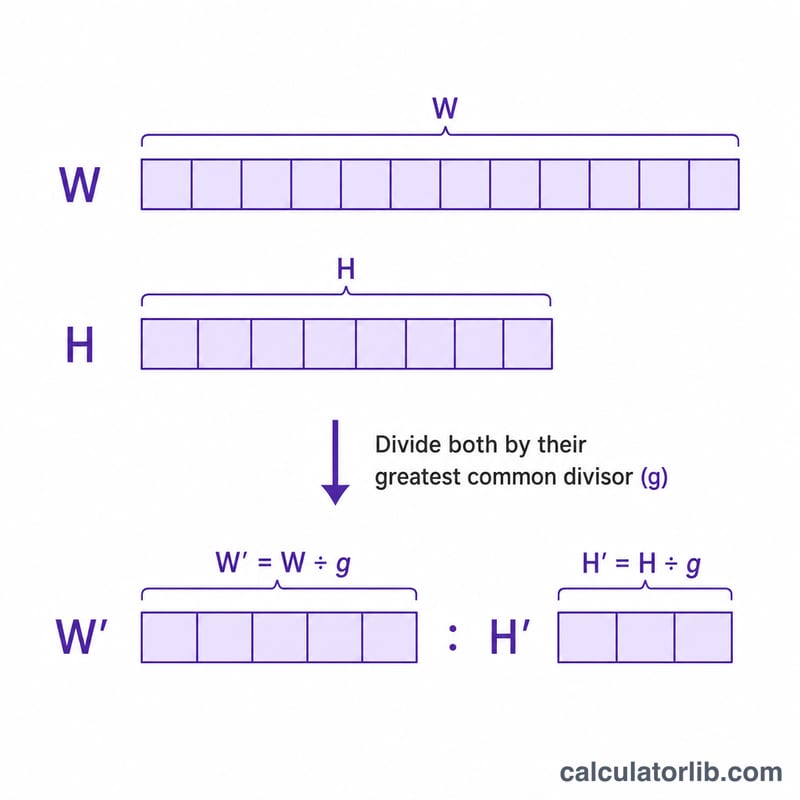
The greatest common divisor is the largest integer that divides both width and height evenly. Dividing each side by the GCD produces the smallest whole-number ratio that preserves the same proportions:
$$\text{Ratio} = \frac{\text{Width}}{\gcd} : \frac{\text{Height}}{\gcd} \qquad \gcd = \gcd\!\left(\text{Width},\, \text{Height}\right)$$For example, 1920 and 1080 share a GCD of 120, so \(1920 \div 120 : 1080 \div 120 = 16:9\).
Worked example
For a 2560×1440 display: the GCD of 2560 and 1440 is 160. Dividing gives \(2560 \div 160 = 16\) and \(1440 \div 160 = 9\), so the aspect ratio is again 16:9. The decimal ratio is $$2560 \div 1440 \approx 1.7778.$$
FAQ
Why isn't my ratio a familiar number like 16:9? Some resolutions reduce to less common ratios such as 683:384 when the dimensions don't share large common factors — that is still mathematically correct.
What does the decimal ratio mean? It is simply width divided by height; \(1.78 \approx 16:9\), \(1.33 \approx 4:3\), and \(2.33 \approx 21:9\).
Does orientation matter? Yes — a portrait 1080×1920 image reduces to 9:16, the reverse of landscape 16:9.