
What Is the Video Frame Count Calculator?
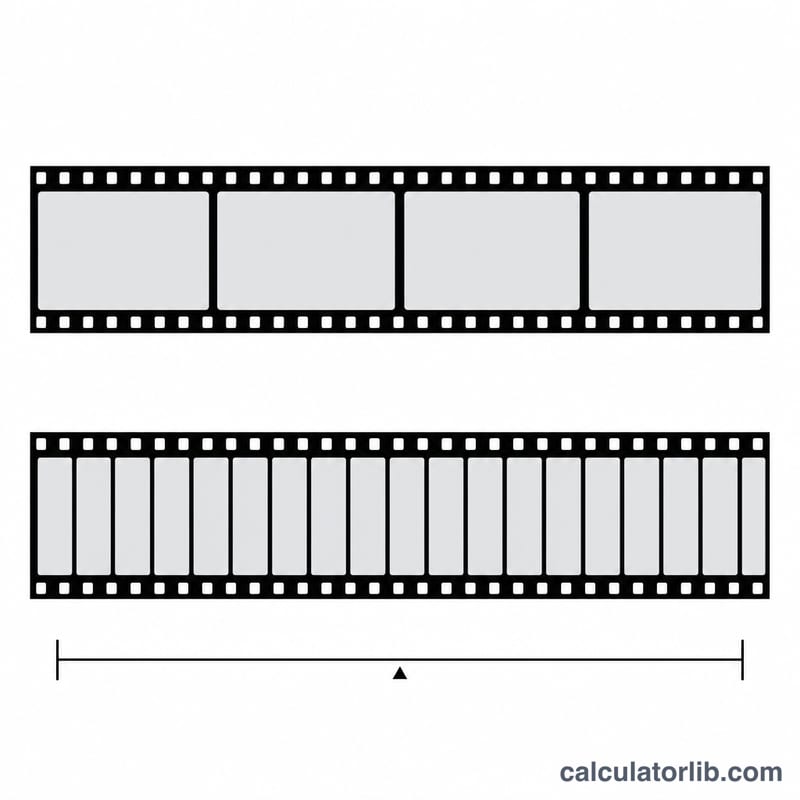
This tool tells you exactly how many frames a video clip contains, based on its length and frame rate. A video is just a sequence of still images (frames) shown rapidly to create the illusion of motion. The frame rate — measured in frames per second (fps) — defines how many of those images appear each second. Common rates include 24 fps (cinema), 25 fps (PAL), 30 fps (broadcast), and 60 fps (smooth gaming or sports footage).
How to Use It
Enter the clip's duration as minutes and seconds, then enter the frame rate in fps. The calculator converts the duration into total seconds, multiplies by the frame rate, and rounds to the nearest whole frame. Use it to estimate render counts, plan keyframe budgets, check timeline lengths, or convert between time and frame-based editing.
The Formula Explained
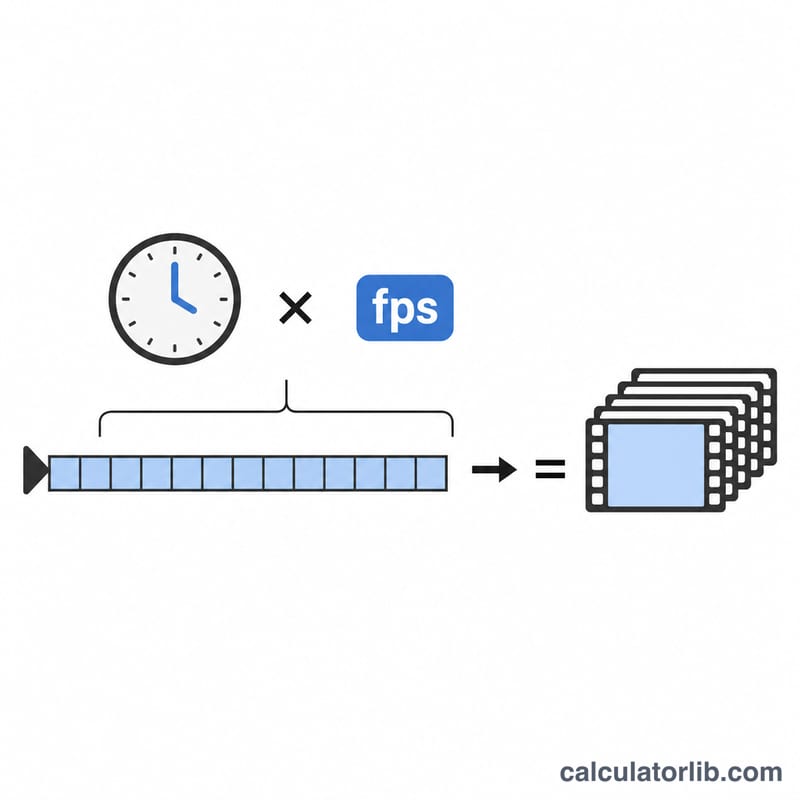
The math is simple: $$\text{Total Frames} = \text{Duration in seconds} \times \text{fps}$$ First the duration is normalized to seconds with \(\text{Minutes} \times 60 + \text{Seconds}\). Then that value is multiplied by the frame rate. Because partial frames are not displayed, the result is rounded to the nearest integer.
Worked Example
Suppose you have a 2-minute 30-second clip at 24 fps. The total duration is \(2 \times 60 + 30 = 150\) seconds. Multiply by 24 fps: $$150 \times 24 = 3{,}600 \text{ frames}$$ At 60 fps the same clip would contain \(150 \times 60 = 9{,}000\) frames.
FAQ
Does this support fractional frame rates like 23.976? Yes — enter 23.976 in the fps field and the calculator handles the decimal correctly, rounding the final frame total.
Why is the result rounded? A display device can only show whole frames, so the total is rounded to the nearest integer for a realistic count.
Can I work backwards from frames to duration? Yes: divide the frame count by the fps to get the duration in seconds (e.g. \(3{,}600 \div 24 = 150\) s).