
What the Video Bitrate Calculator Does
This Video Bitrate Calculator estimates the bitrate and final file size of a video based on its resolution, frame rate, duration and a compression ratio you choose. It is a quick planning tool for content creators, videographers, streamers and editors who need to know how much storage or bandwidth a clip will require before they export or upload it.
The Inputs You Provide
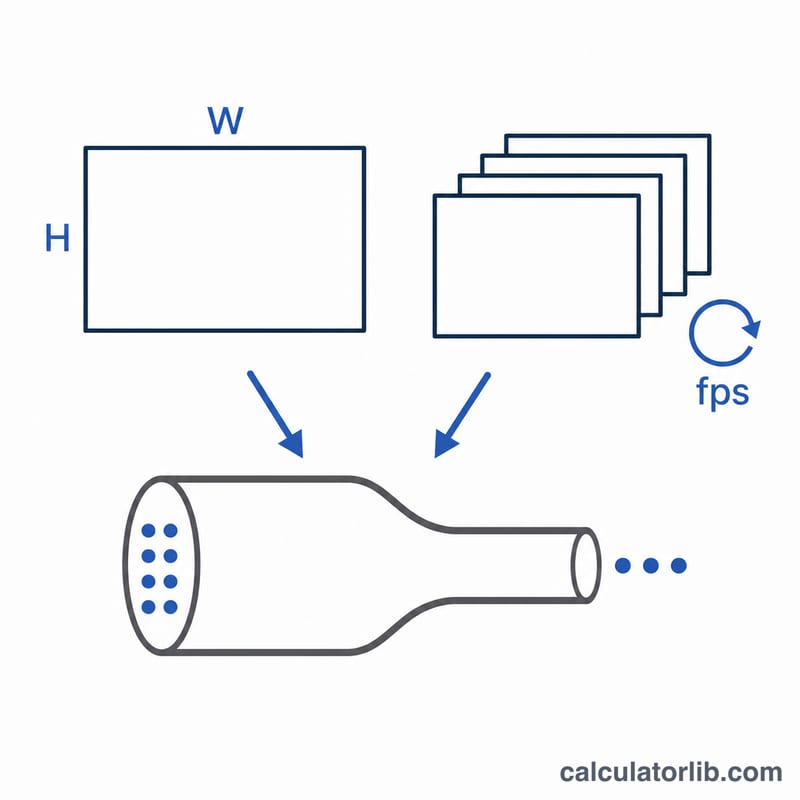
- Video Resolution — pick 1920×1080 (1080p), 1280×720 (720p) or 3840×2160 (4K). The calculator splits this into width and height to count the pixels in each frame.
- Frame Rate (fps) — how many frames are shown per second (e.g. 24, 30 or 60).
- Video Duration (minutes) — the length of the clip, used to scale the total file size.
- Compression Ratio — how aggressively the video is compressed. A higher number means more compression, a lower bitrate and a smaller file.
The Formula Explained
The bitrate is calculated as:
$$\text{Bitrate (bps)} = \frac{\text{Width} \times \text{Height} \times 24 \times \text{Framerate}}{\text{Compression Ratio}}$$
The 24 is the assumed colour depth (24-bit colour, or 8 bits per channel across red, green and blue). Width × Height gives pixels per frame, multiplying by 24 gives bits per frame, and multiplying by frame rate gives raw bits per second. Dividing by the compression ratio reflects how much the codec shrinks that raw data.
File size follows on from there: bits per second × 60 × duration in minutes gives total bits, which is then divided by 8 × 1024 × 1024 to convert to megabytes (and by a further 1024 for gigabytes).
Worked Example
Suppose you have a 1080p clip at 30 fps, lasting 10 minutes, with a compression ratio of 100.
- Pixels per frame: \(1920 \times 1080 = 2{,}073{,}600\)
- Bits per second: $$\frac{2{,}073{,}600 \times 24 \times 30}{100} = 14{,}929{,}920 \text{ bps} \approx 14{,}930 \text{ Kbps} \approx 14.93 \text{ Mbps}$$
- Total bits over 10 minutes: \(14{,}929{,}920 \times 60 \times 10 = 8{,}957{,}952{,}000\) bits
- File size: \(\dfrac{8{,}957{,}952{,}000}{8 \times 1024 \times 1024} \approx 1{,}067 \text{ MB} \approx 1.04 \text{ GB}\)
Frequently Asked Questions
What compression ratio should I use? It depends on your codec and quality target. Lower ratios (e.g. 20–50) keep more detail but produce larger files, while higher ratios (100+) save space at the cost of quality. Try a few values to find the balance you need.
Why does the calculator assume 24-bit colour? 24-bit (8 bits per RGB channel) is the standard for most consumer video. If you work with 10-bit HDR footage, the real bitrate will be higher than this estimate.
Is the result an exact file size? No — it's an estimate. Real codecs use variable bitrate, audio tracks and container overhead, so treat the output as a useful planning guide rather than an exact figure.