
What is an Upload Time Calculator?
An Upload Time Calculator is a digital tool that estimates how long it will take to upload a file to the internet based on your file size and internet upload speed. It helps you plan your uploads by providing accurate time estimates in various formats, from seconds to days depending on the file size and connection speed.
When to Use an Upload Time Calculator?
This calculator is particularly useful in several scenarios:
- Cloud Storage Uploads: Before uploading large files to services like Google Drive, Dropbox, or OneDrive, estimate the time needed to plan your schedule accordingly.
- Video Content Creation: Content creators can estimate upload times for high-resolution videos to YouTube, Vimeo, or other platforms to optimize their publishing workflow.
- File Sharing and Backup: When sharing large files or performing system backups, knowing the upload time helps determine the best time to start the process without interrupting other activities.
How to Calculate Upload Time
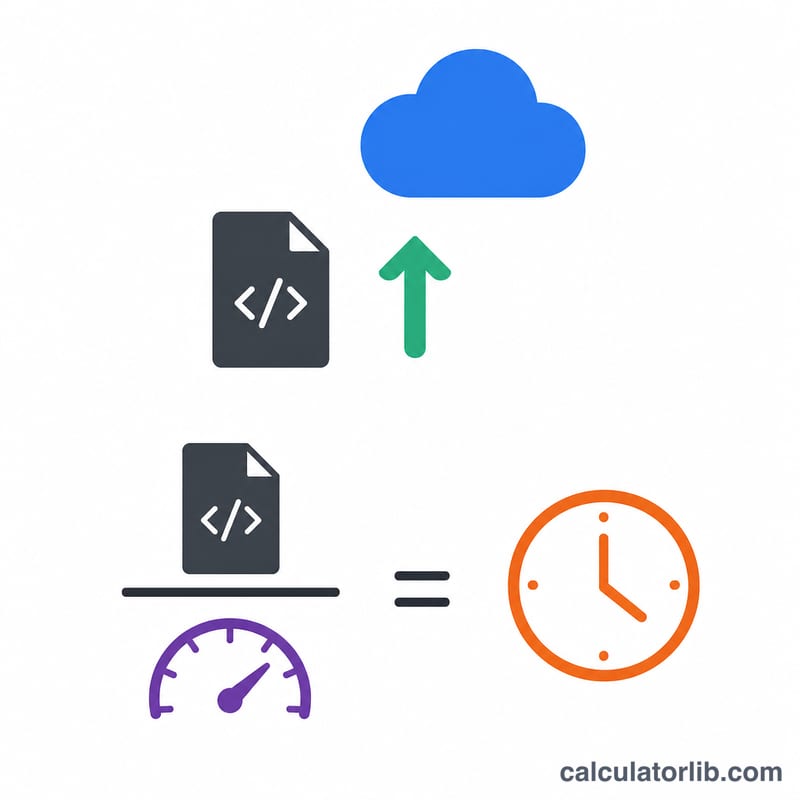
The upload time calculation involves converting file sizes and speeds to standard units, then applying the basic formula:
Basic Formula:
$$\text{Upload Time (seconds)} = \text{File Size (bits)} \div \text{Upload Speed (bits per second)}$$
Conversion Formulas:
- \(\text{File Size in bits} = \text{File Size (MB)} \times 8\)
- \(\text{Speed in bps} = \text{Speed (Mbps)} \times 1{,}000{,}000\)
Unit Conversions:
- KB to MB: divide by \(1{,}024\)
- GB to MB: multiply by \(1{,}024\)
- TB to MB: multiply by \(1{,}024^2\)
- Kbps to Mbps: divide by \(1{,}000\)
- Gbps to Mbps: multiply by \(1{,}000\)
Upload Speed Reference
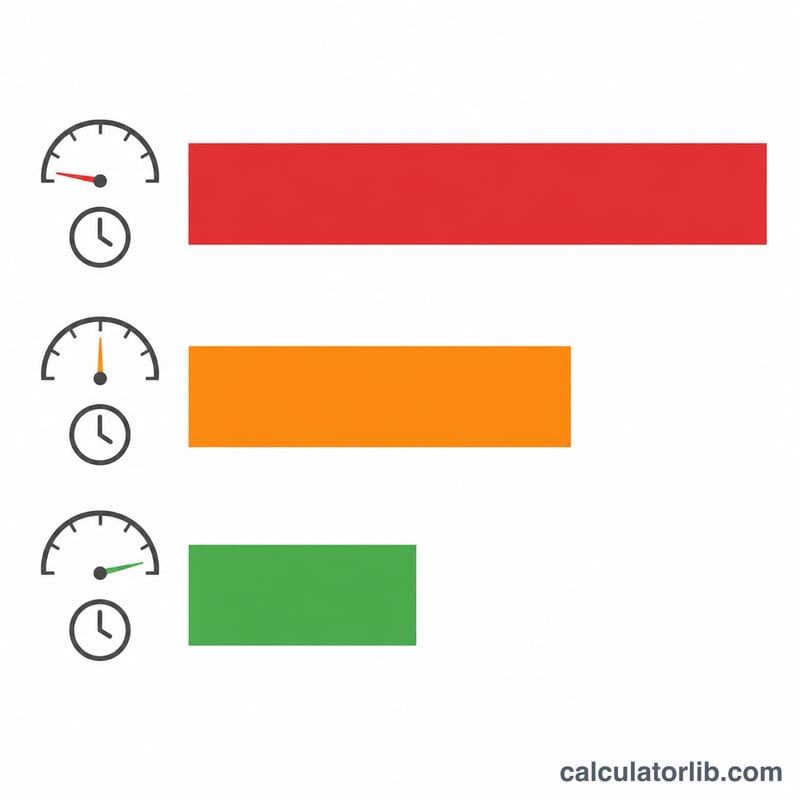
| Connection Type | Typical Upload Speed | Time for 1 GB File |
|---|---|---|
| Dial-up | 56 Kbps | ~40 hours |
| Basic DSL | 1 Mbps | ~2 hours 17 minutes |
| Cable Internet | 10 Mbps | ~13 minutes 40 seconds |
| High-Speed Cable | 50 Mbps | ~2 minutes 44 seconds |
| Fiber Optic | 100+ Mbps | ~1 minute 22 seconds |
Interpreting Your Upload Time Estimate
The number this calculator returns is a theoretical minimum: the time the transfer would take if your link delivered its full rated speed, continuously, with nothing else consuming bandwidth and no protocol overhead. Real uploads land at or above that figure, never below it.
Bits versus bytes — the factor of 8
File sizes are quoted in bytes (KB, MB, GB, TB) while link speeds are quoted in bits per second (Kbps, Mbps, Gbps), and 1 byte = 8 bits. So a 100 Mbps uplink moves at best
$$\frac{100\ \text{Mbps}}{8} = 12.5\ \text{MB/s}$$That factor of 8 is why connection speeds look roughly eight times larger than the throughput you actually observe in a file-transfer progress bar. If your upload client reports about 12 MB/s on a 100 Mbps line, the link is working correctly.
Why real uploads take longer than the estimate
- Protocol overhead. TCP/IP headers, TLS encryption handshakes and records, and HTTP framing all consume part of the wire capacity. In typical conditions this adds roughly 5–15% to the transfer time compared with the raw arithmetic.
- Asymmetric connections. Most cable and DSL plans upload far more slowly than they download — a plan advertised at 500 Mbps down may offer only 10–35 Mbps up. Always enter the upload figure; using the download number can understate the time by more than a factor of ten. Fiber plans are often symmetric, but not always.
- Shared links and Wi-Fi. Other devices streaming, syncing or backing up compete for the same uplink. Wi-Fi adds its own variance from distance, interference and channel sharing, so a wired Ethernet connection gives results much closer to the calculated minimum.
- ISP caps and throttling. Some plans slow traffic after a monthly data threshold, during peak hours, or for specific traffic types, which stretches long uploads well beyond the estimate.
- Server-side limits. The receiving service may cap throughput per connection, per account or per file, so a fast local link can still be the slower party's prisoner. Multiple parallel streams sometimes help here; a single-stream cap will not improve no matter how fast your line is.
- Chunked and resumable uploads. Cloud storage and media platforms commonly split large files into chunks, each with its own request and acknowledgement. Those per-chunk round trips cost time that scales with latency, not bandwidth — noticeable on satellite or long-distance links.
Reading the gap between estimate and reality
A practical rule of thumb: if the actual elapsed time comes in within roughly 10–20% of the calculated figure, your link is performing at its rated speed and overhead alone explains the difference. If the real upload takes substantially longer — say two or three times the estimate — the bottleneck is something other than file size: a slower-than-advertised uplink, Wi-Fi, contention, throttling, or a server-side limit.
Advertised versus measured speed
Advertised speeds are commonly marketed as "up to" figures and may not reflect what your line sustains at a given moment. For a sharper estimate, run a speed test, note the upload result, and enter that measured value instead of the plan's headline number. Because the formula is linear in speed, halving the speed exactly doubles the time — so an accurate speed input matters more to the result than anything else you can control.