
What Is the Game Download Time Calculator?
The Game Download Time Calculator estimates how long it will take to download a video game or large update given its file size in gigabytes (GB) and your internet connection speed in megabits per second (Mbps). Whether you are waiting on a 80 GB AAA title or a quick patch, this tool turns those numbers into a realistic time estimate so you know when you can start playing.
How to Use It
Enter the game's file size in GB (shown on the store page) and your download speed in Mbps. Tip: your speed plan is advertised in Mbps, but download managers often show MB/s — multiply MB/s by 8 to get Mbps. Click calculate and you'll get the total download time broken into hours, minutes, and seconds.
The Formula Explained
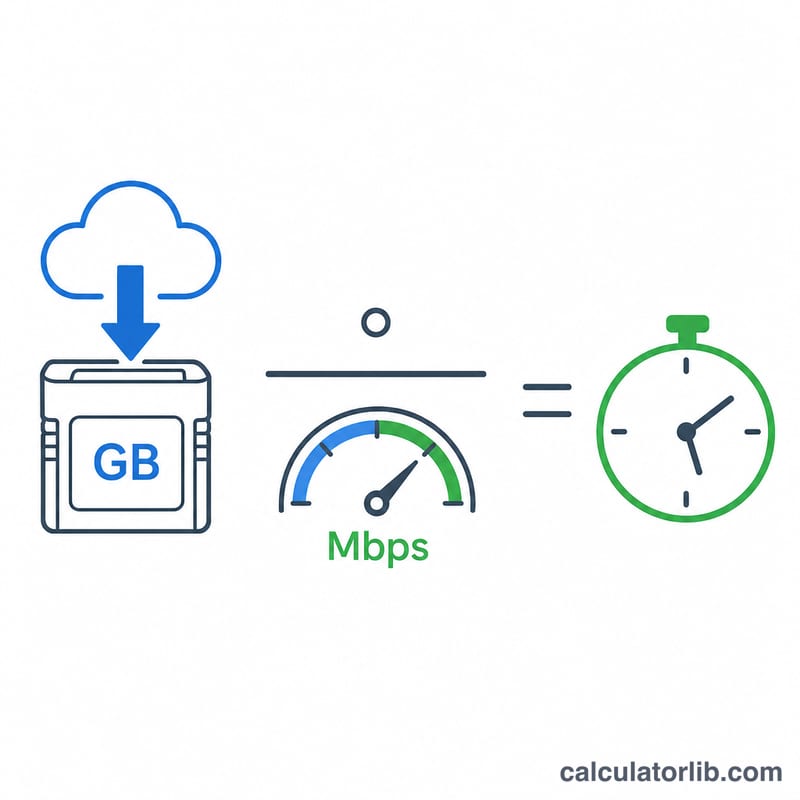
Speeds are measured in bits while file sizes are in bytes, and 1 byte = 8 bits. We convert: 1 GB = 1024 MB, and each MB = 8 megabits. So the time in seconds is:
$$\text{time\_s} = \frac{\text{file\_GB} \times 8 \times 1024}{\text{speed\_Mbps}}$$
This assumes a constant, fully-utilized connection. Real-world downloads are slower due to overhead, server limits, and shared bandwidth, so treat the result as a best-case estimate.
Worked Example
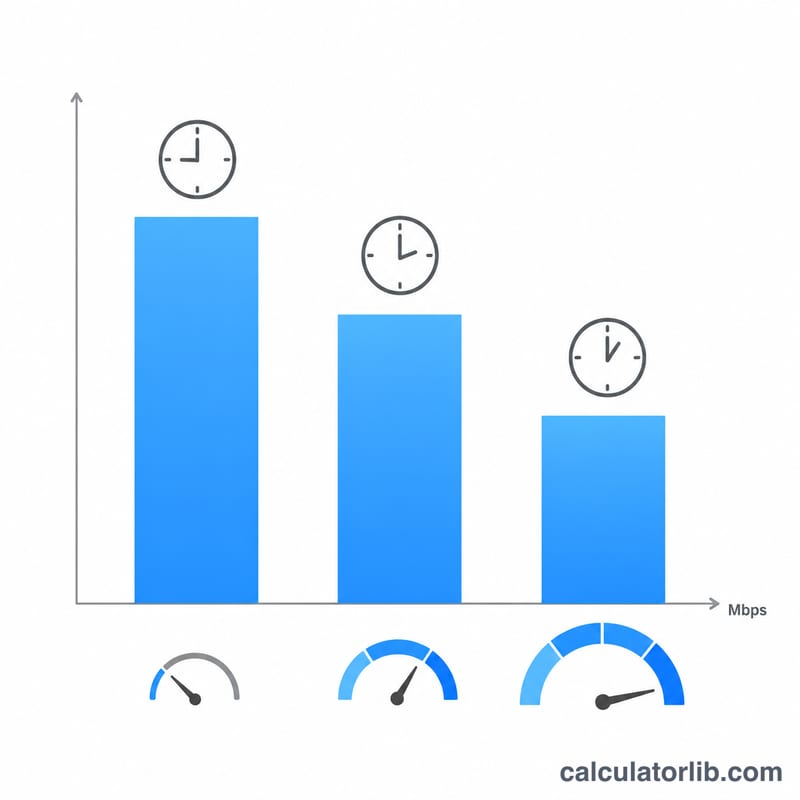
A 50 GB game on a 100 Mbps connection: $$\frac{50 \times 8 \times 1024}{100} = 4096 \text{ seconds} = 1 \text{ hour}, 8 \text{ minutes}, 16 \text{ seconds}.$$ On a 1000 Mbps (gigabit) line the same game would take just about \(410\) seconds, roughly 6 minutes 50 seconds.
FAQ
Why is my actual download slower? Protocol overhead, throttling, congested servers, Wi-Fi interference, and shared household bandwidth all reduce effective speed below the theoretical maximum.
Is Mbps the same as MB/s? No. Mbps is megabits per second; MB/s is megabytes per second. \(1 \text{ MB/s} = 8 \text{ Mbps}\). ISPs advertise Mbps.
Does this account for game decompression? No — many platforms decompress and install after downloading, which adds extra time depending on your storage speed.