
What this calculator does
The SD Card / Memory Recording Time Calculator estimates how much video (or audio) footage a memory card can store, based on the card's capacity and the recording bitrate. Photographers, videographers, drone pilots and security-camera installers use it to plan how long a card lasts before it fills up.
How to use it
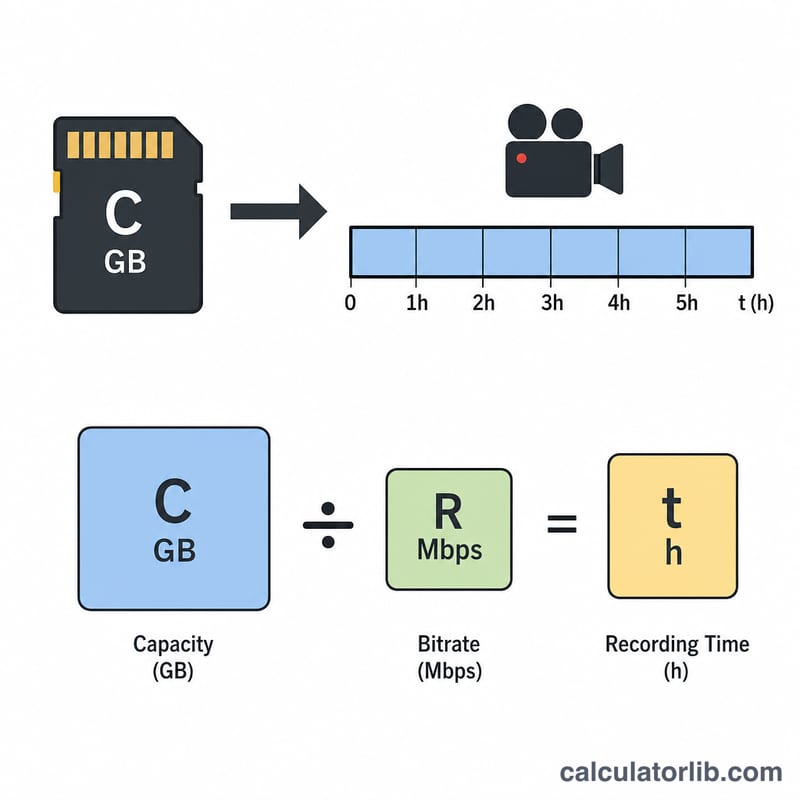
Enter your card size (for example 64 GB), pick the unit, then enter your recording bitrate as quoted by your camera or codec (for example 25 Mbps for 1080p, or 100 Mbps for 4K). Choose the matching bitrate unit and read off the estimated recording time in hours, minutes and seconds.
The formula explained
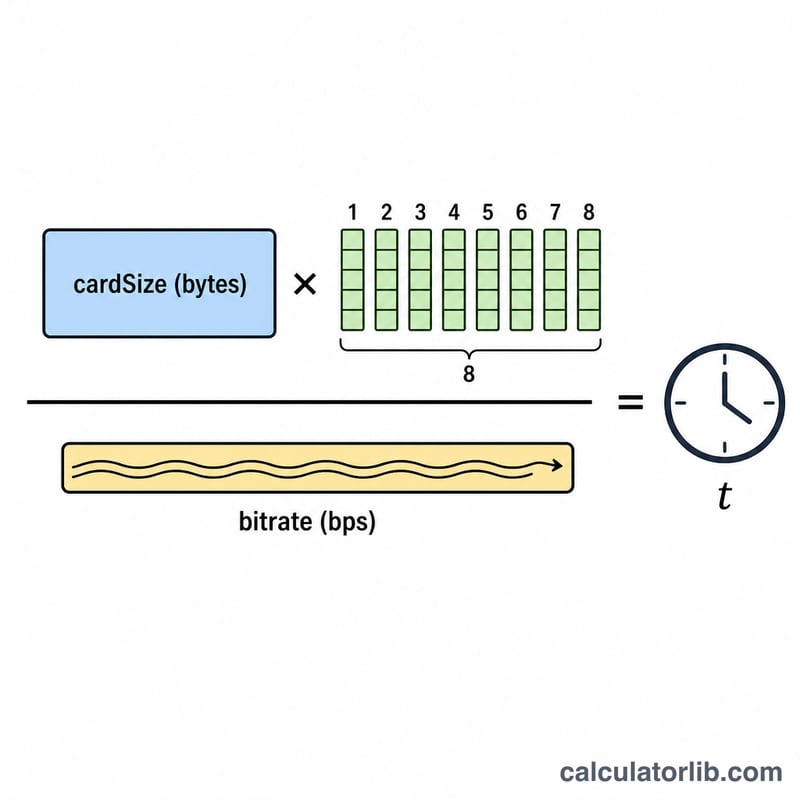
Bitrate measures how many bits of data are written each second, while card capacity is measured in bytes. Since one byte equals 8 bits, we convert capacity to bits and divide by the bitrate:
$$\text{recordTime\_sec} = \frac{\text{cardSize\_bytes} \times 8}{\text{bitrate\_bps}}$$
This calculator uses decimal storage units (1 GB = 1,000,000,000 bytes), the convention printed on card packaging.
Worked example
A 64 GB card recording at 25 Mbps: 64 GB = 64,000,000,000 bytes \(\times\) 8 = 512,000,000,000 bits. Dividing by 25,000,000 bits/s gives 20,480 seconds \(\approx\) 5 hours 41 minutes. Halving the bitrate roughly doubles the recording time.
$$\text{Time (s)} = \frac{64{,}000{,}000{,}000 \times 8}{25{,}000{,}000} = 20{,}480 \text{ s}$$
FAQ
Why is my real recording shorter? Cameras add audio, metadata and file overhead, and the marketed capacity is slightly larger than the usable formatted space, so treat the result as an upper estimate.
GB vs GiB? We use decimal GB (\(10^9\) bytes). If your OS reports GiB (\(2^{30}\) bytes), actual capacity is about 7% lower.
What bitrate should I use? Check your camera's spec sheet — common values are 25–50 Mbps for HD and 100–400 Mbps for 4K and high-frame-rate modes.