
What is the Time Card Calculator with Lunch Break?
This tool turns your daily clock-in and clock-out times into net paid hours by subtracting an unpaid lunch or meal break. It's ideal for hourly employees, freelancers, managers approving timesheets, or anyone who needs an accurate count of hours worked in a single shift.
How to use it
Enter your start time and end time using a 24-hour decimal format — for example, 9:00 AM is 9.0, 1:30 PM is 13.5, and 5:45 PM is 17.75. Then enter the length of your unpaid break in minutes. The calculator returns net worked hours, the gross span, and total worked minutes. Overnight shifts are handled automatically: if the clock-out time is earlier than the clock-in time, 24 hours are added.
The formula explained
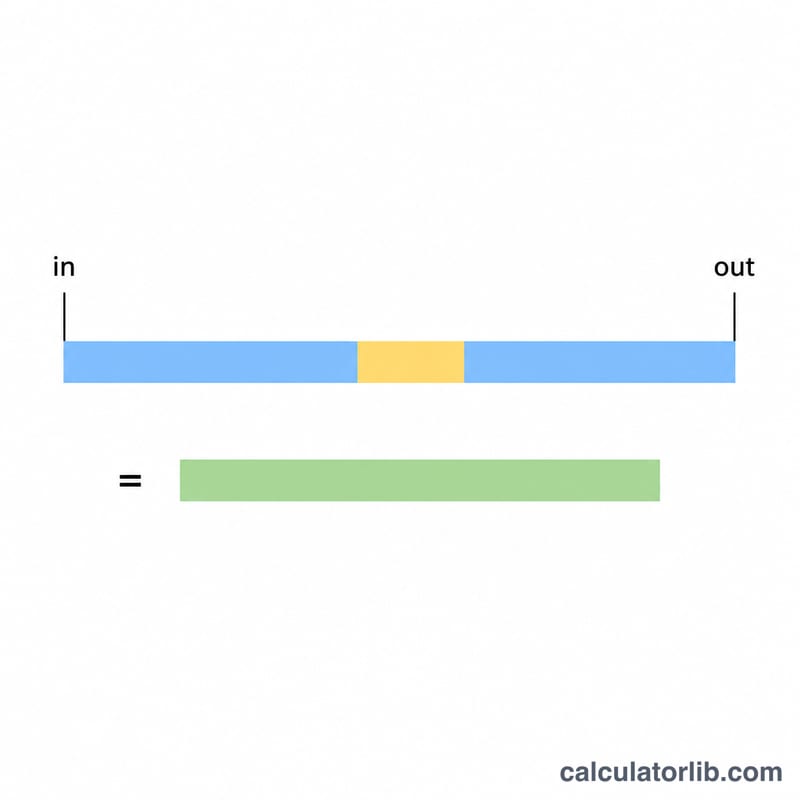
First the gross span is found by subtracting clock-in from clock-out. The lunch break, given in minutes, is divided by 60 to convert it to hours, then subtracted from the gross span:
$$\text{Worked Hours} = \left(\text{Clock Out} - \text{Clock In}\right) - \frac{\text{Lunch (min)}}{60}$$
Worked example
Suppose you clock in at 9:00 (9.0), clock out at 17:30 (17.5), and take a 30-minute lunch. Gross span = \(17.5 - 9.0 = 8.5\) hours. Lunch = \(30 \div 60 = 0.5\) hours. Net worked hours = \(8.5 - 0.5 = \) 8.0 hours, equal to 480 minutes.
FAQ
How do I enter minutes like 9:15? Convert the minutes to a decimal fraction of an hour: 15 minutes = 0.25, so 9:15 becomes 9.25. Likewise 9:45 = 9.75.
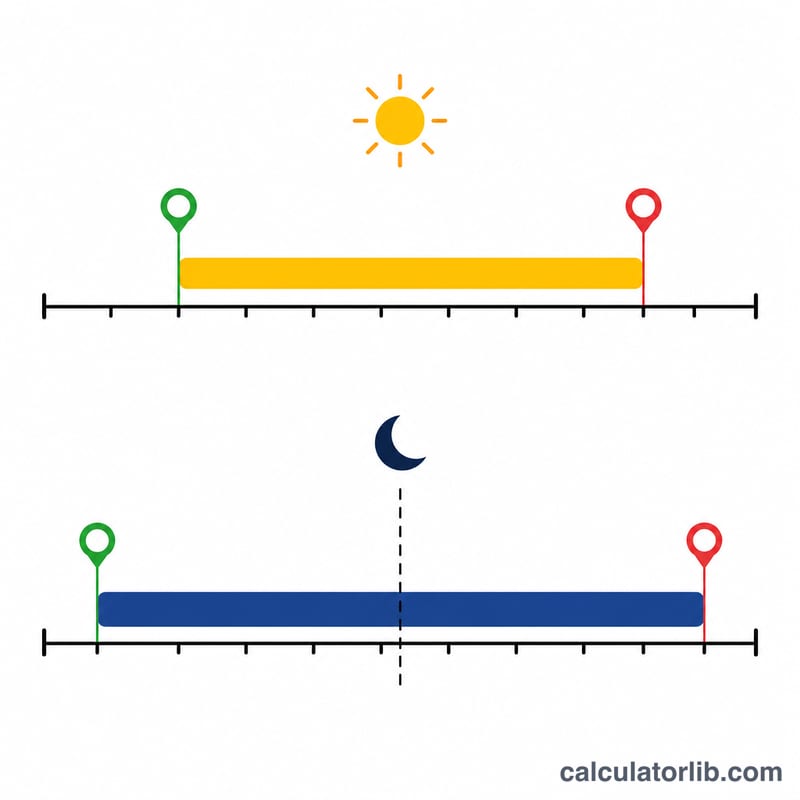
Does it handle overnight shifts? Yes. If you clock in at 22.0 and out at 6.0, the tool adds 24 hours so the span is 8 hours before subtracting your break.
Is the lunch break paid? This calculator assumes the break is unpaid and removes it from your total. If your break is paid, simply enter 0 minutes.