
What This Calculator Does
The Work Hours Calculator with Lunch Break tells you exactly how many hours you actually worked in a shift. Many time clocks record only when you start and finish, leaving you to subtract your unpaid lunch by hand. This tool does the math instantly: it finds the elapsed time between your clock-in and clock-out, then removes the minutes you spent on break.
How to Use It
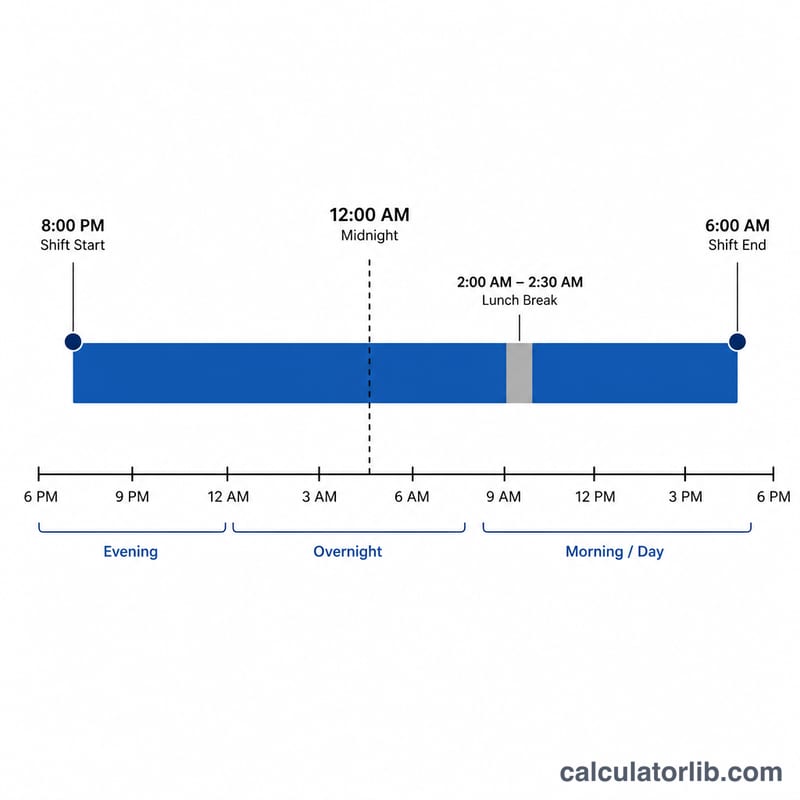
Enter your clock-in time and clock-out time using the 24-hour or AM/PM time pickers, then type how many minutes your lunch break lasted. The result shows your net paid hours both as a decimal (handy for timesheets and payroll) and in hours-and-minutes format. If your shift crosses midnight — for example a clock-in at 22:00 and clock-out at 06:00 — the calculator automatically rolls over to the next day.
The Formula Explained
The core equation is $$\text{Worked} = \left(\text{Clock Out} - \text{Clock In}\right) - \text{Break}$$ Each time is first converted to minutes since midnight. The difference gives the total span on the clock. Subtracting the break minutes leaves the net worked minutes, which is then divided by 60 to express the answer in hours.
Worked Example
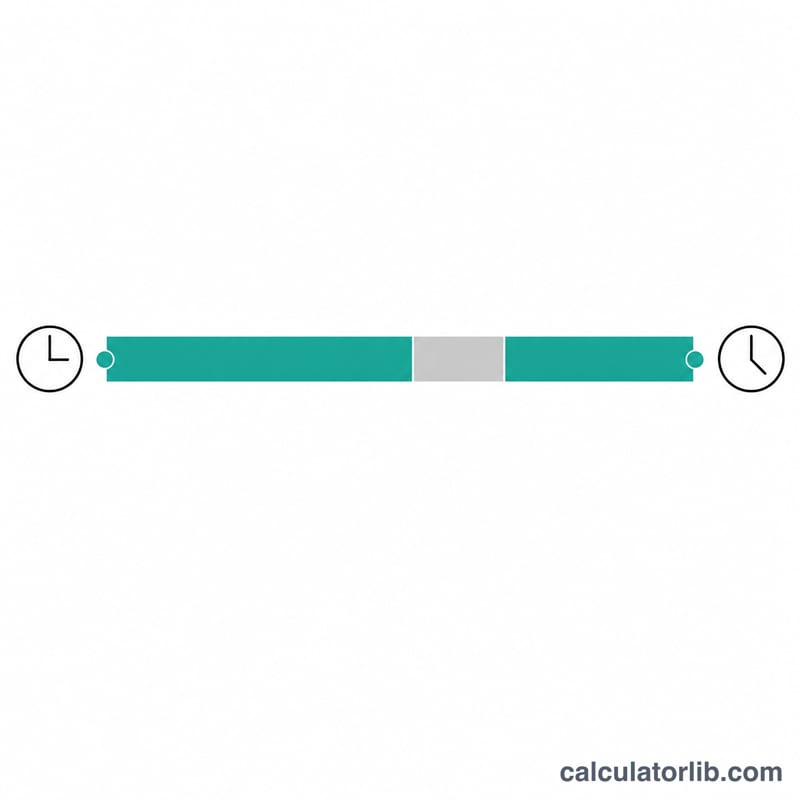
Suppose you clock in at 09:00 and clock out at 17:30 with a 30-minute lunch. The span is 8 hours 30 minutes (510 minutes). Subtract the 30-minute break to get 480 minutes, or exactly 8.00 hours of paid work.
$$\text{Worked Hours} = \frac{\left(510 - 30\right)}{60} = \frac{480}{60} = 8.00 \text{ hours}$$
FAQ
Does it handle overnight shifts? Yes. If the clock-out time is earlier than the clock-in time, the calculator assumes the shift ran past midnight and adds 24 hours.
Should I include a paid break? Only enter break minutes that are unpaid and deducted from your hours. If your break is paid, enter 0.
Why show decimal hours? Payroll systems typically use decimal hours (8.5 instead of 8h 30m), so both formats are provided for convenience.