
What is the Shift Length Calculator?
The Shift Length Calculator tells you exactly how many hours you worked in a single shift. Enter your start time, your end time and the number of minutes of unpaid break, and it returns the paid hours both as a decimal (handy for timesheets and payroll) and in hours-and-minutes format. It correctly handles overnight shifts that cross midnight.
How to use it
Pick your shift start time and end time using the time pickers, then enter how many minutes of unpaid break you took (for example a 30-minute lunch). Click calculate. The hero result shows your paid shift length in decimal hours, and the table breaks down the gross hours from clock-in to clock-out, the unpaid break, and the total paid minutes.
The formula explained
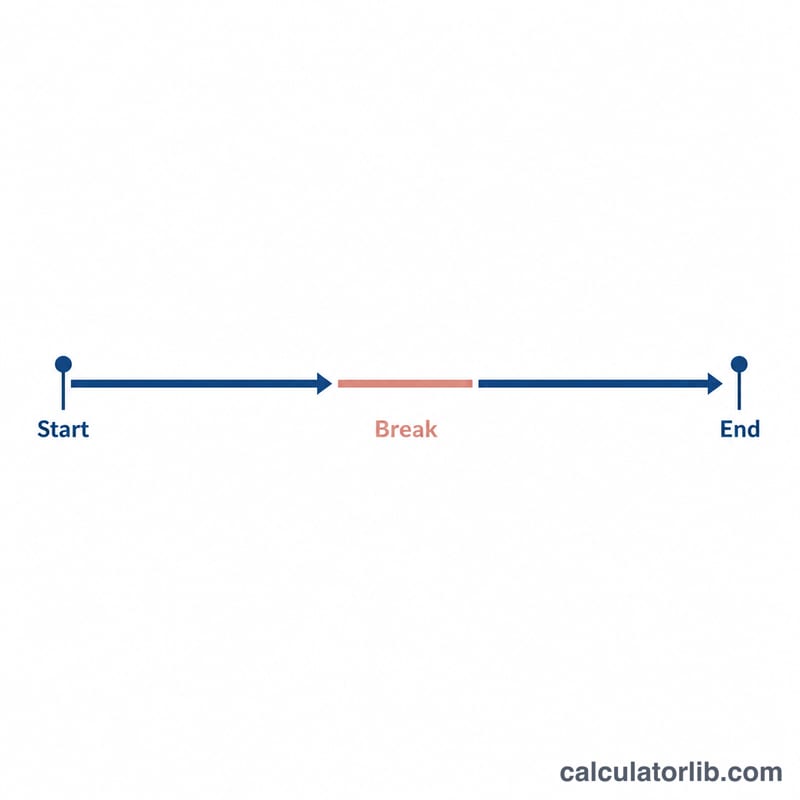
The calculator converts both times to minutes past midnight. It subtracts the start from the end to get gross minutes. If the end time is the same as or earlier than the start time, it assumes the shift ran past midnight and adds 24 hours (1440 minutes) before subtracting. It then removes the unpaid break: $$\text{Hours} = \frac{(\text{End} - \text{Start}) - \text{Break}}{60}$$.
Worked example
You clock in at 09:00 and clock out at 17:30, with a 30-minute unpaid lunch. Gross time is 8 hours 30 minutes = 510 minutes. Subtract the 30-minute break to get 480 minutes, which is 8.00 paid hours.
$$\text{Hours} = \frac{510 - 30}{60} = \frac{480}{60} = 8.00$$
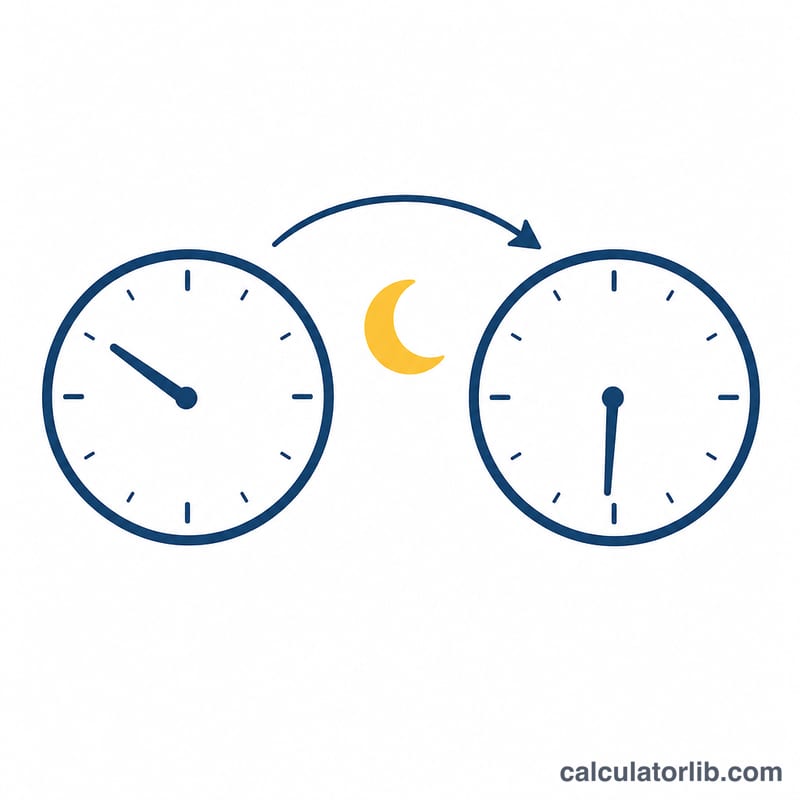
For an overnight example, a shift from 22:00 to 06:00 with no break wraps past midnight: 06:00 becomes 30:00, giving 480 minutes = 8.00 hours.
FAQ
Does it handle shifts that go past midnight? Yes. If the end time is earlier than or equal to the start time, the calculator adds 24 hours automatically.
Should I include paid breaks? No. Only enter break time that is unpaid. Paid breaks remain part of your shift hours.
What if I worked exactly 24 hours? Because an equal end and start triggers the overnight wrap, a start and end at the same time is treated as a full 24-hour span.