
What Is a CPS Calculator?
A Clicks Per Second (CPS) calculator measures your clicking speed — a popular metric among gamers, especially in Minecraft PvP, idle/clicker games, and reaction-time challenges. CPS simply tells you how many mouse clicks you register in one second on average. The higher your CPS, the faster your click speed.
How to Use It
Run a click test (for example, click as fast as you can for 10 seconds) and count your total clicks. Enter the total clicks and the elapsed time in seconds, then the calculator divides one by the other to give your average CPS, along with the equivalent clicks per minute and clicks per hour.
The Formula Explained
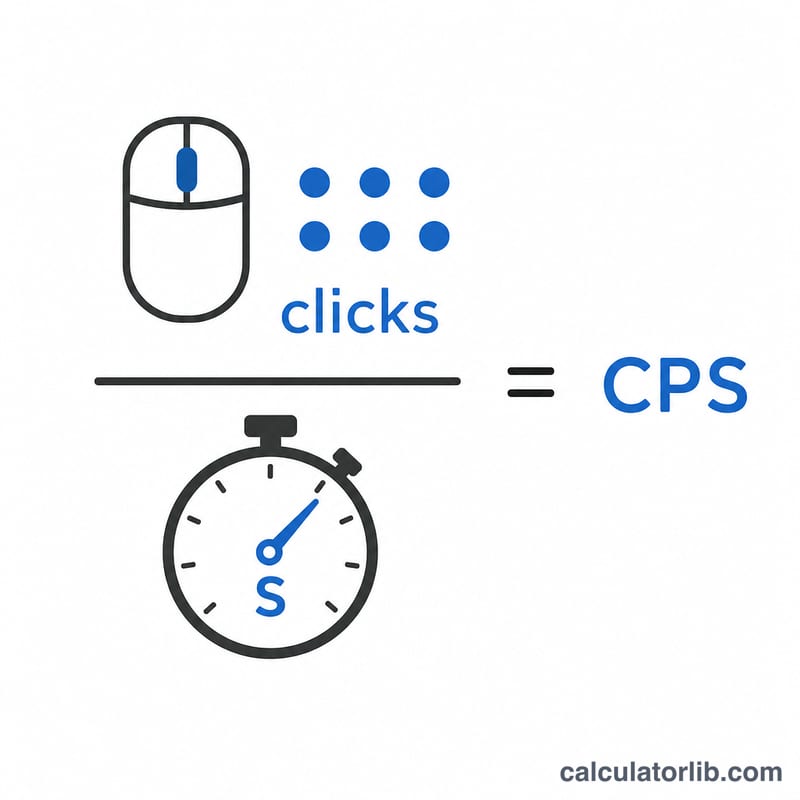
The math is a straightforward rate:
$$\text{CPS} = \frac{\text{Total Clicks}}{\text{Elapsed Time (s)}}$$
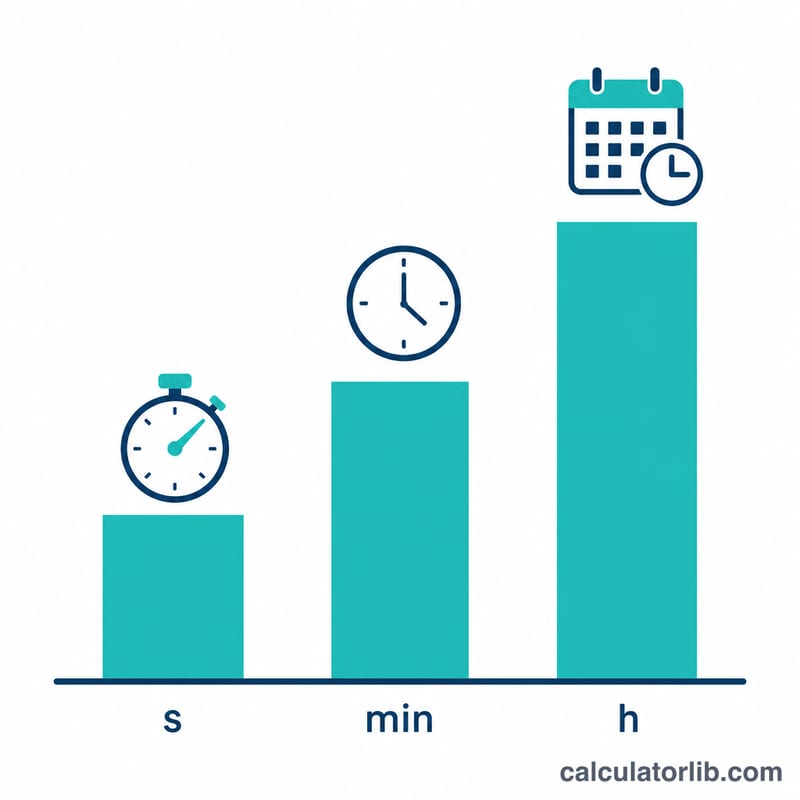
From there, multiply by 60 for clicks per minute and by 3,600 for clicks per hour. Because CPS is an average over the whole test window, a longer test gives a more stable, realistic number than a short burst.
Worked Example
Suppose you clicked 87 times in 10 seconds. Your CPS is $$87 \div 10 = 8.7 \text{ CPS}$$ That scales to \(8.7 \times 60 = 522\) clicks per minute and \(8.7 \times 3{,}600 = 31{,}320\) clicks per hour. A typical casual clicker lands around 6–8 CPS, while practiced players using jitter or butterfly clicking can exceed 10–14 CPS.
FAQ
What is a good CPS score? Average is about 6–7 CPS. Anything above 10 CPS is considered fast and usually requires specific clicking techniques.
Does test length matter? Yes. Short tests (1–2 seconds) inflate scores from initial bursts; 5–10 second tests give a fairer average.
Can CPS be a decimal? Absolutely — since it's an average, values like 7.4 CPS are normal and expected.