
What This Calculator Does
The Video Streaming Data Usage Calculator estimates how much internet data your video streaming consumes. Whether you watch Netflix, YouTube, Disney+, or any other service, this tool converts a stream's bitrate (in megabits per second) into total gigabytes used over a chosen number of hours and days — perfect for managing a capped broadband plan or a mobile data allowance.
How to Use It
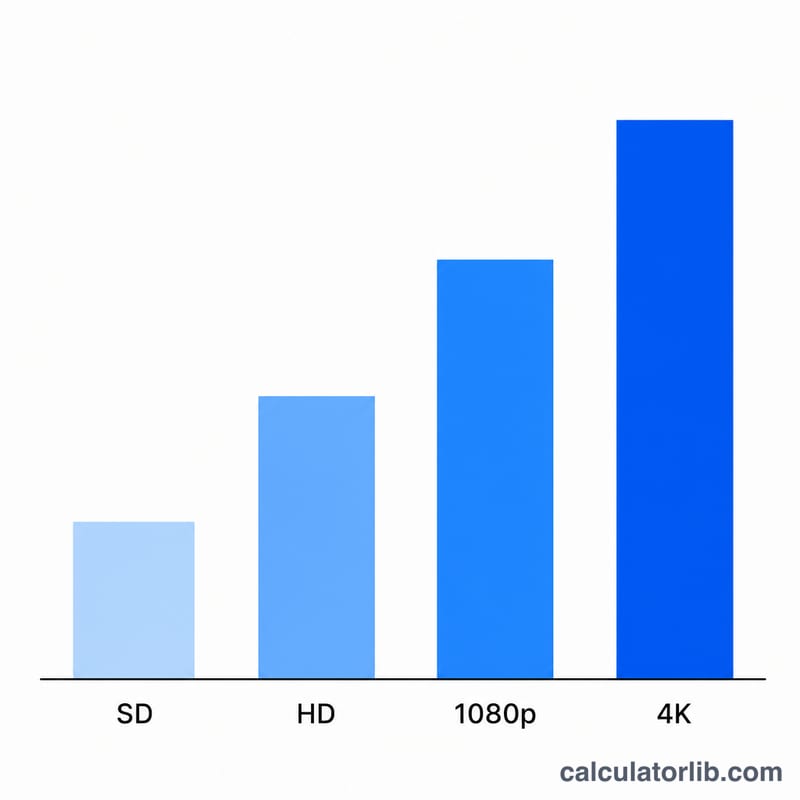
Pick a streaming quality preset (SD, HD, Full HD, or 4K) or enter a custom bitrate in Mbps to override it. Then enter how many hours per day you stream and across how many days. The calculator returns your total data usage in GB and MB, the data used per hour, and your total streaming hours.
The Formula Explained
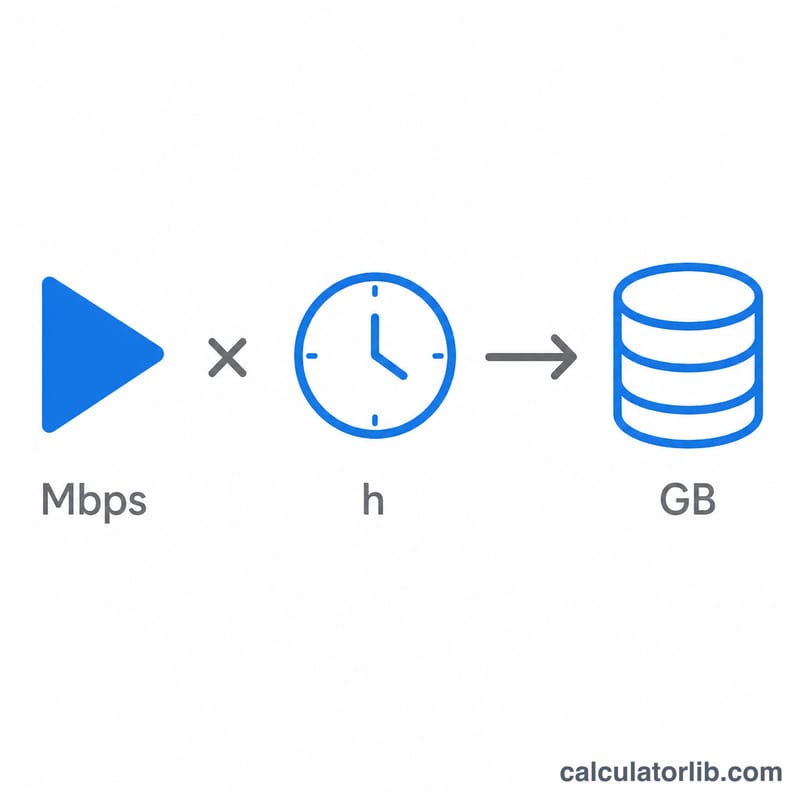
Bitrate is measured in megabits per second (Mbps), but data caps are measured in gigabytes (GB). To convert, we multiply the bitrate by the number of seconds (3600 per hour × hours), divide by 8 to turn megabits into megabytes, then divide by 1000 to turn megabytes into gigabytes:
$$\text{Data (GB)} = \frac{\text{Bitrate} \times 3600 \times \text{hours}}{8 \times 1000}$$
Here "hours" is your hours-per-day multiplied by the number of days.
Worked Example
Suppose you stream Full HD (1080p) at 8 Mbps for 2 hours a day across 5 days — 10 total hours. Data per hour = \(8 \times 3600 \div 8 \div 1000 = 3.6\) GB. Over 10 hours that is \(3.6 \times 10 = 36\) GB. So a week of evening movies would use roughly 36 GB of your data allowance.
FAQ
Are bitrate figures exact? No. The presets are typical averages. Real bitrate varies with scene complexity, codec (H.264 vs. HEVC vs. AV1), and adaptive streaming, so treat results as estimates.
Why divide by 8? There are 8 bits in a byte. Bitrate is in megabits while file sizes are in megabytes, so dividing by 8 converts between them.
Does this include audio? The bitrate of a video stream generally already bundles the audio track, so the estimate covers both.