What is the Streaming Data Usage Calculator?
Streaming video and music consumes data at a rate that depends on the quality (resolution and bitrate) you watch in. This calculator estimates how many gigabytes (GB) you will use based on the streaming quality and how many hours you stream. It helps you stay under a mobile data cap, plan a hotspot trip, or simply understand why 4K eats through an allowance so quickly.
How to use it
Pick a quality preset — from audio-only at about 0.7 Mbps up to high-bitrate 4K at 25 Mbps — or choose "Custom bitrate" and enter your own figure in megabits per second (Mbps). Then enter the number of hours you plan to stream. The calculator shows total data used in GB, the data rate per hour, and the equivalent in megabytes (MB).
The formula explained
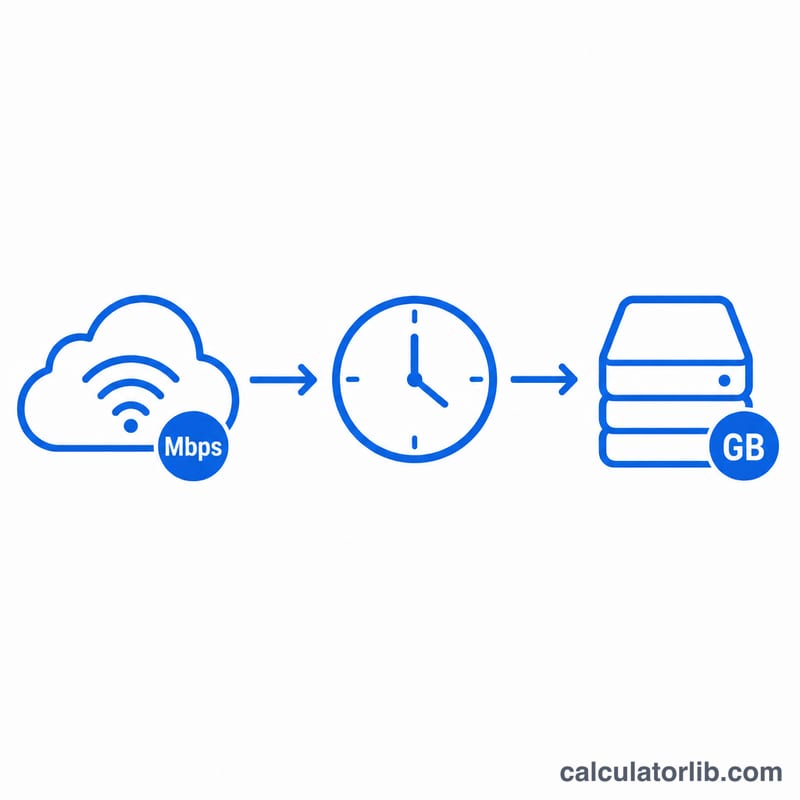
A bitrate in Mbps means megabits per second. There are 3,600 seconds in an hour, so multiplying gives megabits per hour. Dividing by 8 converts bits to bytes (8 bits = 1 byte), and dividing by 1,000 converts megabytes to gigabytes:
$$\text{GB per hour} = \text{bitrate (Mbps)} \times 3600 \div 8 \div 1000.$$ Multiply the result by your hours to get total data used.
Worked example
Suppose you stream Full HD 1080p at 5 Mbps for 2 hours. GB per hour = $$5 \times 3600 \div 8 \div 1000 = 18{,}000 \div 8 \div 1000 = 2.25 \text{ GB/hr}.$$ Over 2 hours that is \(2.25 \times 2 = 4.5\) GB, or 4,500 MB.
Typical Streaming Bitrates and GB per Hour by Quality
Data use is bitrate multiplied by time. With bitrate in megabits per second (Mbps) and decimal gigabytes (1 GB = 1,000 MB):
$$\text{GB per hour} = \frac{\text{Mbps} \times 3600}{8 \times 1000} = \text{Mbps} \times 0.45$$
MB per minute is the bitrate × 7.5. The bitrates below are typical ballpark figures. Actual values vary by service, codec, content and your connection.
| Quality tier | Typical bitrate (Mbps) | GB per hour | MB per minute |
|---|---|---|---|
| Music / audio (high quality) | ~0.7 | ~0.3 (0.315) | ~5.3 |
| SD 480p | ~1.5 to 3 | ~0.7 to 1.4 (0.675 to 1.35) | ~11 to 23 |
| HD 720p | ~3 to 5 | ~1.35 to 2.25 | ~23 to 38 |
| Full HD 1080p | 5 (up to ~8 for high-quality streams) | 2.25 (3.6 at 8 Mbps) | 37.5 (60 at 8 Mbps) |
| 4K / UHD | ~15 to 25 | ~6.75 to 11.25 | ~113 to 188 |
Example: 1080p at 5 Mbps for 30 hours uses \(\frac{5 \times 3600}{8 \times 1000} \times 30 = 2.25 \times 30 = \) 67.5 GB.
These are approximations. Services using adaptive streaming and efficient codecs may use noticeably less than the figures above at the same resolution.
Data Cap Scenarios: How Many Hours Fit in Your Plan
The scenarios below use three representative bitrates: SD at 3 Mbps (1.35 GB/hr), 1080p at 5 Mbps (2.25 GB/hr) and 4K at 25 Mbps (11.25 GB/hr). Totals are hours × GB per hour.
| Scenario | Hours | SD 3 Mbps (GB) | 1080p 5 Mbps (GB) | 4K 25 Mbps (GB) |
|---|---|---|---|---|
| 1 hr/day for 30 days | 30 | 40.5 | 67.5 | 337.5 |
| 3-hour movie night | 3 | 4.05 | 6.75 | 33.75 |
| Weekend binge (10 hours) | 10 | 13.5 | 22.5 | 112.5 |
Hours of streaming that fit in a cap are \(\text{hours} = \frac{\text{cap in GB}}{\text{GB per hour}}\). For example, 50 GB at 1080p: \(50 \div 2.25 \approx 22.2\) hours.
| Data cap | Hours at SD (1.35 GB/hr) | Hours at 1080p (2.25 GB/hr) | Hours at 4K (11.25 GB/hr) |
|---|---|---|---|
| 10 GB | 7.4 | 4.4 | 0.9 |
| 50 GB | 37.0 | 22.2 | 4.4 |
| 100 GB | 74.1 | 44.4 | 8.9 |
| 1 TB (1,000 GB) | 740.7 | 444.4 | 88.9 |
Real usage will differ if your player lowers quality automatically or the service uses a more efficient codec. Treat these figures as estimates. Also remember that other household use (browsing, downloads, video calls) counts against the same cap.
Streaming Terms Explained
- Bitrate: the amount of data used per second of playback, usually in kilobits (kbps) or megabits (Mbps) per second. Higher bitrate generally means higher quality and more data used.
- Mbps vs MB/s: Mbps is megabits per second and MB/s is megabytes per second. One byte is 8 bits, so MB/s = Mbps ÷ 8. A 5 Mbps stream is 0.625 MB/s. Internet speeds are usually quoted in Mbps, file sizes in MB or GB.
- Adaptive bitrate streaming: the player switches between several encoded versions of the video (for example, HLS or MPEG-DASH) depending on your current connection speed and device. Actual data use can therefore be lower or higher than a fixed figure.
- Codec: the compression method for video. H.264 (AVC) is widely supported. H.265 (HEVC) and AV1 are newer and can deliver similar visual quality at a substantially lower bitrate, which reduces data use. Support varies by device and service.
- Resolution vs bitrate: resolution is the number of pixels (such as 1920×1080). Bitrate is how much data describes each second of video. Two streams at the same resolution can use very different data depending on codec, frame rate and compression. Data use follows bitrate, not resolution directly.
- Decimal GB vs GiB: this calculator uses decimal units, where 1 GB = 1,000 MB = 1,000,000,000 bytes. A GiB is binary: 1 GiB = 1,073,741,824 bytes ≈ 1.074 GB. Some operating systems display sizes in GiB while labeling them GB, and carriers usually bill in decimal GB, so small differences are normal.
FAQ
Are these numbers exact? No — they are estimates. Real usage varies with adaptive bitrate, scene complexity, and codec efficiency (H.265/AV1 use less than H.264).
Why GB instead of GiB? Data plans and ISPs almost always use decimal GB (1 GB = 1,000 MB), which is what this tool uses.
Does audio use much data? Music streaming is far lighter — around 0.7 Mbps for high quality, roughly 0.3 GB per hour.