
What is the Cloud Data Transfer Time Calculator?
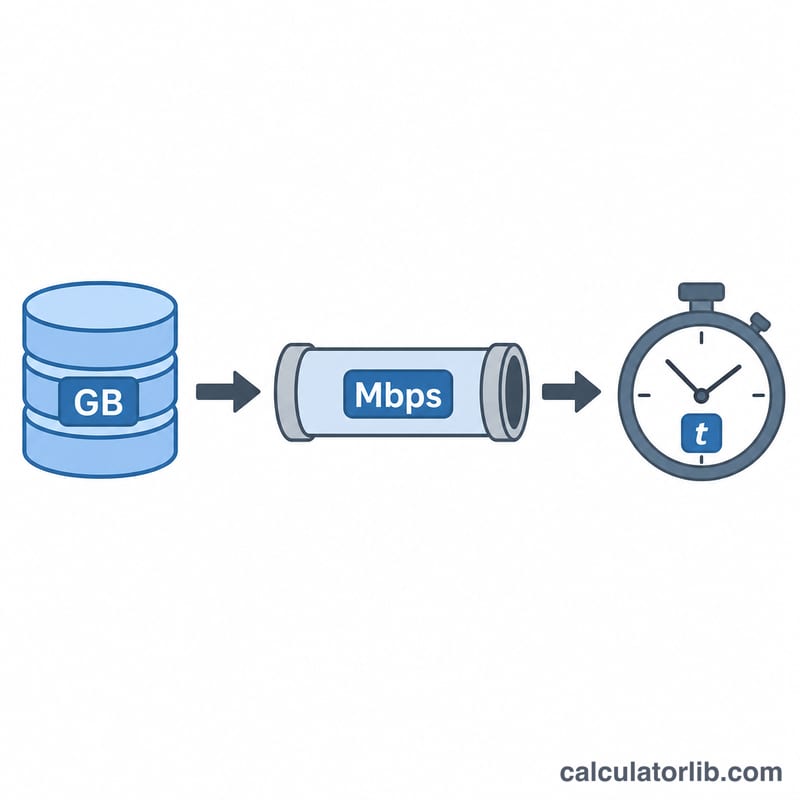
This tool estimates how long it will take to upload or download a given amount of data to or from a cloud service (such as AWS, Google Cloud, Azure, Dropbox, or a backup provider). You enter the data size in gigabytes (GB) and your available bandwidth in megabits per second (Mbps), and it returns the theoretical transfer time in seconds, minutes, and hours.
How to use it
Enter the total Data Size in GB — this is the size of the file, folder, or backup you want to move. Then enter your connection Bandwidth in Mbps. Most internet plans advertise speed in Mbps, so use the relevant value (download speed for downloads, upload speed for uploads). The result shows the best-case time assuming the full bandwidth is dedicated to the transfer.
The formula explained
The calculation is $$\text{Time (s)} = \frac{\text{Data Size (GB)} \times 8 \times 1024}{\text{Bandwidth (Mbps)}}$$ Bandwidth is measured in bits, while file size is measured in bytes, so we multiply by 8 to convert bytes to bits. We multiply by 1024 to convert gigabytes to megabytes (here using binary GB to MB), aligning units with the Mbps figure. Dividing by the bandwidth gives the number of seconds required.
Worked example
Suppose you want to download a 10 GB dataset over a 100 Mbps connection: $$10 \times 8 \times 1024 \div 100 = 819.2 \text{ seconds}$$ which is about 13.65 minutes. Doubling the bandwidth to 200 Mbps halves the time to roughly 409.6 seconds.

FAQ
Why is my real transfer slower? Real-world transfers lose time to protocol overhead, latency, encryption, disk speed, and shared bandwidth, so actual times are typically 10–30% longer than this theoretical best case.
Should I use 1000 or 1024? This calculator uses 1024 (binary) for GB→MB. If your provider quotes decimal gigabytes, results will differ slightly.
Does it work for uploads too? Yes — just enter your upload bandwidth instead of download speed, since the math is identical.