
What the Network Throughput Calculator Does
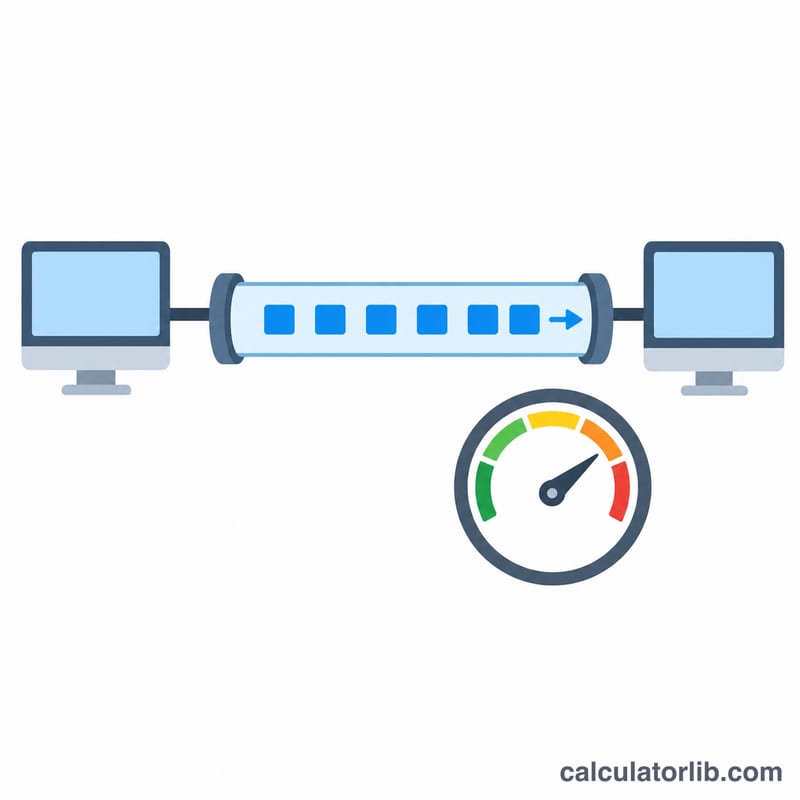
This tool measures the real data transfer rate of a network connection or file transfer. You tell it how much data moved and how long it took, and it returns the throughput in four common units at once: bits per second (bps), kilobits per second (Kbps), megabits per second (Mbps), and gigabits per second (Gbps). A visual speed indicator then positions your result on a 0–1000 Mbps scale so you can judge performance at a glance.
The Inputs You Provide
- Data Size — the amount of data transferred, with a unit selector: bits, bytes, kilobits, kilobytes, megabits, megabytes, gigabits, or gigabytes.
- Transfer Time — how long the transfer took, in seconds, minutes, or hours.
Note that the calculator uses decimal (base-1000) units, not binary. A kilobyte is treated as 1,000 bytes and a megabit as 1,000,000 bits — matching how network and ISP speeds are normally quoted.
The Formula Explained
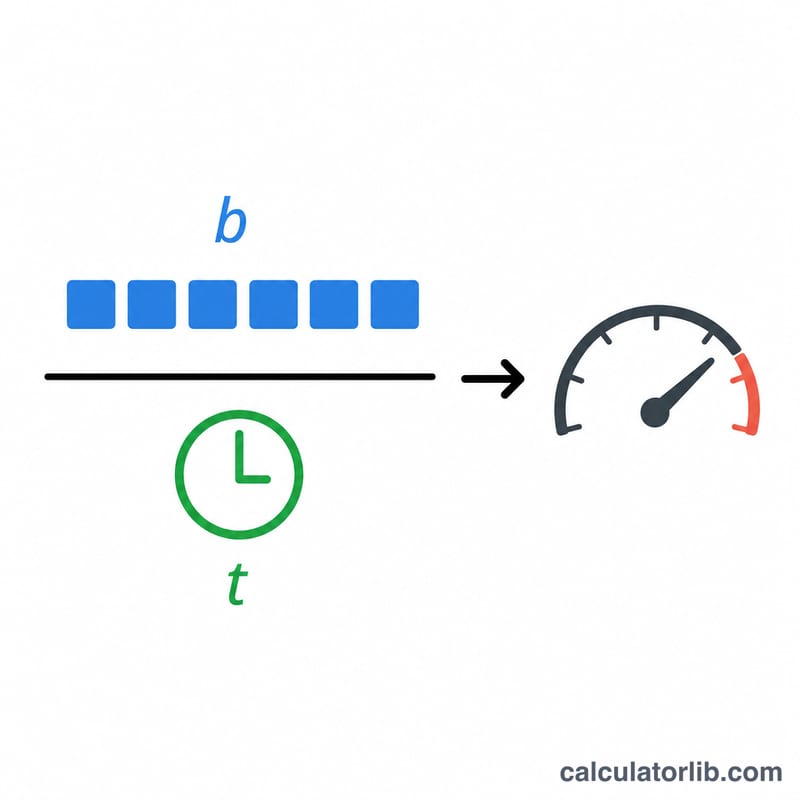
Everything is first converted to a common base: data size becomes bits and time becomes seconds. Byte-based units are multiplied by 8 (since 1 byte = 8 bits). The core calculation is:
$$\text{Throughput (bps)} = \frac{\text{Data Size} \times \text{Size Factor (bits)}}{\text{Transfer Time} \times \text{Time Factor (s)}}$$- Throughput (bps) = Data Size in bits ÷ Transfer Time in seconds
- Kbps = bps ÷ 1,000
- Mbps = Kbps ÷ 1,000
- Gbps = Mbps ÷ 1,000
The speed indicator position is calculated as \(100 \times (\text{Mbps} \div 1000)\), clamped between 2 and 98, placing a 1 Gbps result near the top of the scale.
Worked Example
Suppose you downloaded a 500 megabytes file in 2 minutes.
- Data size: \(500 \text{ MB} \times 8{,}000{,}000 = 4{,}000{,}000{,}000\) bits
- Time: \(2 \text{ minutes} \times 60 = 120\) seconds
- Throughput: \(4{,}000{,}000{,}000 \div 120 \approx 33{,}333{,}333\) bps
- That equals about 33,333 Kbps, 33.3 Mbps, or 0.033 Gbps.
Frequently Asked Questions
Why is my Mbps lower than my advertised plan? ISP speeds are in megabits, while file sizes are usually in megabytes. One byte equals 8 bits, so an 8 MB/s download is actually 64 Mbps — always check which unit you selected.
What's the difference between throughput and bandwidth? Bandwidth is the maximum theoretical capacity; throughput is the actual data rate achieved, which this tool measures. Throughput is usually lower due to overhead, congestion, and latency.
Does it use base-1000 or base-1024? This calculator uses base-1000 (decimal) conversions, consistent with networking and ISP conventions rather than binary storage measurements.