
What is the Data Transfer Time Calculator?
This tool estimates how long it takes to move a given amount of data across a network connection, hard drive, SSD, or USB link. You provide the data size, the transfer speed, and an optional transmission efficiency, and it returns the expected duration both in seconds and as a human-friendly breakdown of days, hours, minutes and seconds. It is a universal computer-science calculation with no region-specific rules.
How to use it
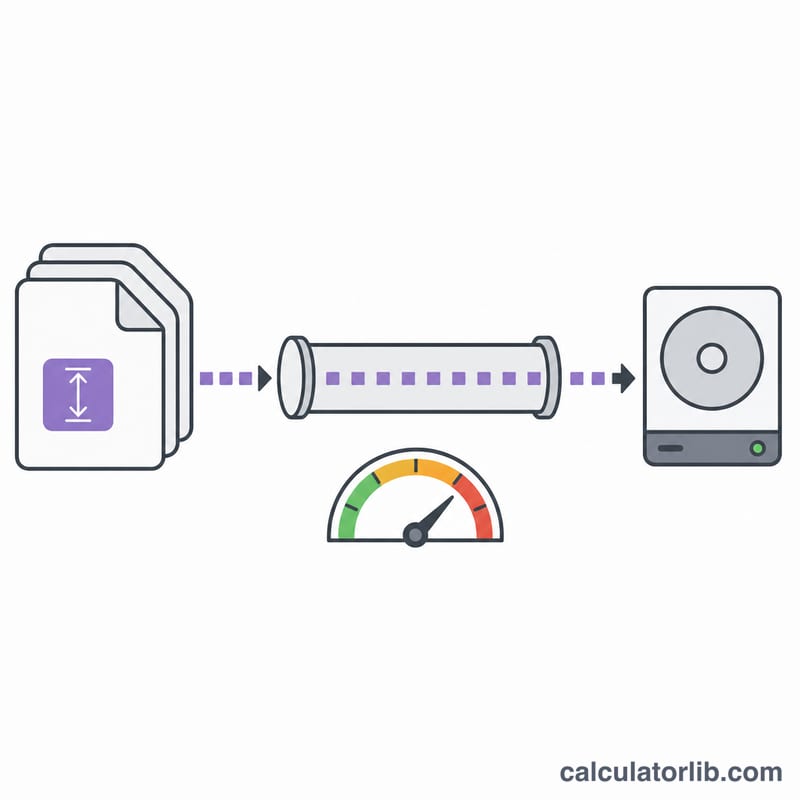
Enter the data size and pick its unit (B, kB, MB, GB, TB). Enter the transfer speed with its prefix (k, M, G or none) and choose whether the speed is in bps (bits per second) or B/s (bytes per second). Network gear is usually quoted in bps, so divide by 8 to reach bytes. The two "1 kbyte as" radios let you model decimal SI prefixes (1000) or binary prefixes (1024) independently for the data and the speed. Finally set transmission efficiency (%) to account for protocol overhead — 100% is the theoretical best case.
The formula explained
Let the data unit exponent be \(e\) (B=0, kB=1, MB=2, GB=3, TB=4) and the kbyte base \(b\). Then \(\text{dataSizeBytes} = \text{dataSize} \times b^{e}\). The effective speed in bytes per second is \(\text{speed} \times \text{base}^{e_{speed}}\), multiplied by \(\tfrac{1}{8}\) if bps is selected, then scaled by \(\tfrac{\text{efficiency}}{100}\). The transfer time is given by:
$$t = \frac{\text{Data Size} \cdot \text{Base}^{\,e_d}}{\text{Speed} \cdot \text{Base}^{\,e_s} \cdot f_{bps} \cdot \dfrac{\text{Efficiency (\%)}}{100}}$$where
$$\left\{ \begin{aligned} e_d &= \text{Data Unit Exponent} \\ e_s &= \text{Speed Unit Exponent} \\ f_{bps} &= \tfrac{1}{8}\ (\text{bps}),\ \ 1\ (\text{B/s}) \end{aligned} \right.$$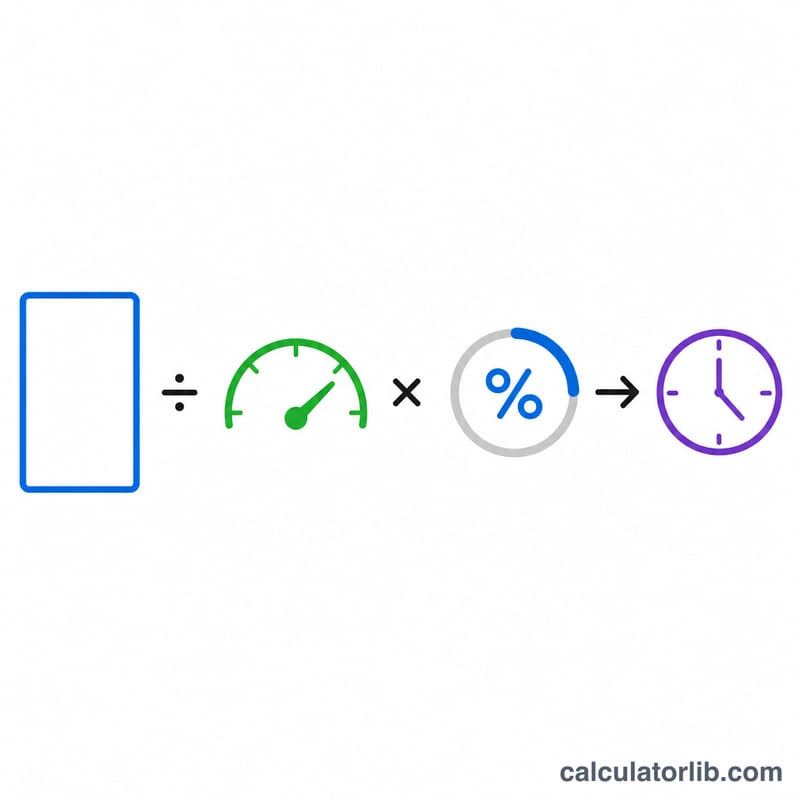
Worked example
Transfer 100 MB (decimal) over a 1 MB/s link at 100% efficiency: \(\text{dataSizeBytes} = 100 \times 1000^2 = 100{,}000{,}000\) bytes; speed = 1,000,000 B/s;
$$t = \frac{100{,}000{,}000}{1{,}000{,}000} = 100 \text{ seconds}$$i.e. 1 minute 40 seconds. For a USB 2.0 link at 480 Mbps: \(\text{speed} = 480 \times 1000^2 / 8 = 60{,}000{,}000\) B/s, so 100 MB takes about 1.67 seconds.
FAQ
Why is my real download slower? Protocols add overhead and links rarely run at full nominal speed. Lower the efficiency (e.g. 70-90%) for a realistic estimate.
bps or B/s? Internet and USB speeds are normally advertised in bits per second (bps). Divide by 8 to get bytes per second — this calculator does that automatically when you select bps.
1000 vs 1024? Storage and SI marketing use decimal 1000-based prefixes; operating systems often report binary 1024-based sizes. Choose the base that matches your figures.