
What this calculator does
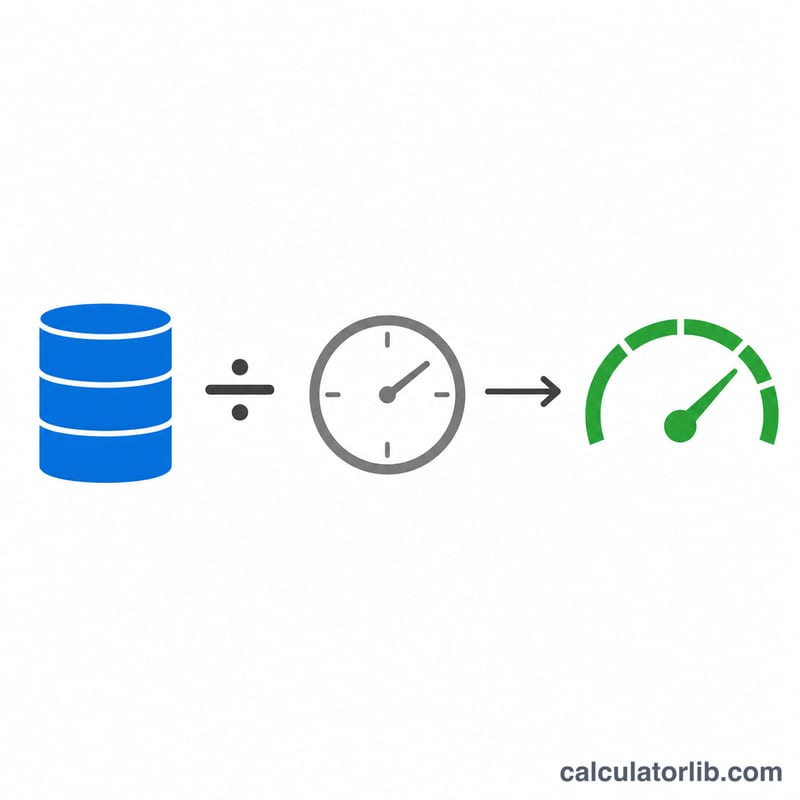
This tool tells you how fast a transfer actually went. Give it the amount of data moved and the time it took, and it returns the effective transfer speed in whatever unit you like — bits per second (bps, kbps, Mbps, Gbps) or bytes per second (B/s, kB/s, MB/s, GB/s). It is a universal data/computing unit converter, so it works the same everywhere with no country-specific rules.
How to use it
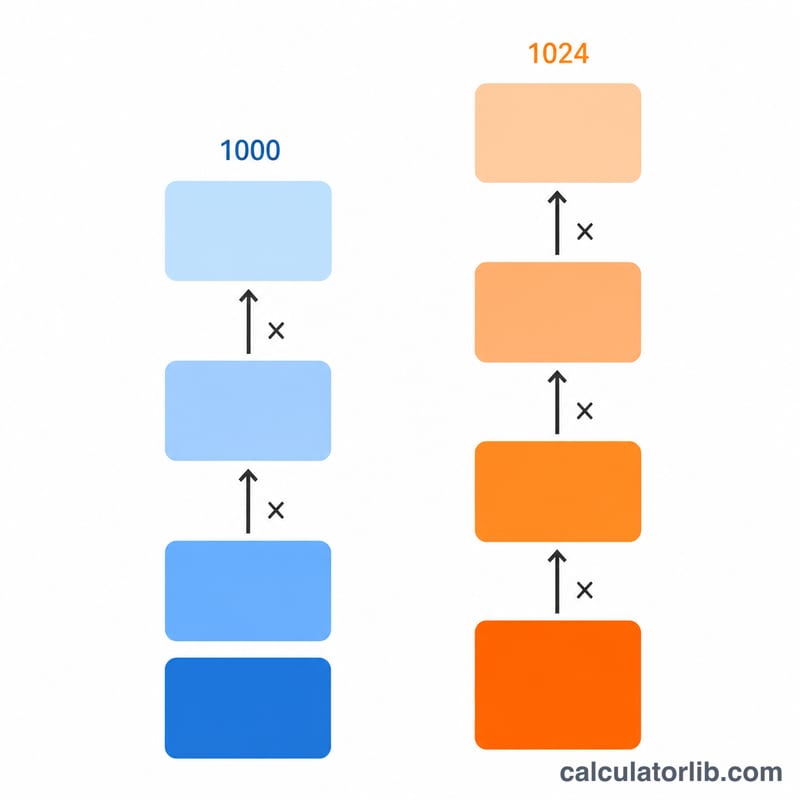
Enter the elapsed time as hours, minutes and seconds (any combination). Enter the data size and pick its unit. Then choose two independent kilo bases: one for the input data size and one for the output speed prefix. "1000 bytes" is the decimal/SI convention used by drive makers and networking; "1024 bytes" is the binary convention your operating system often reports. Finally choose the output unit and read the speed.
The formula explained
First, total time in seconds is \(\text{hours} \cdot 3600 + \text{minutes} \cdot 60 + \text{seconds}\). The data size is converted to bytes with \(\text{size} \cdot \text{base\_data}^{k}\), where k is the prefix step (B=0, kB=1, MB=2, GB=3, TB=4). Dividing bytes by total seconds gives bytes per second. For a bit-rate output, multiply by 8 (1 byte = 8 bits). Finally divide by \(\text{base\_speed}^{j}\) for the requested output prefix step j.
$$S = \frac{m \cdot \text{Data Size} \cdot k_d^{\,u}}{T \cdot k_s^{\,j}}$$
$$\text{where}\quad \left\{ \begin{aligned} T &= 3600\,\text{Hours} + 60\,\text{Minutes} + \text{Seconds} \\ k_d &= \text{Data kB base},\quad u = \text{Data unit index} \\ k_s &= \text{Speed kByte base},\quad j = \text{Speed prefix step} \\ m &= 8 \text{ (bit units)},\ 1 \text{ (byte units)} \end{aligned} \right.$$
Worked example
Transfer 100 MB in 10 seconds, decimal bases, output in kB/s: bytes = \(100 \times 1000^2 = 100{,}000{,}000\). Bytes per second = \(10{,}000{,}000\). As kB/s (step 1): \(10{,}000{,}000 / 1000 = \mathbf{10{,}000\ \text{kB/s}}\) (10 MB/s). Pick Mbps instead and you get $$10{,}000{,}000 \times 8 / 1000^2 = \mathbf{80\ \text{Mbps}}.$$
FAQ
Why is my Mbps number 8x the MB/s number? Because 1 byte = 8 bits. Bit-rate units (bps family) are eight times larger than the byte-rate units (B/s family) for the same speed.
Should I use 1000 or 1024? Networking and storage marketing use 1000 (decimal). Operating systems often display 1024 (binary). The two radios let you mix them — for example a drive sold as decimal GB but measured by a binary OS.
What if the time is zero? Speed would require dividing by zero, so the calculator asks you to enter a time greater than zero.