
What this calculator does
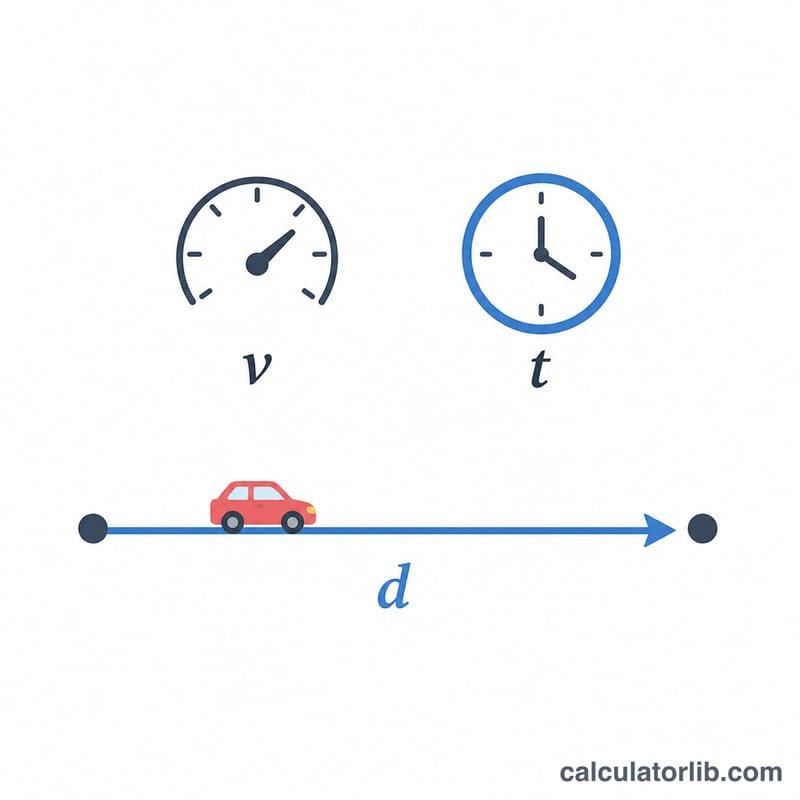
The Speed & Time to Distance Calculator works out how far you travel when you know your speed and how long you were moving. It applies the classic physics relationship distance = speed × time. Enter a speed, choose whether that speed is in km/h or mph, then enter the duration as hours, minutes and seconds. The calculator returns the distance in both kilometres and miles, so you don't have to convert anything by hand.
The input fields
- Speed – your travel speed as a number.
- km/h or mph – the unit your speed is in. The tool converts mph to km/h internally using \(1 \text{ mph} = 1.60934 \text{ km/h}\).
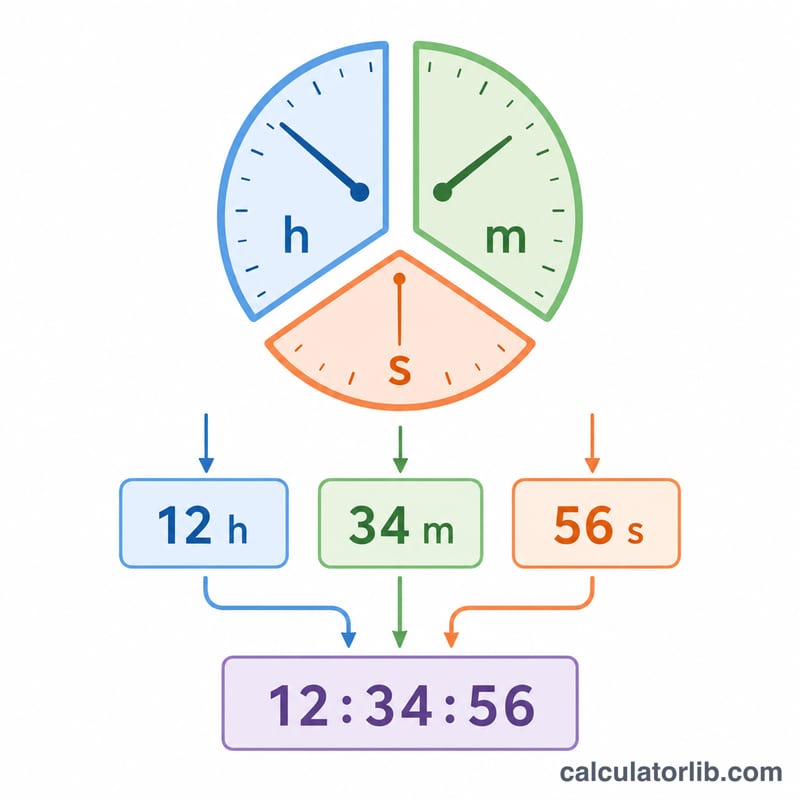
- Time – split into hours, minutes and seconds so you can enter any duration precisely.
The formula it uses
The calculation runs in three steps:
$$\begin{gathered} \text{Distance} = \text{Speed} \times t \\[1.5em] \text{where}\quad t = \text{Hours} + \frac{\text{Minutes}}{60} + \frac{\text{Seconds}}{3600} \end{gathered}$$- Convert speed to km/h: if you picked mph, \(\text{speed} \times 1.60934\); if km/h, it is used as-is.
- Convert time to decimal hours: \(\text{hours} + (\text{minutes} \div 60) + (\text{seconds} \div 3600)\).
- Multiply: \(\text{distance (km)} = \text{speed (km/h)} \times \text{time (hours)}\). The result is then divided by \(1.60934\) to also show the distance in miles.
Worked example
Suppose you drive at 60 mph for 1 hour, 30 minutes and 0 seconds.
- Speed in km/h: \(60 \times 1.60934 = 96.56 \text{ km/h}\)
- Time in hours: \(1 + (30 \div 60) + (0 \div 3600) = 1.5 \text{ hours}\)
- Distance: \(96.56 \times 1.5 =\) 144.84 km
- In miles: \(144.84 \div 1.60934 =\) 90 miles
That matches the intuitive answer — 60 mph for 1.5 hours is 90 miles — and the tool shows you the metric equivalent at the same time.
Frequently asked questions
Can I enter just minutes or just seconds? Yes. Leave the fields you don't need at zero. The calculator simply adds the three time fields together, so 0 hours, 45 minutes, 0 seconds works fine.
Does it give the answer in both units? Yes. Regardless of whether you enter your speed in km/h or mph, the result is shown in both kilometres and miles.
What is this useful for? Trip and journey planning, estimating drive or cycling distances, pacing for running, and school or physics projects where you need distance from a steady speed.