
What Is the Distance Calculator?
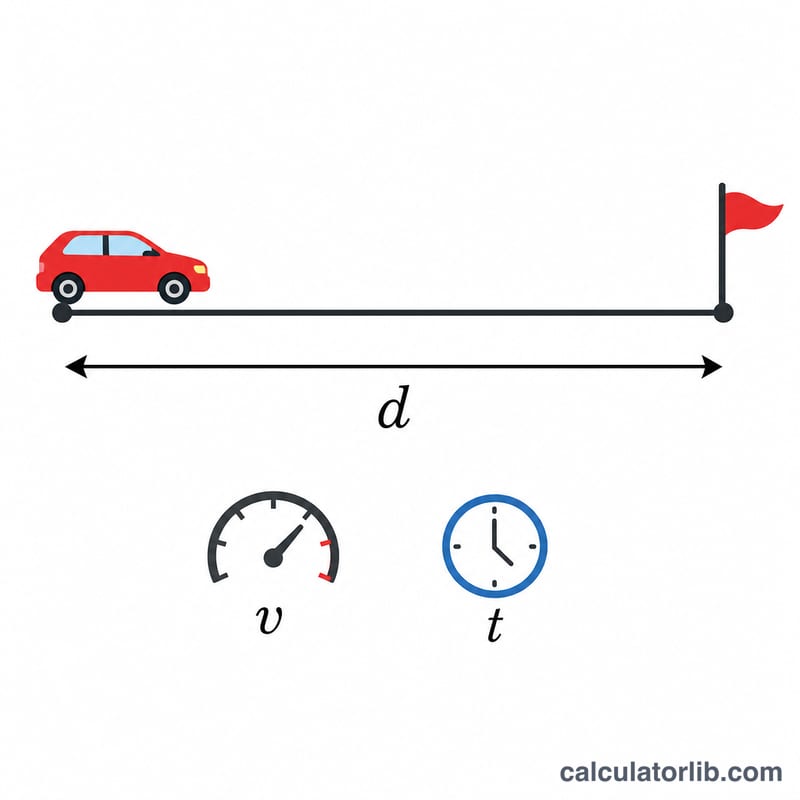
This calculator finds the total distance traveled when you know an object's speed and how long it has been moving. It uses the fundamental kinematics relationship \(d = v \times t\), where d is distance, v is speed (velocity), and t is time. It applies to anything moving at a constant speed — cars, runners, planes, sound waves, or vehicles in a physics homework problem.
How to Use It
Enter the speed, enter the time, and pick a matching unit pair. Be sure the speed and time units agree: km/h with hours gives kilometers, mph with hours gives miles, and m/s with seconds gives meters. If your time is in minutes, convert it to hours (divide by 60) before entering it for the km/h or mph options.
The Formula Explained
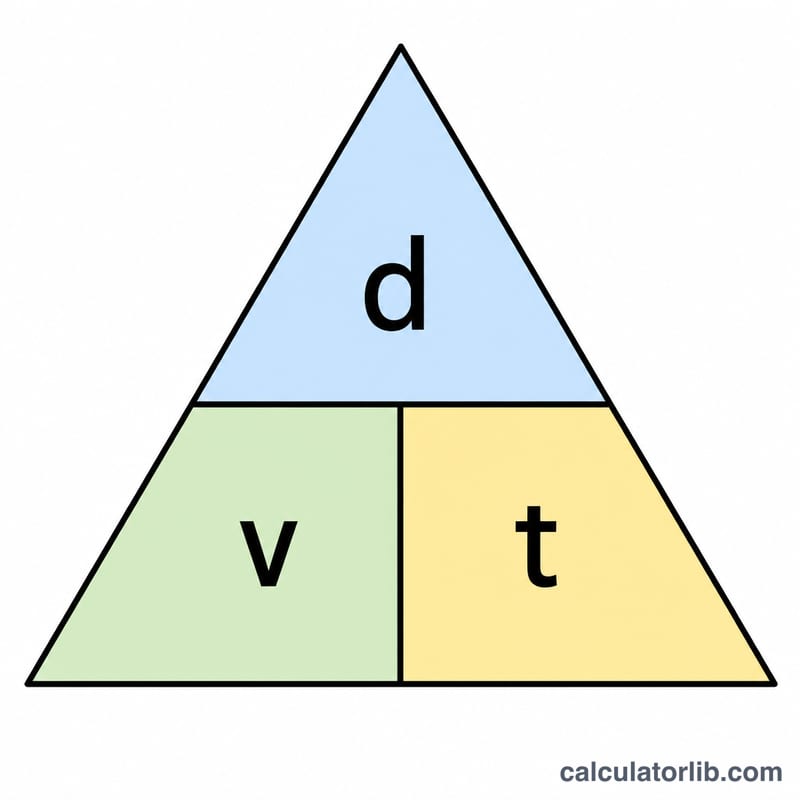
Speed is distance covered per unit of time, so distance is simply speed multiplied by elapsed time. If you travel 60 km every hour for 2 hours, you cover \(60 \times 2 = 120\) km. The relationship is linear: double the time (or the speed) and you double the distance.
Worked Example
A train moves at 80 km/h for 3.5 hours. $$\text{Distance} = 80 \times 3.5 = 280 \text{ km}$$ To go the other way, you would rearrange the formula: \(\text{time} = \text{distance} \div \text{speed}\), and \(\text{speed} = \text{distance} \div \text{time}\).
FAQ
Does this work for changing speed? No — the formula assumes constant speed. For variable speed, use the average speed over the interval.
What if my time is in minutes? Convert to the unit that matches your speed. For km/h or mph, divide minutes by 60 to get hours. For m/s, convert minutes to seconds by multiplying by 60.
Can I mix units like mph and seconds? Not directly. Always use a matching speed–time pair so the result is in a meaningful distance unit.