
What the Distance & Time to Speed Calculator Does
This calculator works out how fast you travelled by dividing the distance covered by the time it took. You enter a distance, choose whether it's in kilometres or miles, then enter the time broken down into hours, minutes and seconds. The tool returns your average speed in both kilometres per hour (km/h) and miles per hour (mph), so it's useful for runners, cyclists, drivers and anyone planning or reviewing a journey anywhere in the world.
The Inputs You Provide
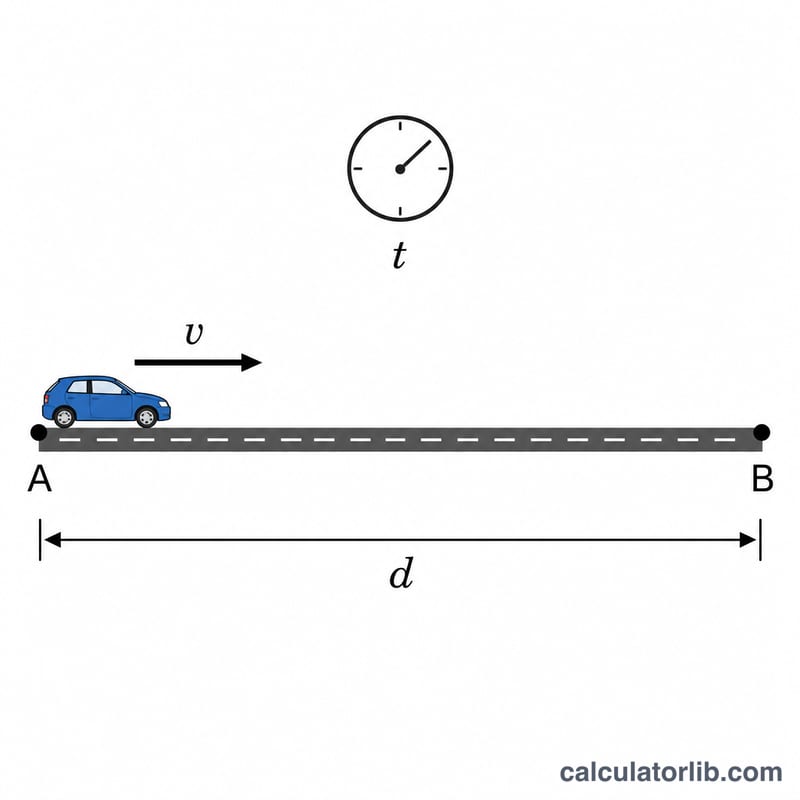
- Distance — the total length of the trip as a number.
- Unit (km or miles) — tells the calculator which distance unit you typed.
- Time — entered as separate hours, minutes and seconds fields, so you don't have to convert anything yourself.
The Formula and How It Works
The core formula is simple:
$$\text{Speed} = \text{Distance} \div \text{Time}$$
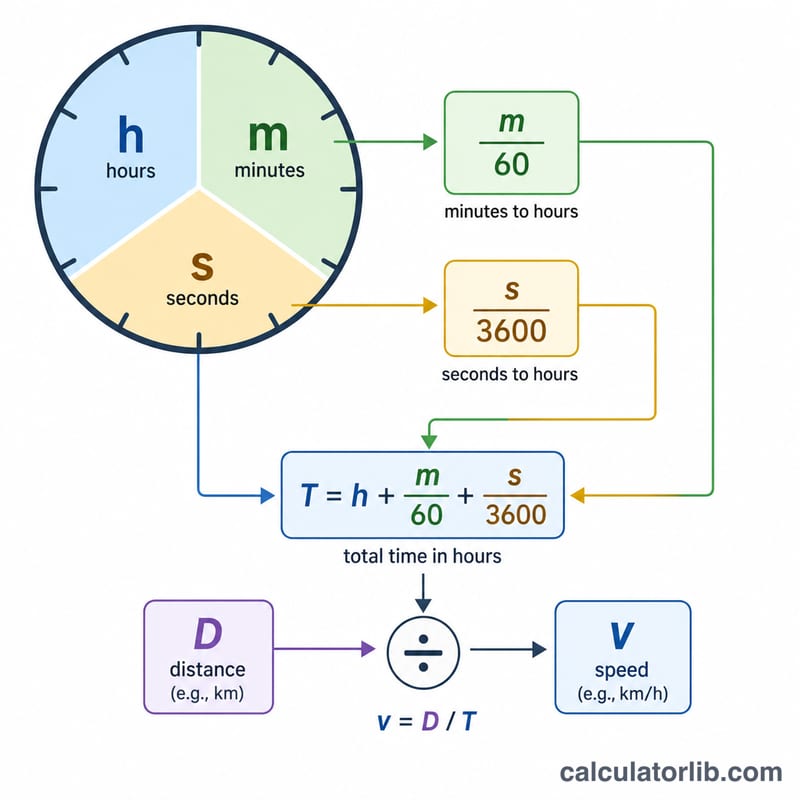
Behind the scenes the calculator does three steps. First it converts your distance to kilometres (if you chose miles, it multiplies by \(1.60934\)). Next it converts your time into decimal hours using \(\text{hours} + \text{minutes} \div 60 + \text{seconds} \div 3600\). Finally it divides distance by time to get km/h, then divides that result by \(1.60934\) to also give mph.
$$\text{Speed} = \dfrac{\text{Distance (km)}}{\text{Hours} + \dfrac{\text{Minutes}}{60} + \dfrac{\text{Seconds}}{3600}}$$
$$\text{Speed} = \dfrac{1.60934 \times \text{Distance (miles)}}{\text{Hours} + \dfrac{\text{Minutes}}{60} + \dfrac{\text{Seconds}}{3600}}$$
Worked Example
Suppose you cycled 30 km in 1 hour, 15 minutes and 0 seconds.
- Distance in km = 30 (no conversion needed).
- Time in hours = \(1 + (15 \div 60) + (0 \div 3600) = 1.25\) hours.
- Speed = \(30 \div 1.25 =\) 24 km/h.
- In mph = \(24 \div 1.60934 \approx\) 14.91 mph.
If you had entered 30 miles instead, the calculator would first convert that to 48.28 km, giving 38.62 km/h or 24 mph.
Frequently Asked Questions
Does this give average or instantaneous speed? It calculates average speed across the whole trip. It cannot tell you how fast you were going at any single moment.
Can I leave some time fields blank? Yes. If your trip was exactly 2 hours, just enter 2 in hours and leave minutes and seconds as zero. The decimal-hour formula handles any combination.
Why does it show both km/h and mph? So you don't need a separate conversion. The km/h figure is calculated first, and the mph value is derived from it using the \(1.60934\) km-per-mile factor, making the results consistent.