
What Is the Slow Motion Calculator?
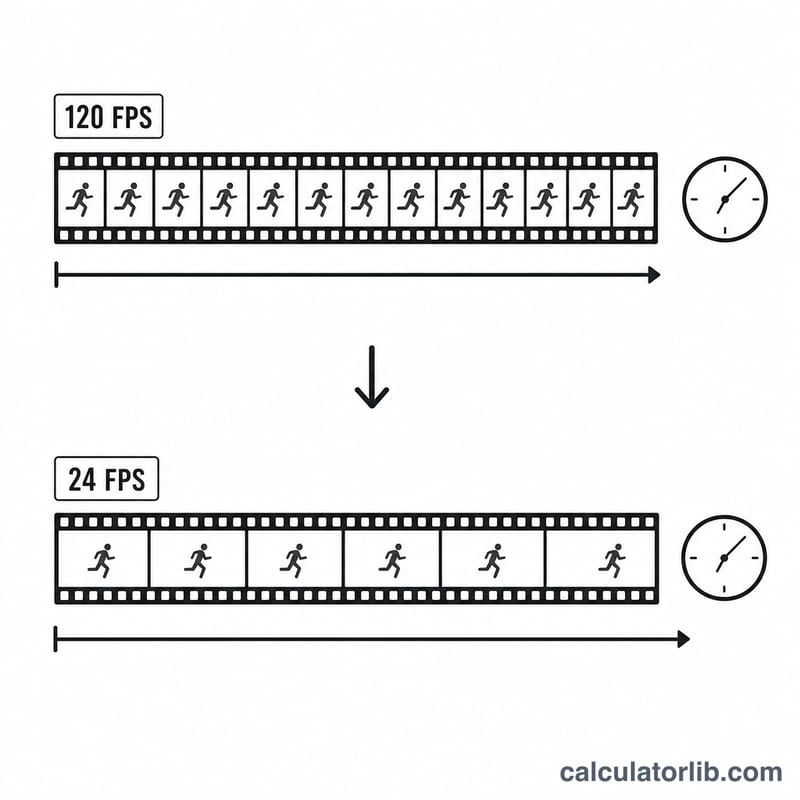
The Slow Motion Calculator tells you how long a recorded clip will last when it is played back in slow motion, and exactly how much slower the action will appear. When a camera captures footage at a high frame rate (for example 240 fps) and you play it back at a normal rate (such as 30 fps), each second of real-world action is spread across more seconds of playback, creating the smooth slow-motion effect.
How to Use It
Enter three values: the original clip duration in seconds, the capture frame rate your camera recorded at, and the playback frame rate the video is shown at. The calculator instantly returns the new playback duration, the slow-motion factor, and the apparent speed as a percentage of real time.
The Formula Explained
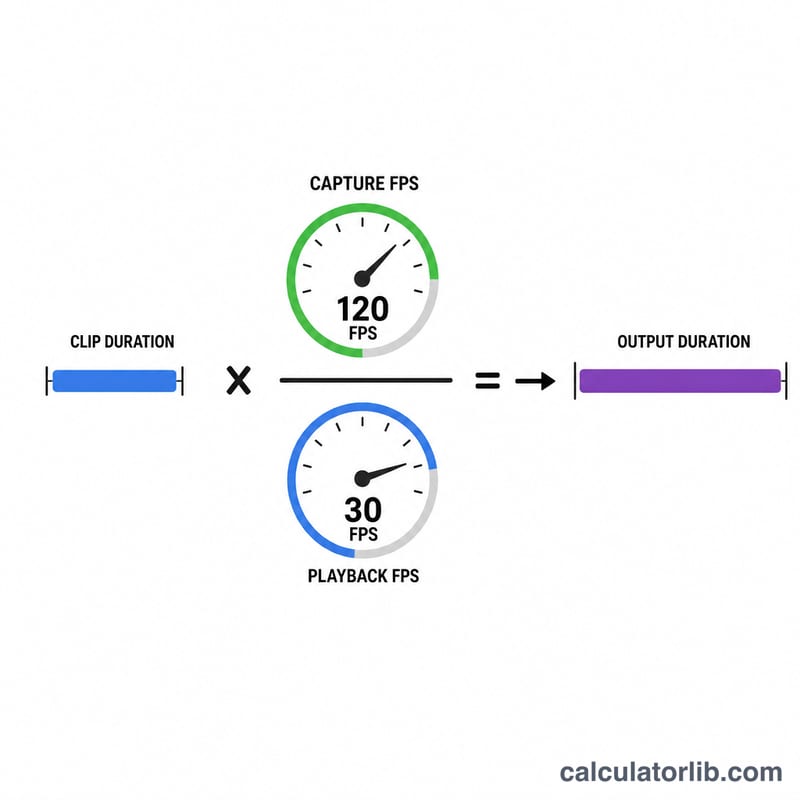
The core relationship is:
$$\text{Output Duration} = \text{Clip Duration} \times \frac{\text{Capture FPS}}{\text{Playback FPS}}$$
The ratio of capture to playback frame rate is the slow-motion factor. If you record at 240 fps and play at 30 fps, the factor is \(240 \div 30 = 8\), so the action appears 8× slower and lasts 8× longer. The apparent speed is the inverse, expressed as a percentage: \((\text{Playback FPS} \div \text{Capture FPS}) \times 100\).
Worked Example
Suppose you film a 10-second clip at 240 fps and play it back at 30 fps. The slow-motion factor is \(240 \div 30 = 8\times\). The output duration is \(10 \times 8 = 80\) seconds, and the apparent speed is $$(30 \div 240) \times 100 = 12.5\%$$ of real time.
FAQ
Why does my slow-mo look choppy? If the capture frame rate is too low relative to the playback rate, there aren't enough frames to fill the slowed timeline, causing stutter. Higher capture fps gives smoother results.
What if capture and playback fps are equal? The factor is 1 and the clip plays at normal speed with no slowdown.
Can I use this for fast motion? Yes — if playback fps is higher than capture fps, the factor drops below 1 and the clip plays faster than real time.