
What is the 16:10 Aspect Ratio Calculator?
The 16:10 aspect ratio (also written as 8:5 or 1.6:1) is a widescreen format common in laptops, monitors, and presentation displays. This calculator finds the missing dimension of an image, screen, or video so it stays perfectly proportioned at 16:10. Enter either the width or the height in pixels and the tool computes the other dimension instantly.
How to use it
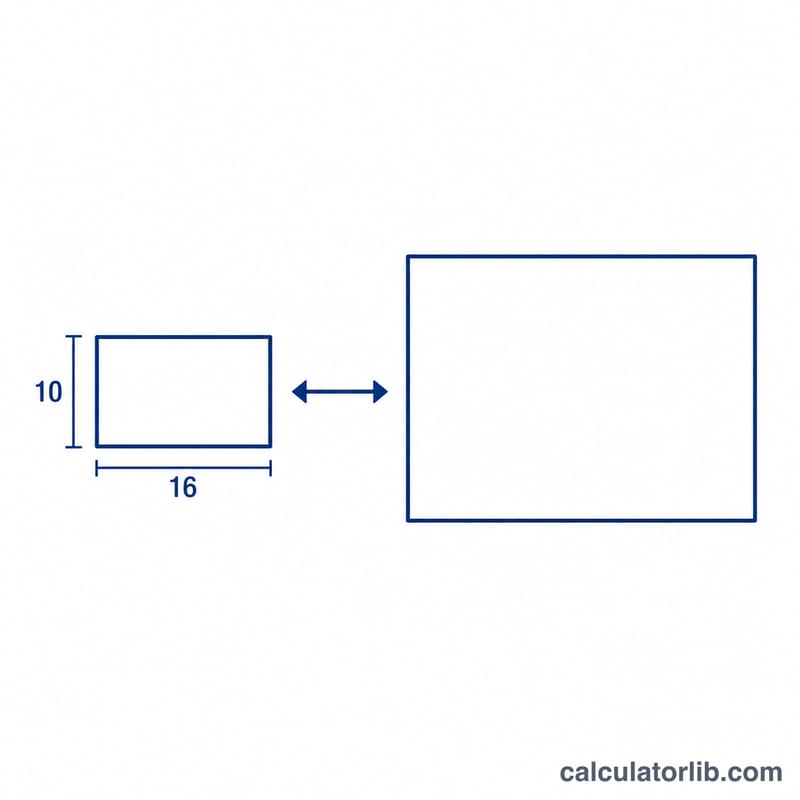
Choose what you want to solve for — height (if you already know the width) or width (if you know the height). Type your known measurement in pixels and submit. The result shows the full resolution as width × height.
The formula explained
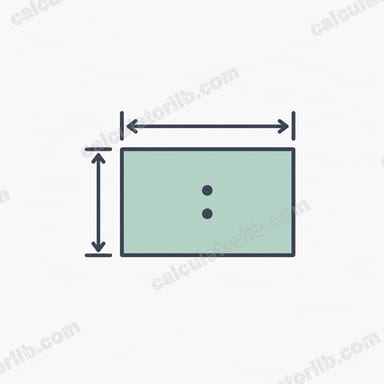
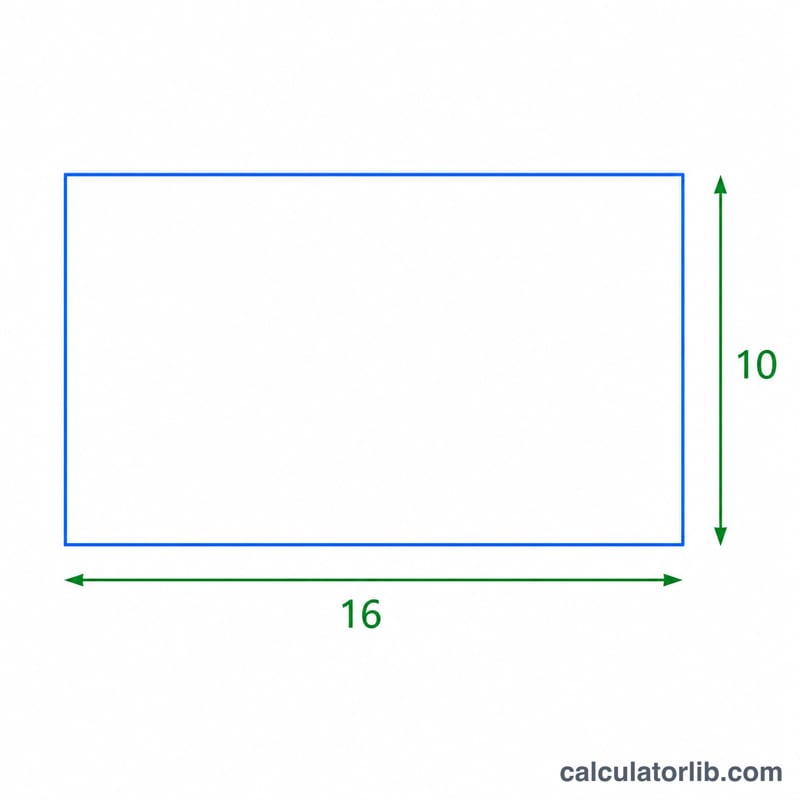
A 16:10 ratio means that for every 16 units of width there are 10 units of height. To find the height from a known width, multiply by 10/16 (0.625). To find the width from a known height, multiply by 16/10 (1.6). These are simply rearrangements of the proportion \(\text{width} / \text{height} = 16 / 10\).
$$\text{height} = \text{width} \times \frac{10}{16}, \quad \text{width} = \text{height} \times \frac{16}{10}$$
Worked example
Suppose you have a width of 1920 pixels and want the matching 16:10 height: $$1920 \times 10 / 16 = 1200 \text{ pixels}.$$ So a 1920 × 1200 display is exactly 16:10. Conversely, if you know the height is 800 px, the width is $$800 \times 16 / 10 = 1280 \text{ px},$$ giving 1280 × 800.
FAQ
Is 16:10 the same as 16:9? No. 16:9 (1.78:1) is slightly wider; 16:10 (1.6:1) is a bit taller, offering more vertical workspace.
What resolutions are 16:10? Common ones include 1280×800, 1440×900, 1680×1050, and 1920×1200.
Can I enter non-integer values? Yes — the calculator accepts decimals and reports the proportional result, though pixel dimensions are usually rounded to whole numbers.