
What Is a Time Lapse Calculator?
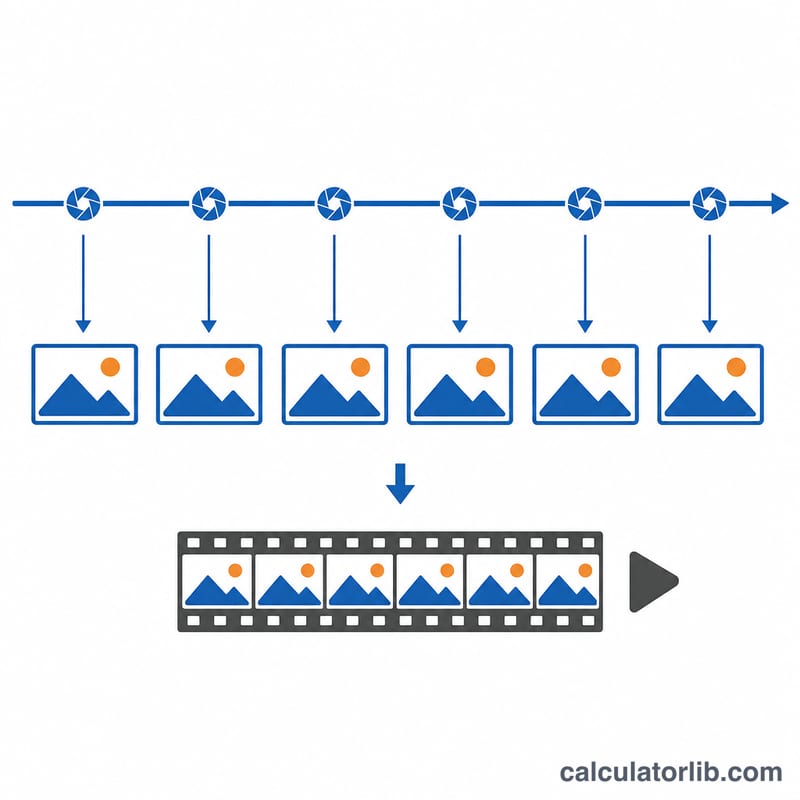
A time-lapse calculator helps photographers and videographers plan a shoot by predicting how long the finished video will be, how many frames will be captured, and how much real-world time the recording will take. By choosing an interval (the gap between each photo) and a playback frame rate, you can decide in advance whether your sequence will be the right length before you ever set up the camera.
How to Use It
Enter your total shooting duration in minutes — how long the camera will be capturing photos. Add the interval in seconds between each shot, and the playback frame rate (commonly 24, 25, or 30 fps). The calculator instantly returns the final clip length, the total number of frames, and the shooting duration in seconds.
The Formula Explained
First the shooting duration is converted to seconds and divided by the interval to get the total number of frames captured:
$$\text{Frames} = \frac{\text{Shooting Duration (s)}}{\text{Interval (s)}}$$
Then the frames are divided by the playback frame rate to get the final clip length:
$$\text{Clip Length (s)} = \frac{\text{Frames}}{\text{FPS}}$$
Worked Example
Suppose you shoot for 60 minutes (3,600 seconds), take one photo every 5 seconds, and play back at 24 fps. You capture \(3{,}600 \div 5 = 720\) frames. At 24 fps that gives \(720 \div 24 = 30\) seconds of finished video.
FAQ
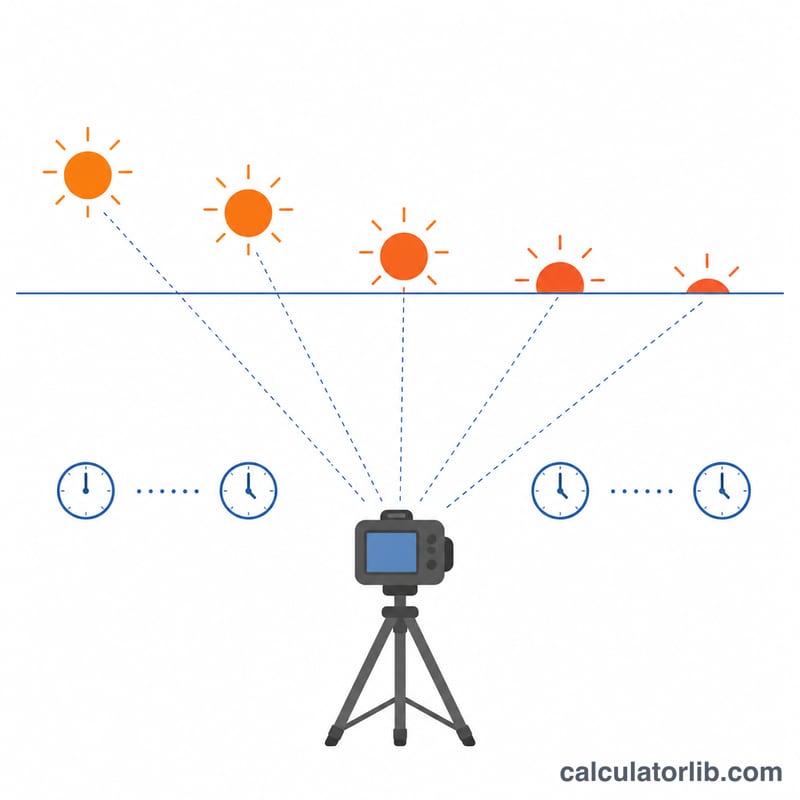
What interval should I use? Slow scenes like clouds or stars work well at 5–30 seconds; fast subjects like traffic suit 1–2 seconds.
Why is my clip so short? Time-lapses compress hours into seconds. A longer shoot or shorter interval produces more frames and a longer clip.
Which frame rate is best? 24 fps gives a cinematic look, 25/30 fps a smoother feel. Choose to match the project your video will live in.