

What is the Video Frame Size Calculator?
This tool estimates the average size of a single video frame and the total file size of a clip from three inputs: video bitrate, frame rate (fps), and duration. It is useful for video editors, streamers, and developers planning storage, bandwidth, or encoding budgets. The calculation is codec-agnostic — it gives the mean bytes per frame assuming bits are spread evenly across frames.
How to use it
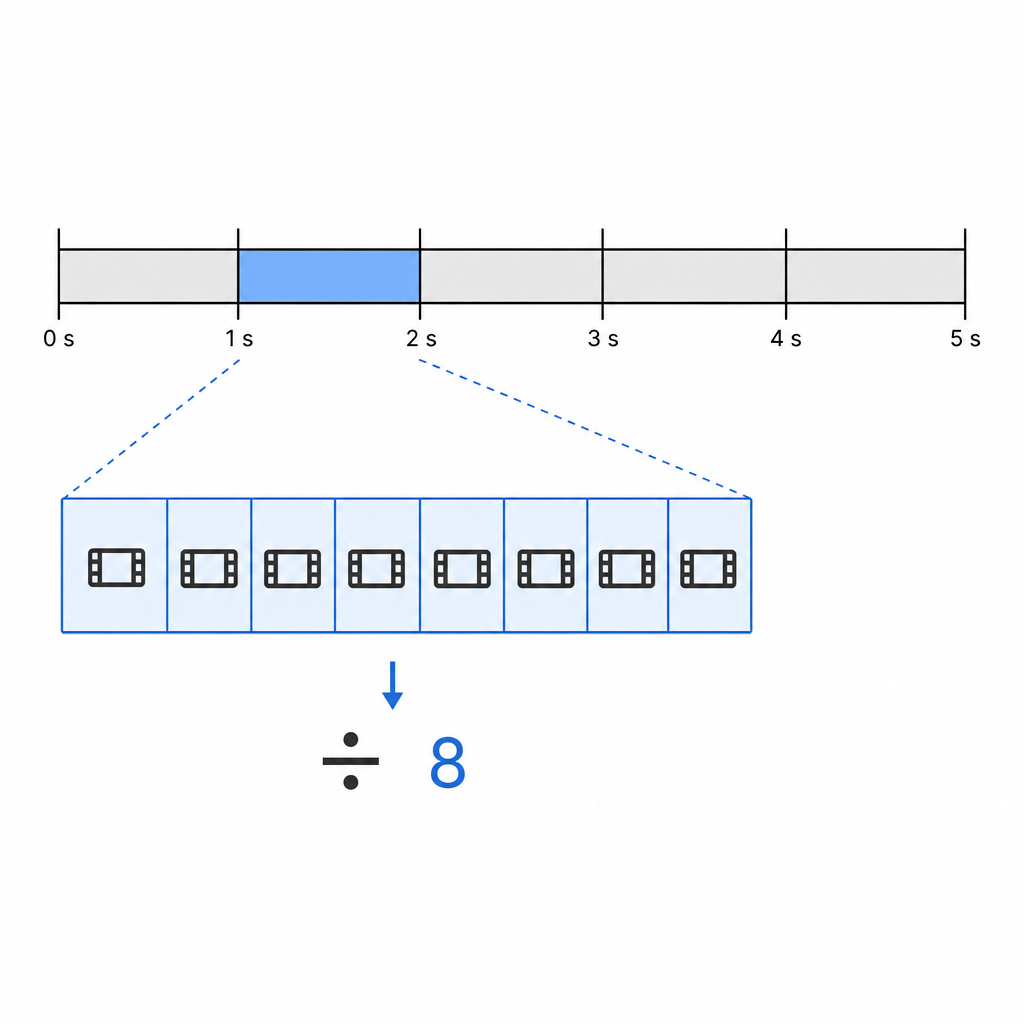
Enter the bitrate in megabits per second (Mbps), the frame rate in frames per second, and the clip duration in seconds. The calculator converts the bitrate to bits per second, divides by the frame rate to get bits per frame, then divides by 8 to convert to bytes. Total file size uses bitrate × duration.
The formula explained
Bitrate tells you how many bits the video uses each second. Dividing that by the frame rate gives the bits allocated to one frame on average. Since 1 byte = 8 bits, dividing by 8 converts to bytes:
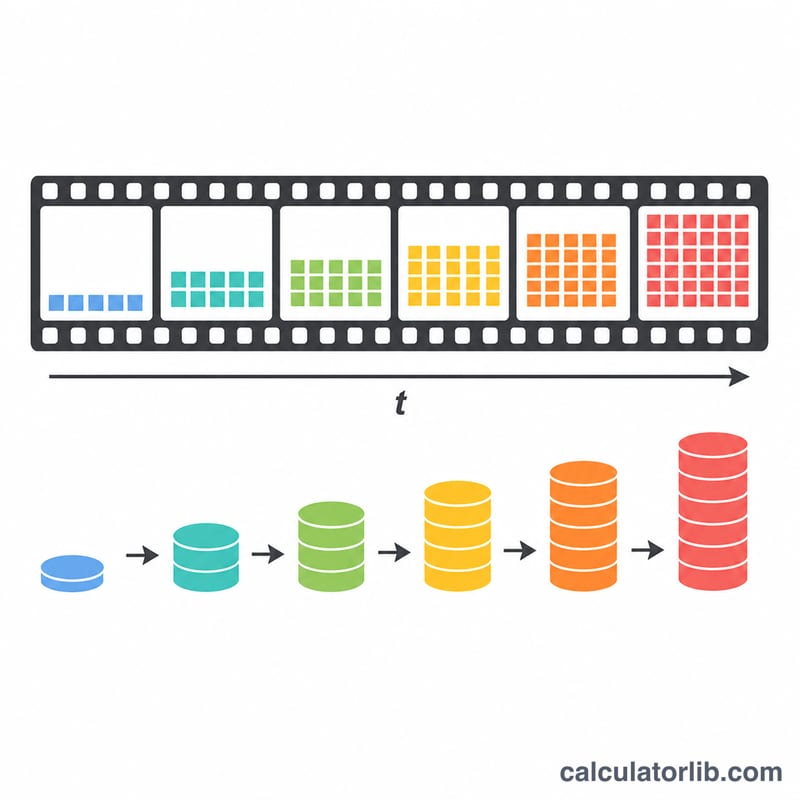
$$\text{frame\_bytes} = \frac{\text{bitrate\_bps} / \text{fps}}{8}$$For the whole file, \(\text{file\_bytes} = \dfrac{\text{bitrate\_bps} \times \text{duration}}{8}\). Note that real codecs (H.264, H.265) vary frame sizes greatly — keyframes are large, predicted frames are small — so this is an average, not an exact per-frame value.
Worked example
A clip encoded at 8 Mbps and 30 fps: bitrate = 8,000,000 bits/s. Bits per frame = \(8{,}000{,}000 / 30 = 266{,}666.67\). Divide by 8 → about 33,333 bytes (~32.6 KB) per frame. Over 60 seconds the file is \((8{,}000{,}000 \times 60) / 8 = 60{,}000{,}000\) bytes ≈ 57.2 MB.
FAQ
Why are real frames different sizes? Modern codecs use variable bitrate and frame types, so I-frames are much bigger than P/B-frames. This calculator reports the average.
What units does file size use? Megabytes here use the binary definition (1 MB = 1,048,576 bytes).
Can I use kbps? Convert to Mbps first (e.g. 5000 kbps = 5 Mbps).