
What this calculator does
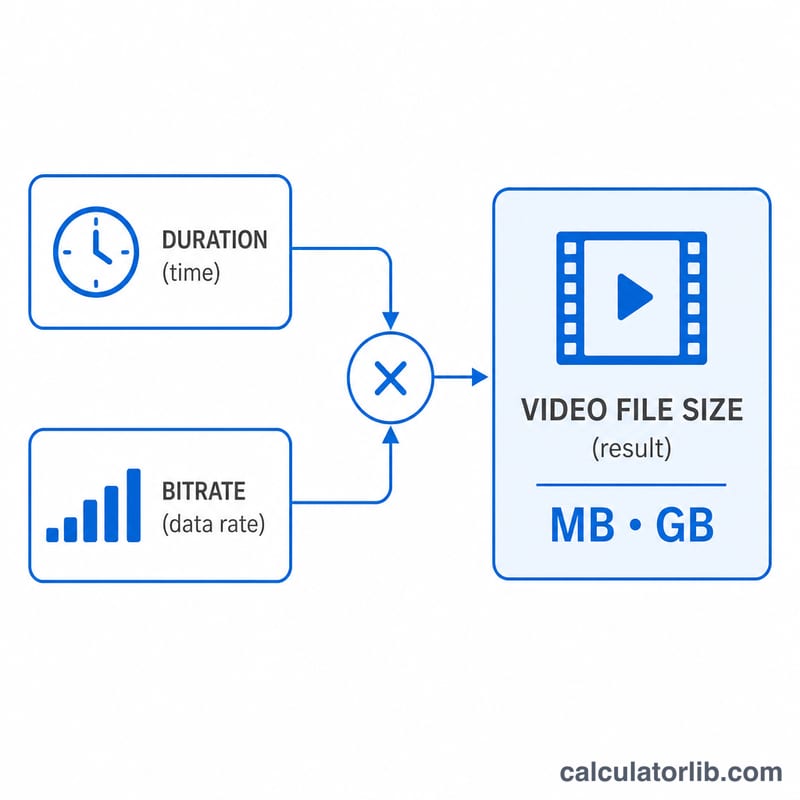
The Video File Size Calculator estimates how large a video file will be based on its total bitrate (video + audio) and its running time. This is essential when planning exports, comparing encoding settings, checking upload limits, or budgeting storage and bandwidth. It applies to any video format — MP4, MOV, MKV, AVI — because the math depends only on bitrate and duration, not the container.
How to use it
Enter the total bitrate in kbps (kilobits per second). If your encoder shows video and audio bitrates separately, add them together. Then enter the clip length in minutes and seconds. The calculator returns the estimated size in both megabytes and gigabytes, along with total data in megabits.
The formula explained
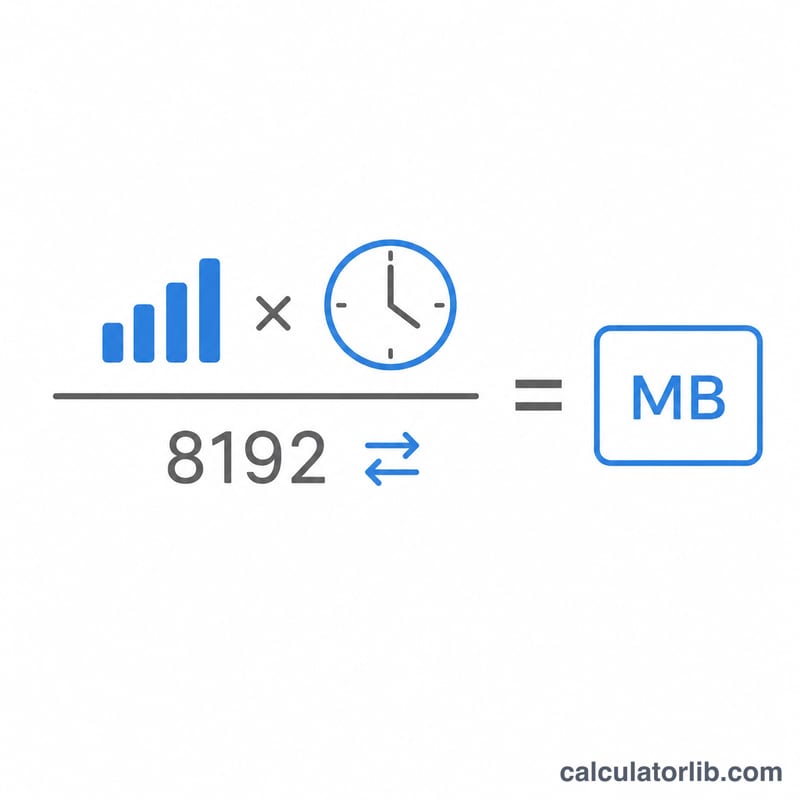
Bitrate is measured in kilobits per second, but file size is measured in bytes. There are 8 bits in a byte and 1024 kilobytes in a megabyte, so the conversion factor is 8 × 1024 = 8192:
$$\text{Size (MB)} = \frac{\text{Bitrate (kbps)} \times \left(60 \times \text{Minutes} + \text{Seconds}\right)}{8192}$$
For example, a clip at 8000 kbps lasting 10 minutes (600 seconds): \(8000 \times 600 \div 8192 = 585.94\) MB \(\approx 0.572\) GB.
Worked example
You filmed a 5-minute 30-second presentation and exported at a constant 5000 kbps. Duration = 330 s. $$\text{Size} = 5000 \times 330 \div 8192 = 201.42 \text{ MB}.$$ That comfortably fits typical email and chat attachment limits if compressed a little further.
FAQ
Is this exact? It is an estimate. Variable-bitrate (VBR) encoding and container overhead can shift the final size by a few percent. For constant-bitrate (CBR) files it is very close.
Should I include audio bitrate? Yes — use the combined video + audio bitrate for the most accurate result.
Why divide by 8192 instead of 8000? Dividing by 8 converts bits to bytes; dividing by an additional 1024 converts kilobytes to mebibytes (MB as used by most operating systems). Some tools use 1000-based MB, which gives a slightly larger number.