
What is DPI?
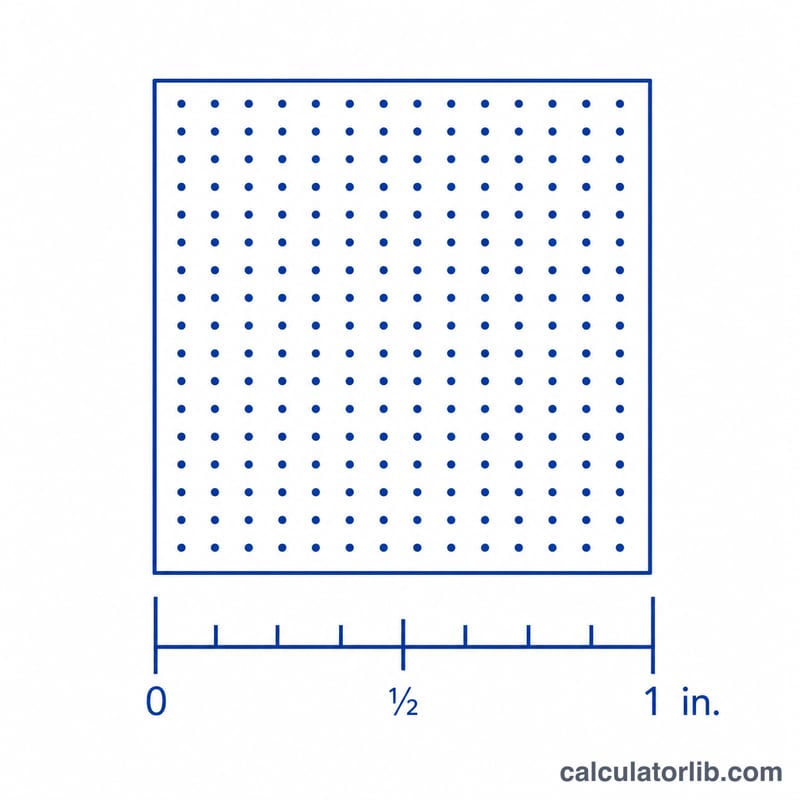
DPI (dots per inch) measures how many image pixels are packed into each printed inch. The higher the DPI, the sharper and more detailed your print appears. This calculator tells you the effective DPI you will get when an image of a given pixel dimension is printed at a chosen physical size.
How to use this calculator
Enter the pixel dimension of your image along one edge (for example, the width in pixels) and the print size you want for that same edge in inches. The calculator divides pixels by inches to give the DPI. Repeat for the other edge if your image is not being scaled proportionally.
The formula explained
The math is simply $$\text{DPI} = \frac{\text{Pixels (px)}}{\text{Print Size (in)}}$$ If you spread a fixed number of pixels over a larger printed area, each inch contains fewer pixels, so the DPI drops. Shrink the print and DPI rises.
Worked example
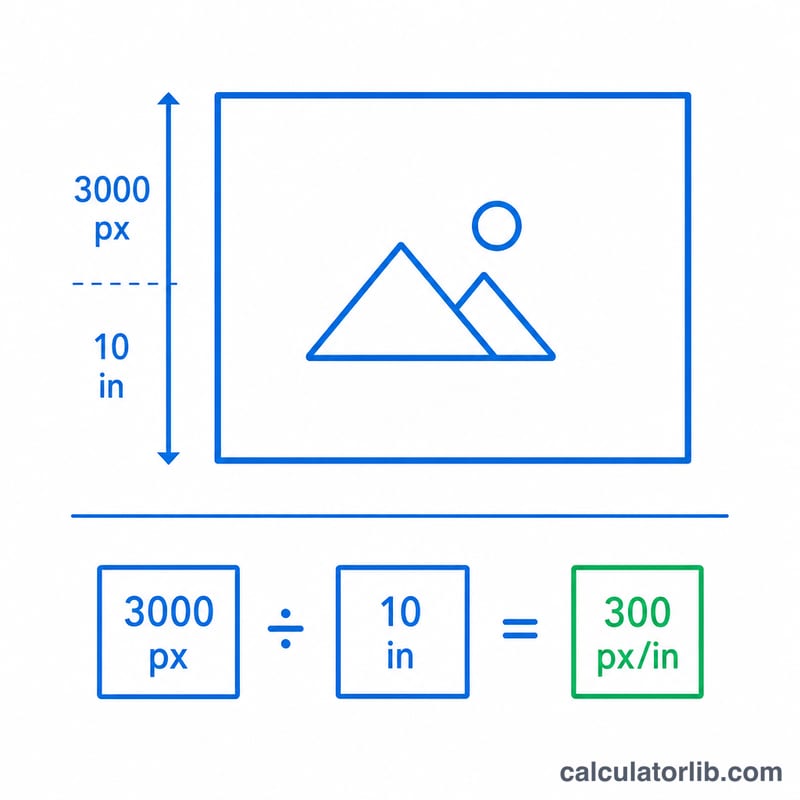
Suppose your photo is 3000 pixels wide and you want to print it 10 inches wide. $$\text{DPI} = 3000 \div 10 = 300\ \text{DPI}$$ which is the standard target for high-quality photo prints.
FAQ
What DPI is good for printing? 300 DPI is the gold standard for photos and detailed graphics. 150–200 DPI is acceptable for large prints viewed from a distance, and 72 DPI is typical for screen-only images.
Is DPI the same as PPI? They are often used interchangeably. PPI (pixels per inch) describes digital images, while DPI technically refers to printer dots, but for sizing prints the calculation is identical.
What if my DPI is too low? Either print smaller, use a higher-resolution source image, or accept some softness. You cannot truly add detail by upscaling.