
What this calculator does
The PC Power Supply (PSU) Wattage Calculator estimates how powerful a power supply you need for a desktop build. It sums the power draw of your main components and then adds a 20% safety margin, so you choose a PSU that runs efficiently and leaves room for transient spikes and future upgrades.
How to use it
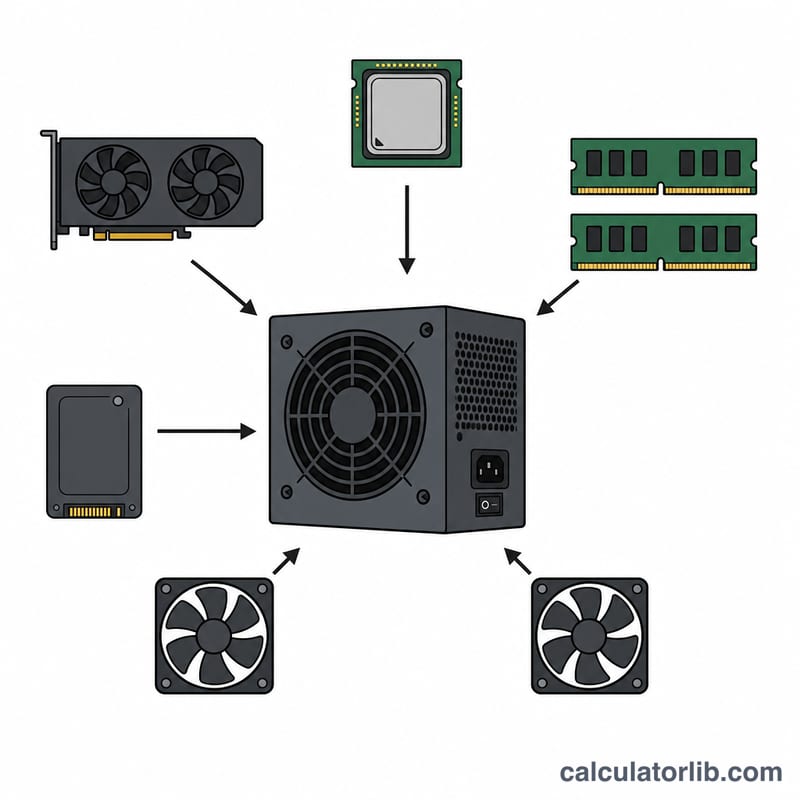
Enter the rated TDP (thermal design power) in watts for your CPU and GPU — these dominate total consumption. Then enter the number of RAM modules, storage drives and case/CPU fans; the tool applies typical per-unit figures (5 W per RAM stick, 8 W per drive, 3 W per fan). Add a motherboard base figure and any other peripherals (RGB, AIO pump, capture cards). The result is the recommended PSU wattage including headroom.
The formula explained
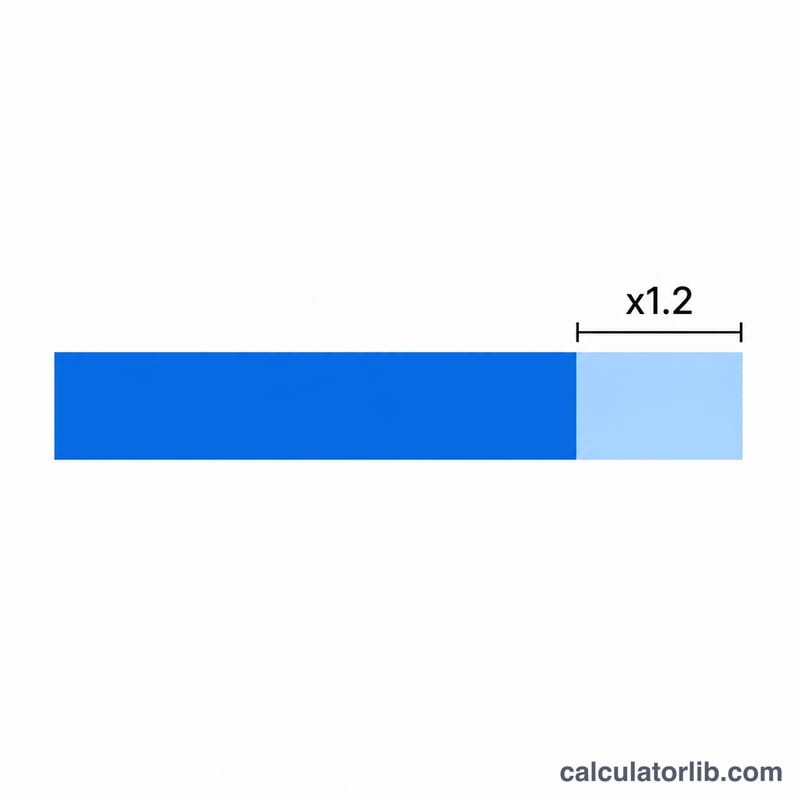
First we compute total draw: $$\text{Total} = \text{CPU} + \text{GPU} + (\text{RAM} \times 5) + (\text{Storage} \times 8) + (\text{Fans} \times 3) + \text{Motherboard} + \text{Other}$$. We then multiply by 1.2 to add 20% headroom: $$\text{Recommended} = \text{Total} \times 1.2$$. PSUs are most efficient around 50–80% load, and the margin covers boost spikes that can briefly exceed rated TDP.
Worked example
A build with a 125 W CPU, 250 W GPU, 2 RAM modules (10 W), 2 drives (16 W), 3 fans (9 W), a 50 W motherboard and 20 W of peripherals draws 480 W total. Multiplying by 1.2 gives a recommended PSU of 576 W — round up to a quality 650 W unit.
$$480 \times 1.2 = 576\ \text{W}$$FAQ
Why add 20% headroom? It keeps the PSU in its efficient load band, handles GPU/CPU power transients, and leaves room for upgrades.
Should I just buy the biggest PSU? No. An oversized PSU runs at low load where efficiency drops and you waste money. Match it to your build plus margin.
Are the per-component numbers exact? They are typical estimates. For precise figures use your exact component spec sheets — but these defaults are accurate enough for sizing.