
What is the Cloud VM / EC2 Cost Calculator?
This tool estimates how much it costs to run one or more cloud virtual machines — such as AWS EC2, Google Compute Engine, or Azure VMs — over a month, day and year. Most cloud providers bill compute on a per-hour (or per-second, rounded here to hourly) basis, so the running cost depends on three things: how many instances you run, the published hourly rate for the instance type, and how many hours per month each instance is actually powered on.
How to use it
Enter the number of instances, the hourly rate in dollars for your chosen instance type, and the hours per month they run. A full month of 24/7 uptime is roughly 730 hours (the max possible is 744 in a 31-day month). If you only run workloads during business hours — say 8 hours a day, 22 days a month — enter 176 instead. The calculator returns the estimated monthly cost plus daily, yearly and per-instance figures.
The formula explained
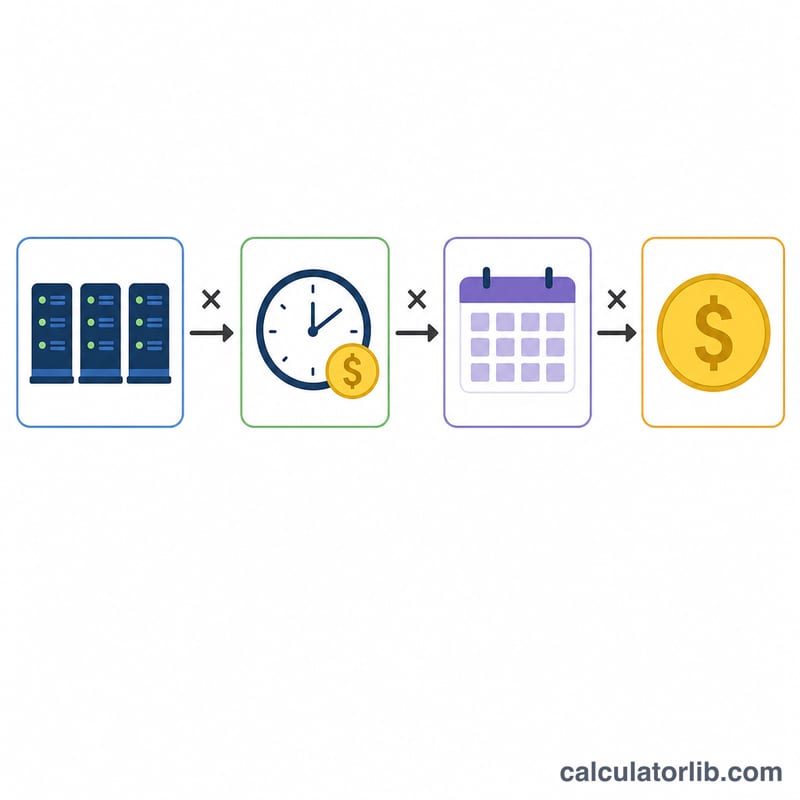
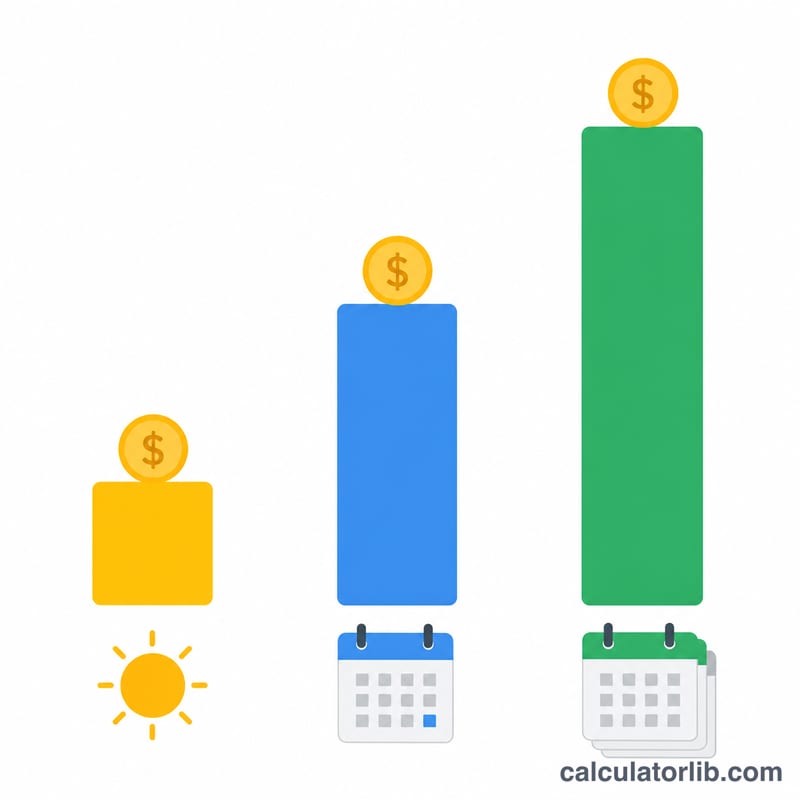
The core formula is $$\text{Monthly Cost} = \text{Instances} \times \text{Hourly Rate} \times \text{Hours/Month}$$ Yearly cost is simply the monthly figure times 12, and the daily estimate divides the monthly cost by 30. This covers on-demand compute charges only; it excludes storage (EBS), data transfer, load balancers, and any reserved-instance or savings-plan discounts.
Worked example
Suppose you run 3 t3.medium instances at $0.0464/hour, on 24/7 (730 hours). Monthly cost $$3 \times 0.0464 \times 730 = \$101.62$$ Yearly $$\$101.62 \times 12 = \$1{,}219.39$$ and per-instance monthly = \(\$33.87\).
FAQ
How many hours are in a month? Cloud providers commonly bill an average month as 730 hours (\(365 \times 24 \div 12\)). The maximum in any single month is 744 hours.
Does this include storage and bandwidth? No. It estimates compute (instance) hours only. Add EBS volumes, snapshots and outbound data transfer separately.
Can I model reserved instances? Yes — just enter the effective blended hourly rate of your reserved or savings-plan price instead of the on-demand rate.