
What It Is
The Cloud Cost Savings Percentage Calculator measures how much you reduced your cloud spending after an optimization effort — such as right-sizing instances, buying reserved capacity, deleting idle resources, or migrating to cheaper services. It converts the difference between your old and new bills into an easy-to-communicate percentage plus the actual dollar amount saved.
How to Use It
Enter your current monthly cloud cost (what you were paying before optimization) and your new monthly cloud cost (what you pay now). The calculator instantly returns the savings percentage, the monthly dollar savings, and the projected annual savings. This is ideal for FinOps reports, executive summaries, and justifying optimization projects.
The Formula Explained
The core formula is:
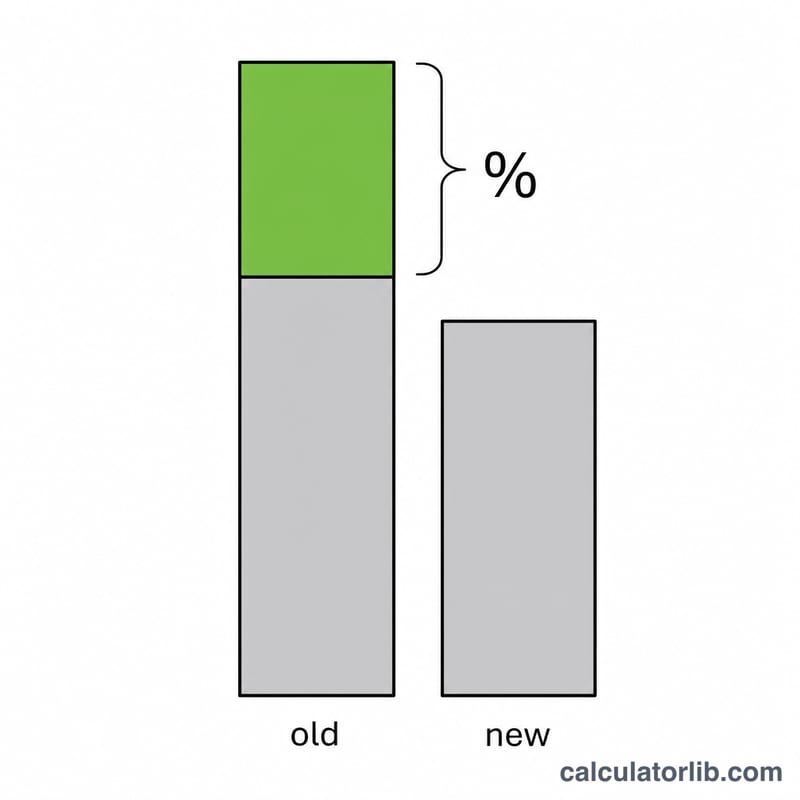
$$\text{Savings \%} = \frac{\text{Old Cost} - \text{New Cost}}{\text{Old Cost}} \times 100$$
The numerator is the absolute amount saved each month. Dividing by the original cost normalizes that saving into a percentage of what you used to spend, so a $3,500 saving on a $10,000 bill is a 35% reduction.
Worked Example
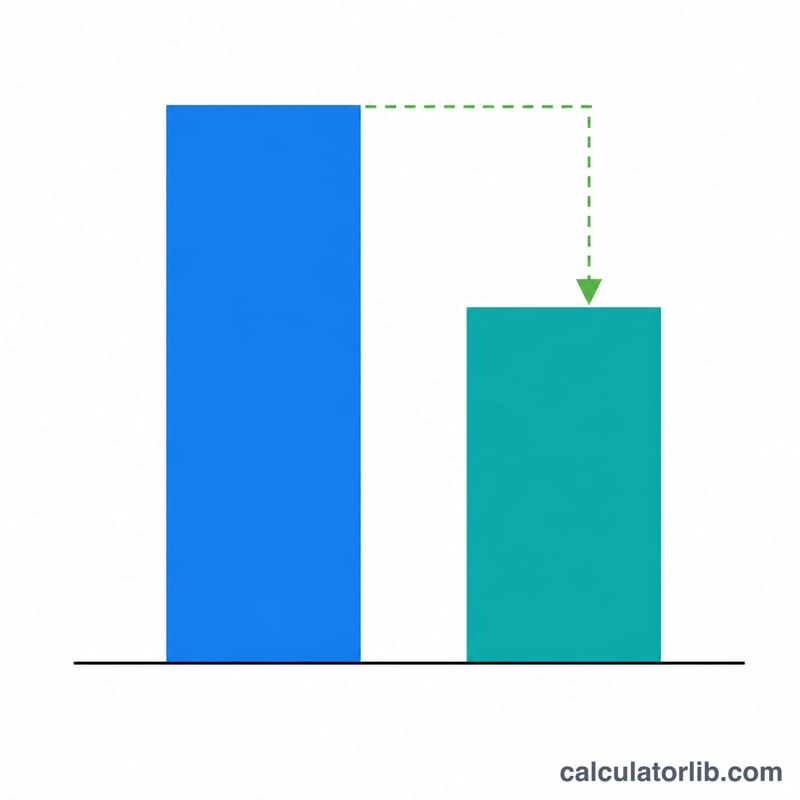
Suppose your old monthly AWS bill was $10,000 and after right-sizing it dropped to $6,500. The monthly saving is \(\$10{,}000 - \$6{,}500 = \$3{,}500\). The percentage is $$\frac{\$3{,}500}{\$10{,}000} \times 100 = 35\%$$ Over a year that is \(\$3{,}500 \times 12 = \$42{,}000\) saved.
FAQ
What if the new cost is higher than the old cost? The percentage will be negative, indicating a cost increase rather than a saving.
Does this account for usage growth? No — it compares two fixed bills. For growing workloads, compare normalized unit costs (cost per request or per user) instead of raw totals.
Why show annual savings? Monthly numbers can look small to leadership; annualizing the saving (×12) often makes the impact of an optimization project far more compelling.