
What this calculator does
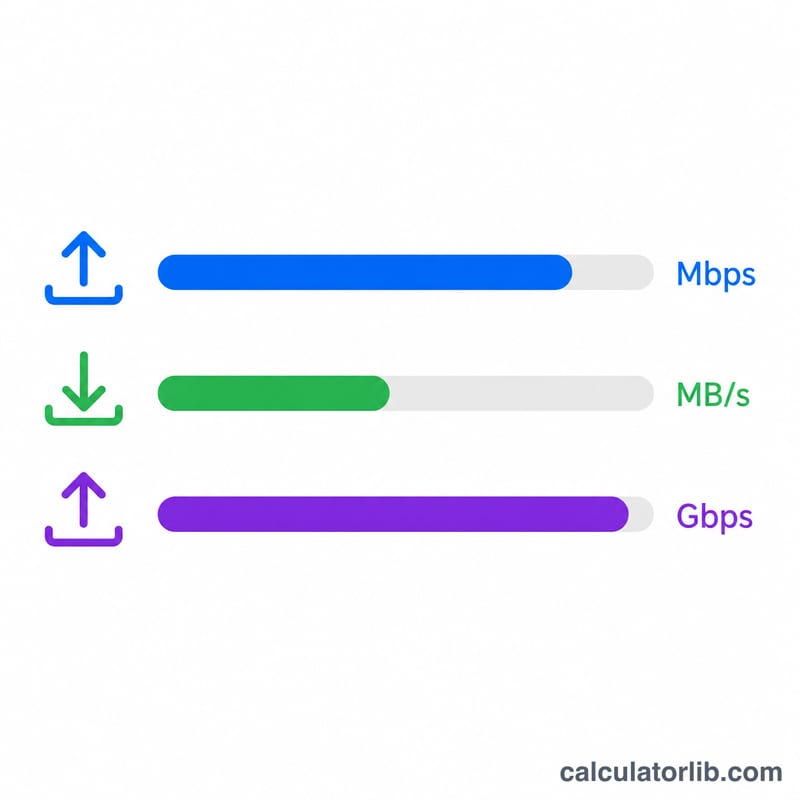
This tool converts a raw data transfer — measured in bytes over a number of seconds — into network throughput expressed in megabits per second (Mbps), megabytes per second (MB/s) and gigabits per second (Gbps). It is ideal for interpreting iperf output, file-copy timings, or any benchmark where you know how much data moved and how long it took.
How to use it
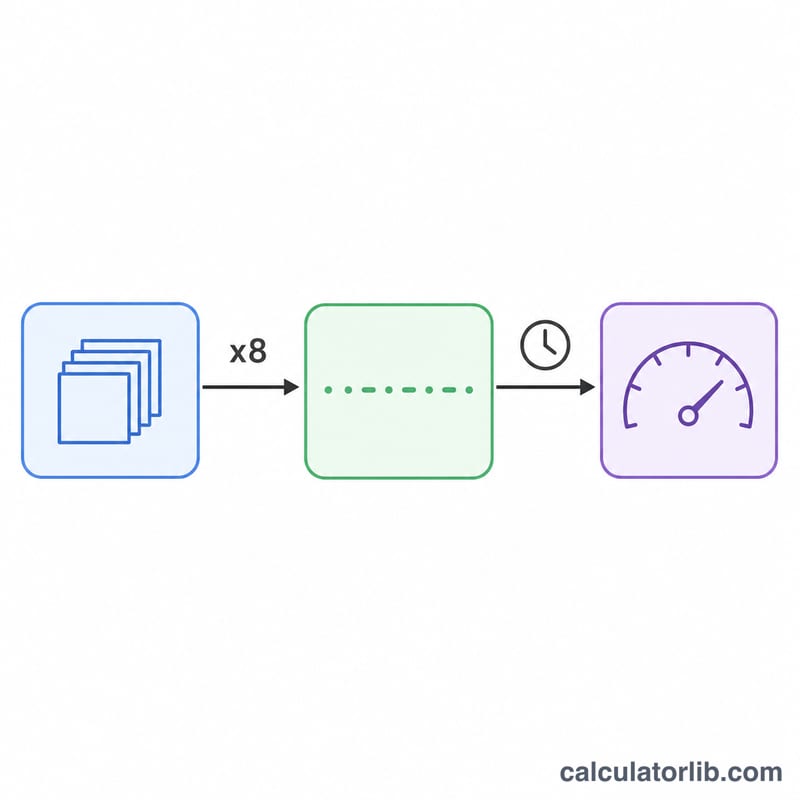
Enter the total number of bytes transferred and the elapsed time in seconds. The calculator multiplies bytes by 8 to get bits, then divides by the time and by one million to express the rate in Mbps. It uses the decimal (SI) convention — 1 Mbps = 1,000,000 bits per second — which is the standard for network speeds.
The formula explained
The core equation is:
$$\text{Mbps} = \frac{\text{bytes} \times 8}{\text{seconds} \times 1{,}000{,}000}$$
Bytes are multiplied by 8 because one byte equals eight bits, and network bandwidth is conventionally quoted in bits. Dividing by 1,000,000 scales bits per second down to megabits per second.
Worked example
Suppose a transfer moves 125,000,000 bytes (about 125 MB) in 10 seconds. Bits = \(125{,}000{,}000 \times 8 = 1{,}000{,}000{,}000\). $$\text{Mbps} = \frac{1{,}000{,}000{,}000}{10 \times 1{,}000{,}000} = 100 \text{ Mbps}$$ That equals 12.5 MB/s and 0.1 Gbps.
FAQ
Why are Mbps and MB/s different? Mbps measures megabits, MB/s measures megabytes. Since 1 byte = 8 bits, \(\text{MB/s} = \text{Mbps} \div 8\).
Does this use 1024 or 1000? Network speeds use the decimal convention (1,000,000), so this calculator divides by powers of ten, not 1024.
Can I use it for iperf results? Yes — take the transferred bytes and the interval reported by iperf and you will get the matching bandwidth figure.