
What is the LLM VRAM Requirement Calculator?
This tool estimates how much GPU video memory (VRAM) you need to load and run a large language model (LLM) for inference. The amount of memory is driven primarily by the number of model parameters and the numeric precision used to store each weight. A safety/overhead factor accounts for the KV cache, activations, and CUDA context that consume memory beyond the raw weights.
How to use it
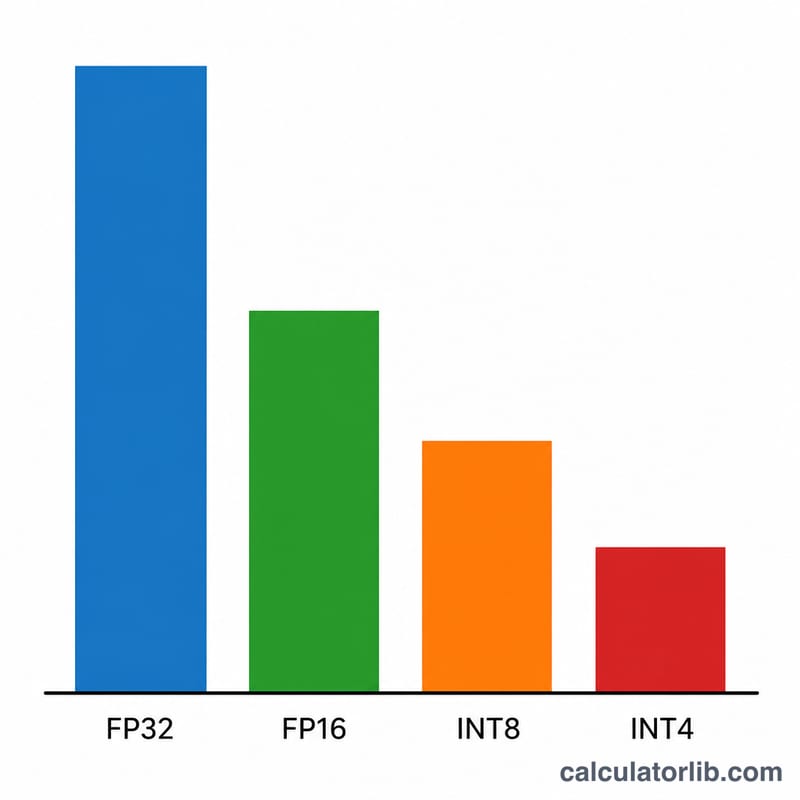
Enter the model size in billions of parameters (e.g. 7 for a 7B model, 70 for Llama-3 70B). Choose the precision: FP32 uses 4 bytes per weight, FP16/BF16 uses 2 bytes, INT8 uses 1 byte, and INT4 quantization uses 0.5 bytes. Finally set the overhead factor — 1.2 (a 20% buffer) is a reasonable default for short-context inference; raise it for long contexts or batching.
The formula explained
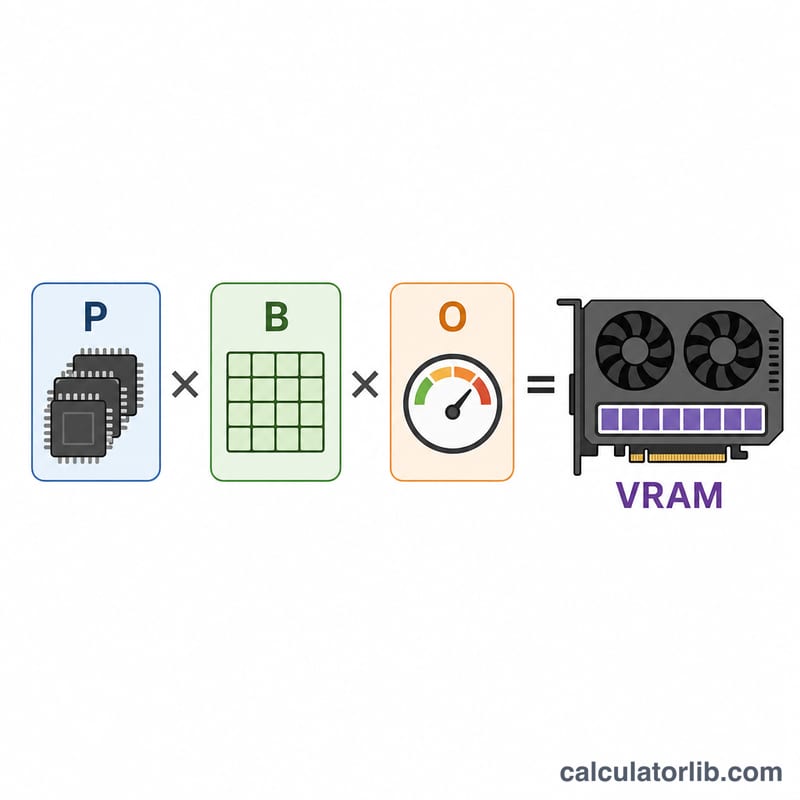
$$\text{VRAM (GB)} = \text{Params (B)} \times \text{Bytes/Param} \times \text{Overhead}$$ Because 1 billion bytes ≈ 1 GB, multiplying parameters in billions by bytes per parameter gives gigabytes directly. The overhead factor then scales that up to cover runtime memory.
Worked example
For a 7B model in FP16 with a 1.2 overhead factor: $$7 \times 2 \times 1.2 = 16.8 \text{ GB}$$ That comfortably fits on a 24 GB card. The same model in INT4: $$7 \times 0.5 \times 1.2 = 4.2 \text{ GB}$$ easily running on an 8 GB GPU.
FAQ
Why is the actual usage higher than the raw weights? The KV cache grows with context length and batch size, and the framework reserves memory for activations and buffers — that is what the overhead factor approximates.
Does this include training? No. Training needs roughly 3–4× more memory for optimizer states and gradients; this estimate targets inference.
What overhead should I use? Use ~1.2 for short prompts, and 1.5–2.0+ for long contexts or heavy batching.