

What this calculator does
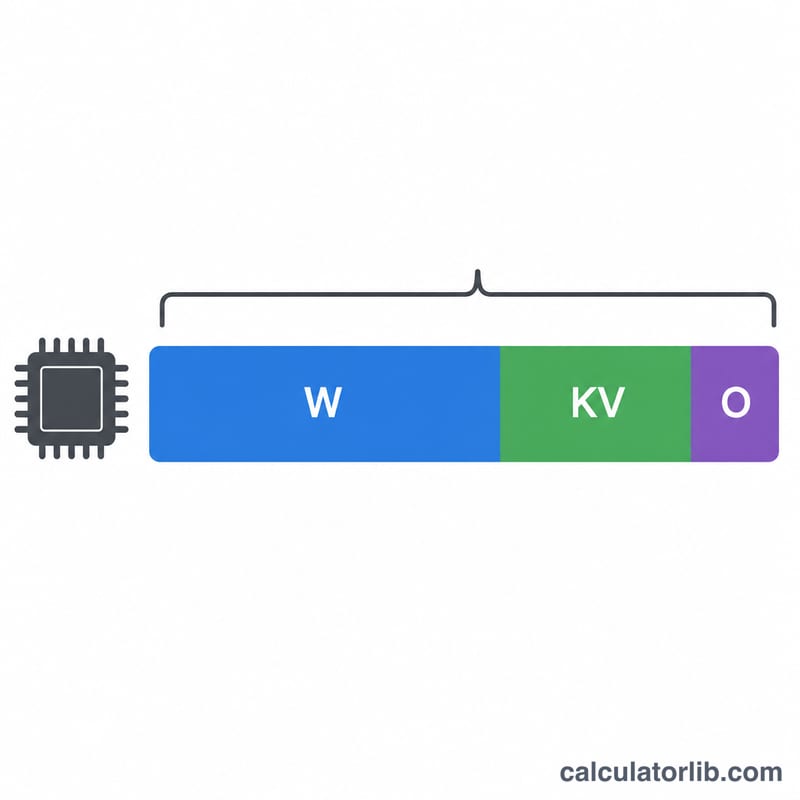
The LLM VRAM Requirement Calculator estimates how much GPU memory you need to load and run a large language model. It multiplies the model's parameter count (in billions) by the number of bytes each parameter occupies at your chosen precision, then applies an overhead factor to account for activations, the KV cache, and framework buffers.
How to use it
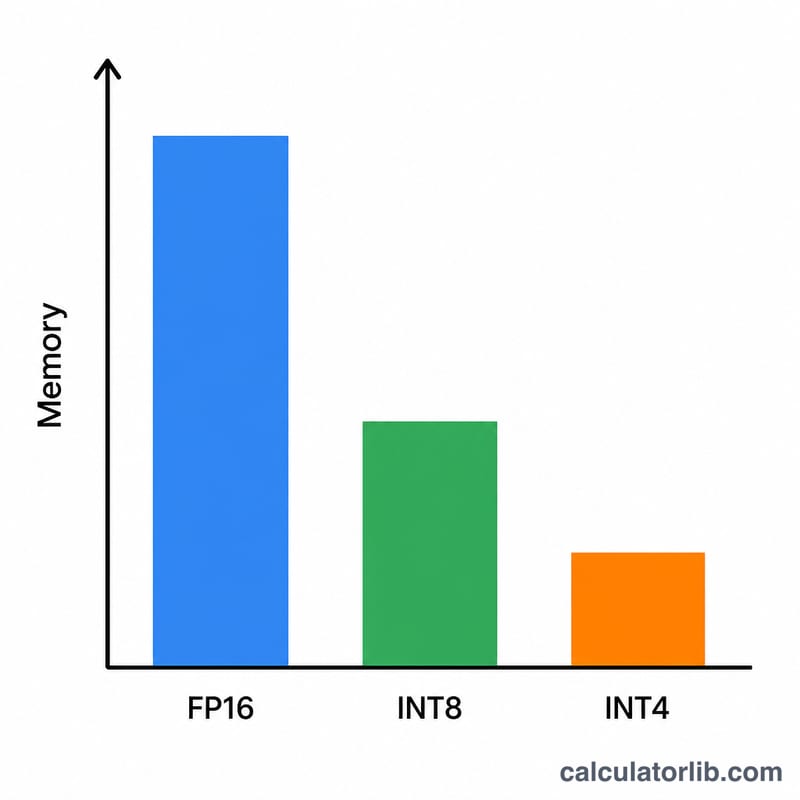
Enter the model size in billions of parameters (for example 7 for a 7B model, 70 for a 70B model). Pick the quantization: FP16/BF16 uses 2 bytes per weight, INT8 uses 1 byte, 4-bit uses 0.5 bytes, and 2-bit uses 0.25 bytes. The default overhead of 1.2 (a 20% buffer) is a sensible starting point for inference; raise it for long-context or batched workloads.
The formula explained
$$\text{VRAM (GB)} = \text{Params (B)} \times \text{Bytes/Param} \times \text{Overhead}$$ The first two terms give the raw size of the model weights in gigabytes. The overhead multiplier reserves extra memory that PyTorch, CUDA, and the attention KV cache consume at runtime, which the raw weight size alone ignores.
Worked example
A 7B model at 4-bit precision: \(7 \times 0.5 = 3.5\) GB of weights. With a 1.2 overhead factor: \(3.5 \times 1.2 = 4.2\) GB. That comfortably fits on an 8 GB consumer GPU. The same model in FP16 needs \(7 \times 2 \times 1.2 = 16.8\) GB, which requires a 24 GB card.
FAQ
Is this exact? No — it's an inference estimate. Actual usage varies with context length, batch size, and the serving framework. Use it for planning, not to the last megabyte.
Does this include training memory? No. Training needs far more (optimizer states, gradients), often 4× or more the inference figure.
What overhead should I use? 1.2 is fine for short-context inference; use 1.3–1.5 for long context or concurrent requests.